
Introduction - Vendors
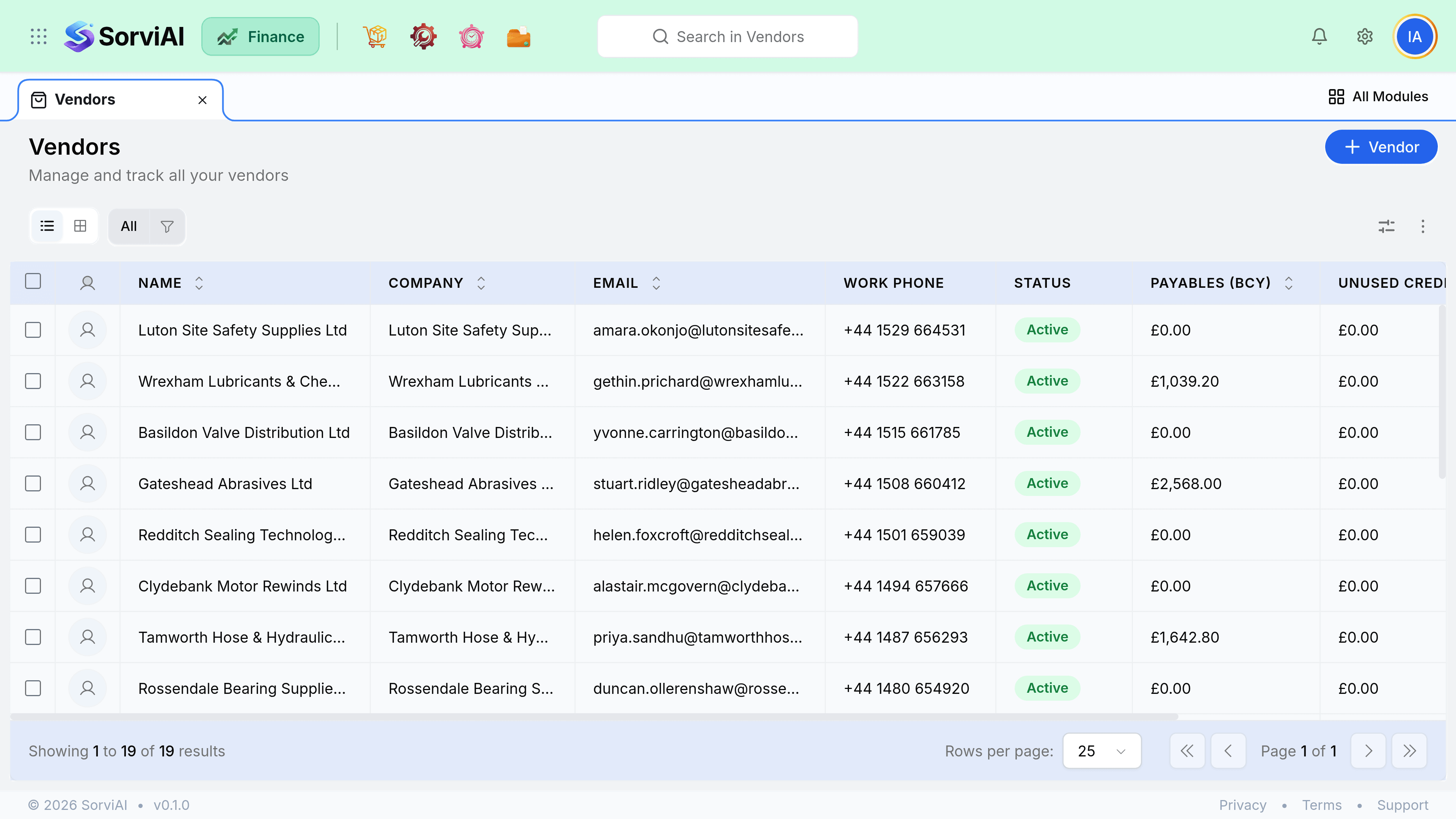
A vendor is anyone you buy from.
The record holds their currency, your payment terms with them, their tax treatment and the addresses goods arrive from. Every bill, purchase order and payment inherits those settings, so a vendor set up properly rarely needs correcting afterwards.
What the record decides
A vendor is the purchase-side mirror of a customer, and the same four fields do the work. Three of them change what every future document calculates; the fourth just saves your team a decision every time.
| Field | Effect on every future bill |
|---|---|
| Currency | Fixed once transactions exist. Bills can only be raised in this currency. |
| Payment terms | Calculates the due date, which drives your payables ageing. |
| Tax treatment | Decides whether purchase tax is recoverable on their bills. |
| Default expense account | Pre-fills the account on bills and expenses, saving a choice each time. |
The vendor detail page
Open a vendor and the transactions tab shows every purchase order, bill, payment and credit against them with a running balance. Before paying anyone, this is the screen that tells you whether an unused vendor credit should come off first.
- Open bills are what you owe now.
- Purchase orders are commitments, not yet liabilities.
- Vendor credits reduce the next payment rather than arriving as cash.
- Prepayments are money already sent that has not been matched to a bill.
Active and inactive
Inactive vendors disappear from pickers but keep every historical transaction. Use it for vendors you have stopped buying from, so your team cannot accidentally raise a new order against a supplier who no longer exists.