
Introduction - Packages
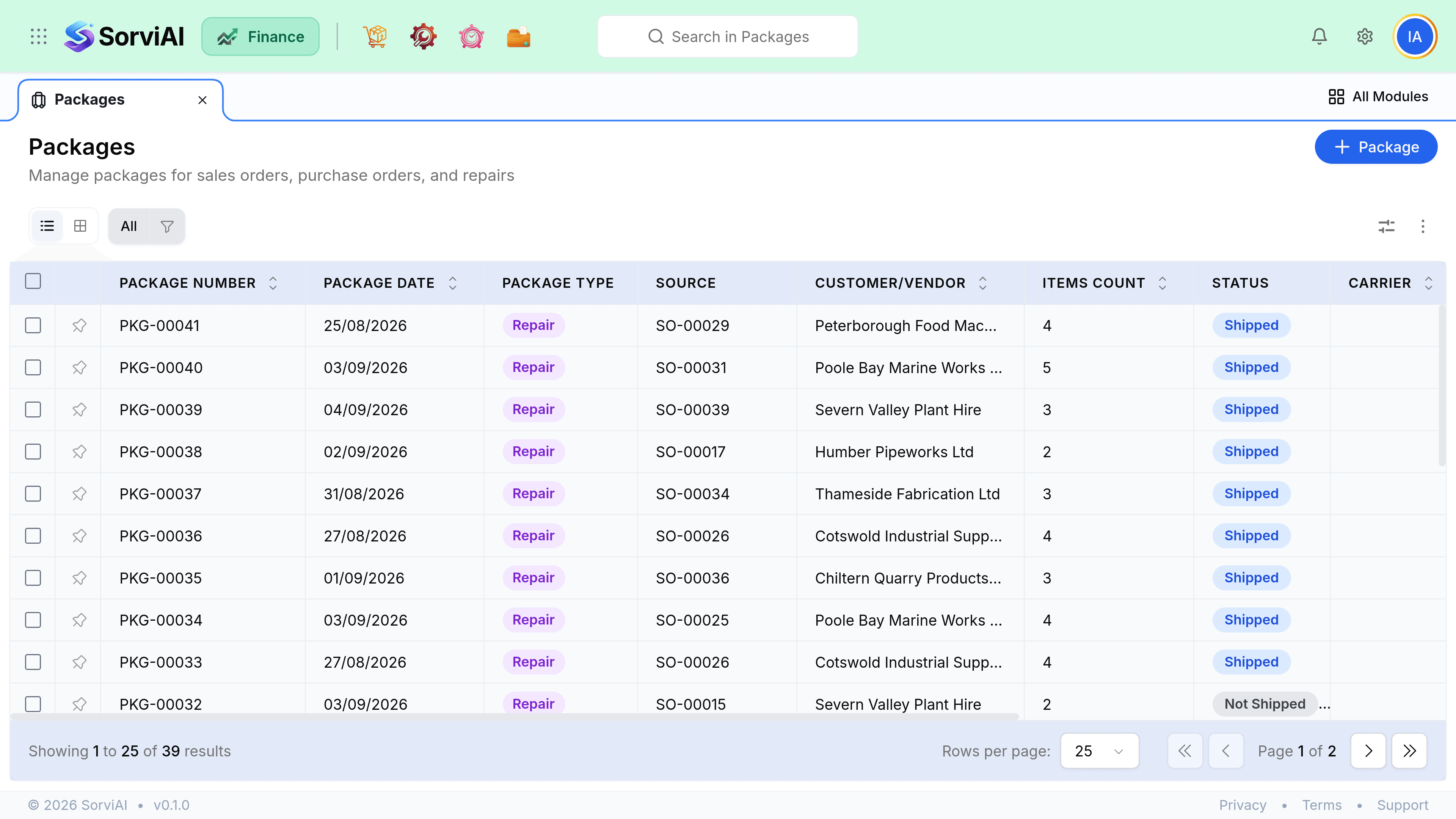
A package records what went into which box.
It sits between picking and shipping, and it exists so that a customer receiving three boxes on Tuesday and one on Thursday can be told exactly what is in each.
Why packages are separate
Picking is about what leaves the shelf. Shipping is about what leaves the building. Packing is the record connecting the two, and it is what makes a packing slip and a courier label possible. If you never split orders across boxes, packing is a formality. The moment you do, it is the only record of which item is in which box.
Multi-box orders
One sales order can produce as many packages as it needs, and several packages can go out on one shipment. The relationship is deliberately flexible because reality is: two boxes today by courier, one next week by pallet, all against the same order.
- Sales OrderThe commitment
- PackagesOne or many boxes
- ShipmentOne or many despatches
Do you need them
Not if you ship complete orders in one box. Ship directly from the picklist or the order. Packing earns its keep on split deliveries, on anything a carrier needs dimensions for, and anywhere a customer will one day ask which box the missing item was supposed to be in.