
Introduction - Vendor Payments
A vendor payment records money leaving to settle bills.
Like customer payments, the money and the allocation are two separate things, which is what lets you pay a supplier a round figure covering six invoices and still know exactly which ones are now clear.
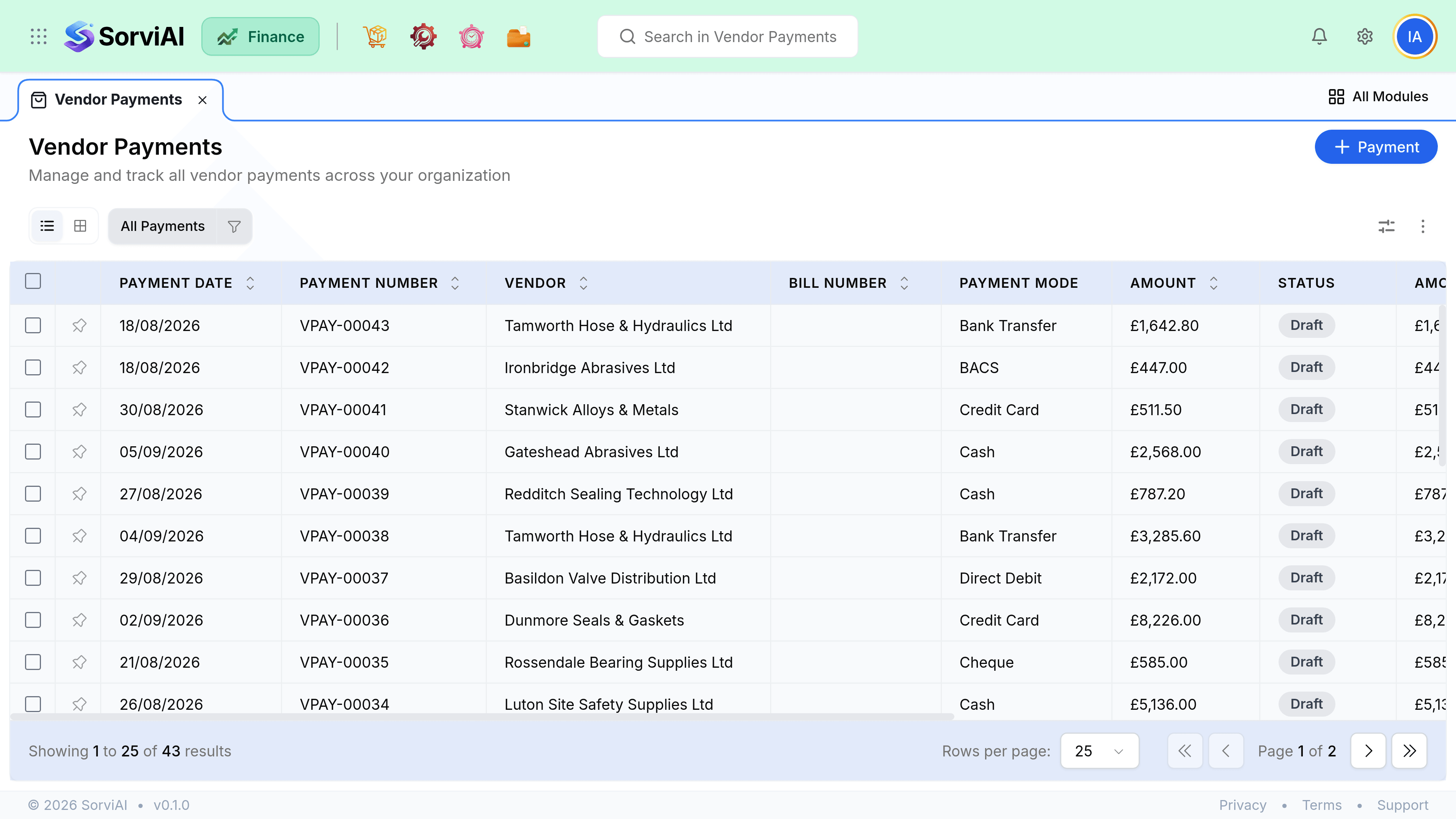
Payment and allocation
- Paymentthe money
- The amount, the date and which account it left from. This is what your bank reconciliation matches.
- Allocationthe matching
- How that amount is split across open bills. Editable afterwards without touching the payment.
- Prepaymentthe remainder
- Money sent that has not been matched to a bill yet. It sits against the vendor.
Before you send money
Three checks, in this order, on the vendor's transactions tab. Each one can reduce or remove the payment entirely, and none of them happens automatically.
- Unused creditsApply them first
- PrepaymentsMatch before sending more
- Disputed billsCredit the disputed part
- Then payWhat is genuinely due