
Apply an Advance
Applying is the moment held money becomes earned revenue.
Until you do it, the invoice looks unpaid, the balance looks like a liability, and both are technically correct and practically annoying.
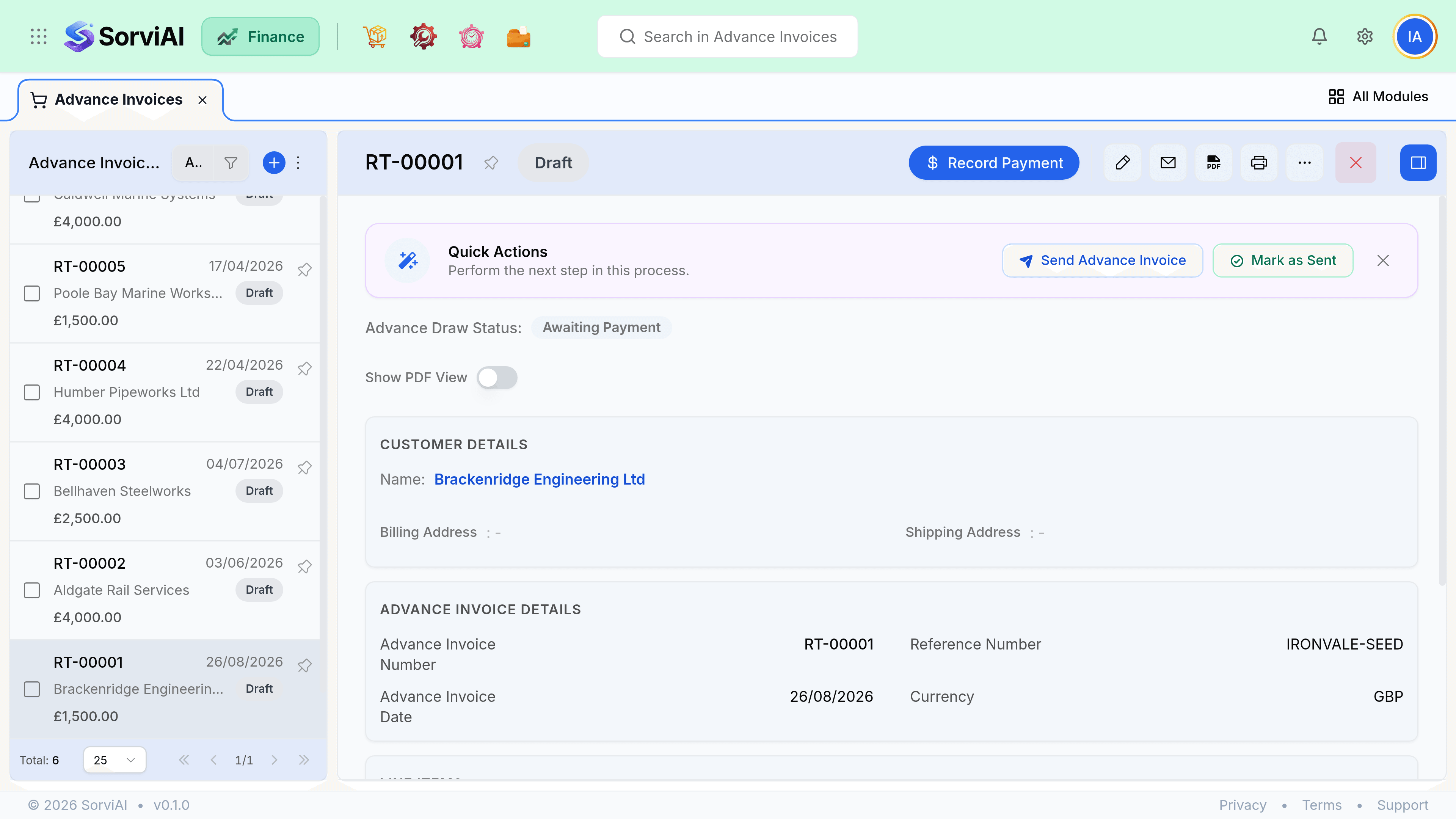
Apply it
Deliver, then invoice normally
Raise real invoices for the work as you complete it, at full value. Do not reduce the invoice by the deposit.
Open the invoice and choose Apply advance
Available balances on the customer are listed, oldest first.
Choose how much to apply
Up to the invoice total or the available balance, whichever is smaller.
Save
The invoice total stays the same. The amount due drops by what was applied, and the liability reduces by the same amount.
Splitting an advance
A single advance can be applied across several invoices until it runs out, and one invoice can draw on more than one advance. That flexibility is what makes retainers work: one balance, many invoices, drawn down over months.
| Advance held | Invoice raised | After applying |
|---|---|---|
| 1,000 | 1,000 | Invoice paid. Balance zero. |
| 1,000 | 400 | Invoice paid. 600 still held as a liability. |
| 1,000 | 2,500 | Invoice shows 1,500 due. Balance zero. |
| 1,000 across two advances | 1,000 | Apply both. Balance zero, two allocations recorded. |
Watching what is unapplied
Unapplied advances are a liability on your balance sheet, so they matter at period end in a way unpaid invoices do not. Review them before you close a period and apply anything that has actually been earned.
- The customer overview shows advance held, separate from unapplied credit.
- An advance that has been sitting for a year usually means the work was delivered and invoiced without applying it.
- Applying late is not an error, but it moves revenue recognition into the later period, so do it before the close rather than after.