Customer Fields
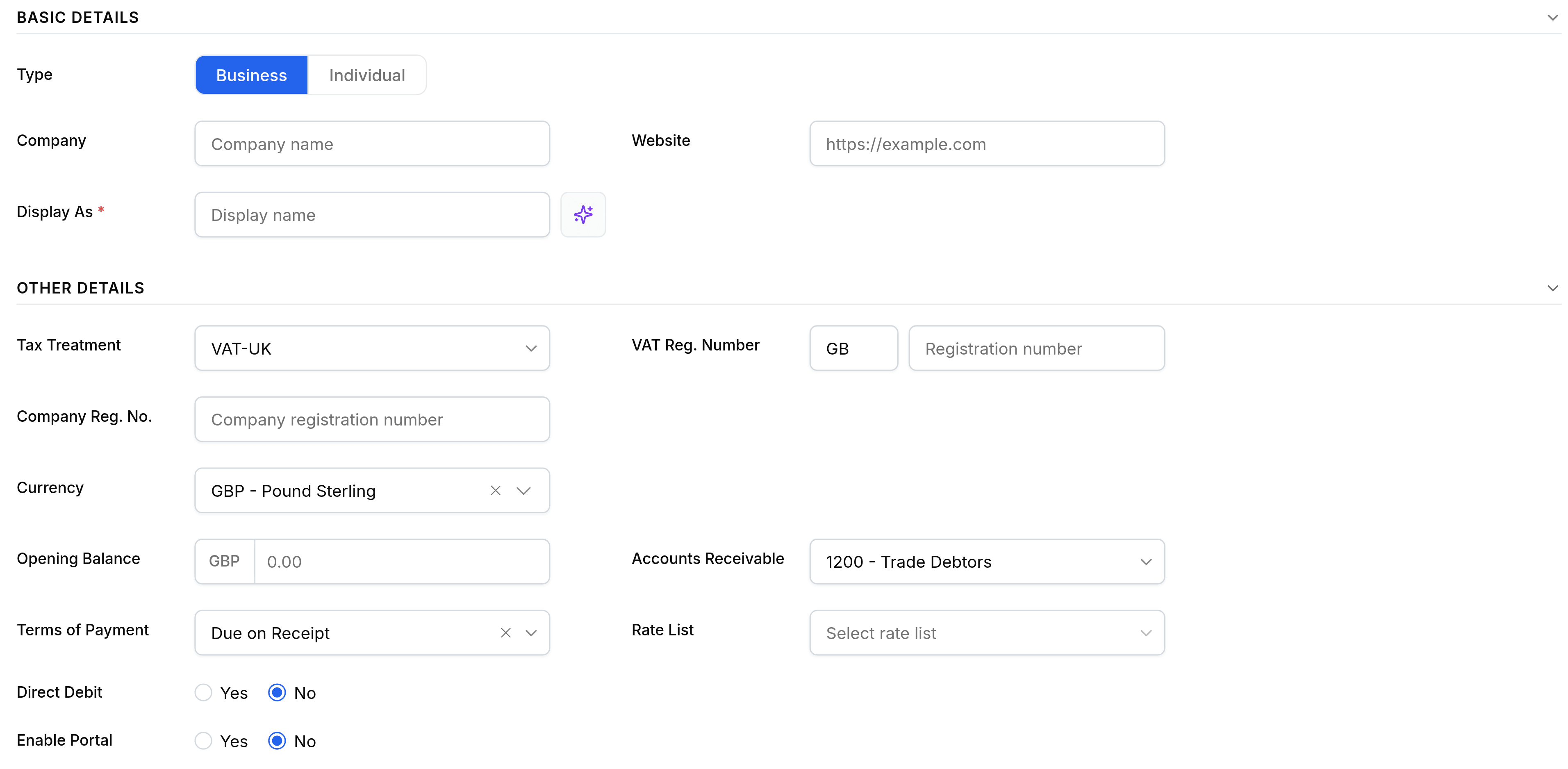
What every field on the customer form means.
Only the display name is required to save a customer. Everything else below either prints on their documents or decides how those documents behave, so it is worth filling in before you raise the first one.
| Field | What it does |
|---|---|
| Display nameRequired | What documents print and lists show. |
| Where emailed documents go. A customer without one can only be printed for. | |
| Currency | The currency their documents are raised in. |
| Payment terms | The default due date rule for their invoices. |