
Create an Item
Five decisions make an item, and only one of them is awkward to change once you have transacted it.
Creating an item asks you five things: what kind of thing it is, what to call it, what it costs and sells for, which accounts it posts to, and whether you count it. Everything else on the form has a sensible default you can leave alone and come back to.
Create an item
Open the form
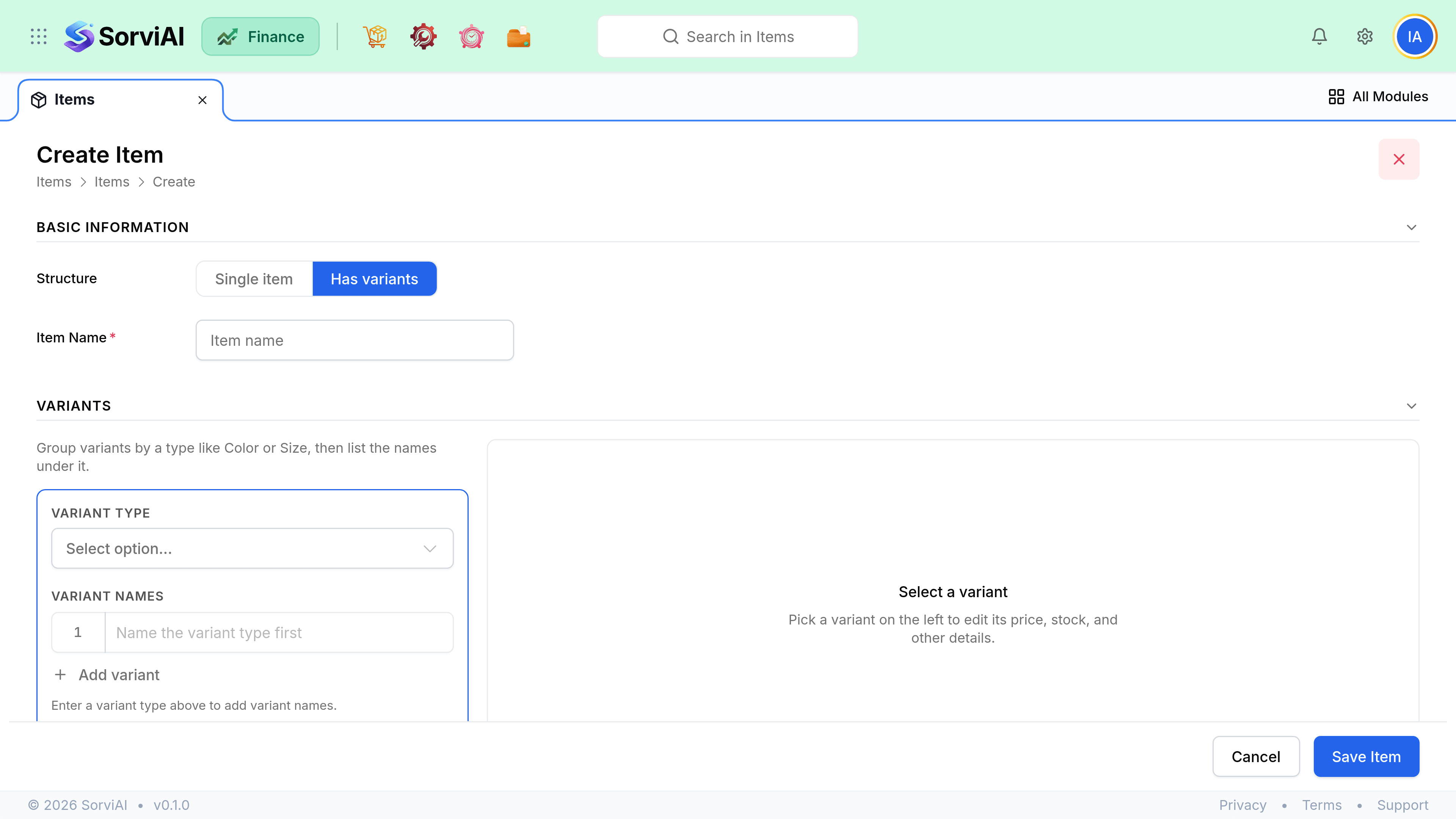
Go to ItemsNew Item. Leave Structure on Single item unless this product needs variants; the variants panel is covered in its own guide.
Choose goods or service
Goods can be counted; services cannot, because there is nothing to hold. A product may legitimately mix the two across its variants, so this is a decision per item rather than per product.
Name it and give it an SKU
The name is what appears on documents and in every picker. The SKU is what your warehouse and your spreadsheet imports match on, so make it meaningful and keep it unique.
Enter the selling and cost prices
The selling price fills sales documents, the cost price fills purchase documents. Neither is locked: a rate list can replace the selling price per customer, and a bill can carry a different cost on the day.
Pick the accounts and the tax rate
Which income account a sale posts to, which expense or stock account a purchase posts to, and the tax rate that applies by default.
Decide on stock tracking, then save
Only goods offer it. Once it is on and the item has been transacted, switching it off is not a casual edit; see the warning below.
Field reference
The form groups its fields the way documents use them: what a sale needs, what a purchase needs, and what counting needs.
Item information
| Field | Required | What it does |
|---|---|---|
| Name | Yes | Printed on documents and shown in every picker |
| SKU | No | A code used by search, imports and your warehouse. Optional, but unique across the catalogue when you do set one |
| Product type | Yes | Goods or service. Defaults to Goods, and decides whether stock can be tracked |
| Unit | For goods | Each, hour, kilogram. Shown on the document line. A service needs none |
| Item group | No | Groups products for filtering and reporting |
| Description | No | Fills the line description, still editable per document |
Sales information
Both sections are gated by a switch. Sales fields are only demanded if the item is marked sellable; purchase fields only if it is marked purchasable. An item can be one, the other, or both.
| Field | Required | What it does |
|---|---|---|
| Selling price | If sellable | The default rate on quotes, sales orders and invoices |
| Sales account | If sellable | Where revenue from this item posts |
| Sales tax rate | No | Applied unless the customer or the document overrides it |
| Returnable | No | Whether it may be brought back on a return |
Purchase information
A service has no Purchase Information section at all, so none of this is asked for one.
| Field | Required | What it does |
|---|---|---|
| Cost price | If purchasable, and goods | The default rate on purchase orders and bills |
| Purchase account | If purchasable | Where a purchase posts. Tracked goods post to stock instead |
| Purchase tax rate | No | Applied unless the vendor or the document overrides it |
| Preferred vendor | No | Fills in first when you raise a purchase order |
Stock information
| Field | Required | What it does |
|---|---|---|
| Track inventory | No | Turns counting on. Goods only, and per variant |
| Inventory account | If tracked | The stock asset account the goods are held in |
| Valuation method | If tracked | How cost is drawn down as stock leaves. FIFO or Weighted Average Cost |
| Opening stock | No | What you hold today, with the value it is held at. Needs a warehouse against it or the figures are dropped |
| Reorder level | No | The point at which the item is flagged as low |
Cost price against valuation
Two numbers on an item look like cost and are not the same thing. Confusing them is the most common reason a margin report reads oddly.
- Cost priceon the item
- A default you type, used to fill in a purchase document. It is a suggestion, and changing it changes nothing that has already been posted.
- Valuationfrom stock movements
- What the goods you are holding are actually carried at, worked out from what you paid on the receipts that brought them in. This is the number the balance sheet and cost of sales use.