
Expense Preferences
The Expenses tab decides who can approve an expense and holds its custom fields. The account you code an expense to is the only category there is.
The tab has two jobs: naming who may approve a submitted expense, and holding the expense custom fields. The rest of this article covers where the things people expect to find here actually are.
Settings
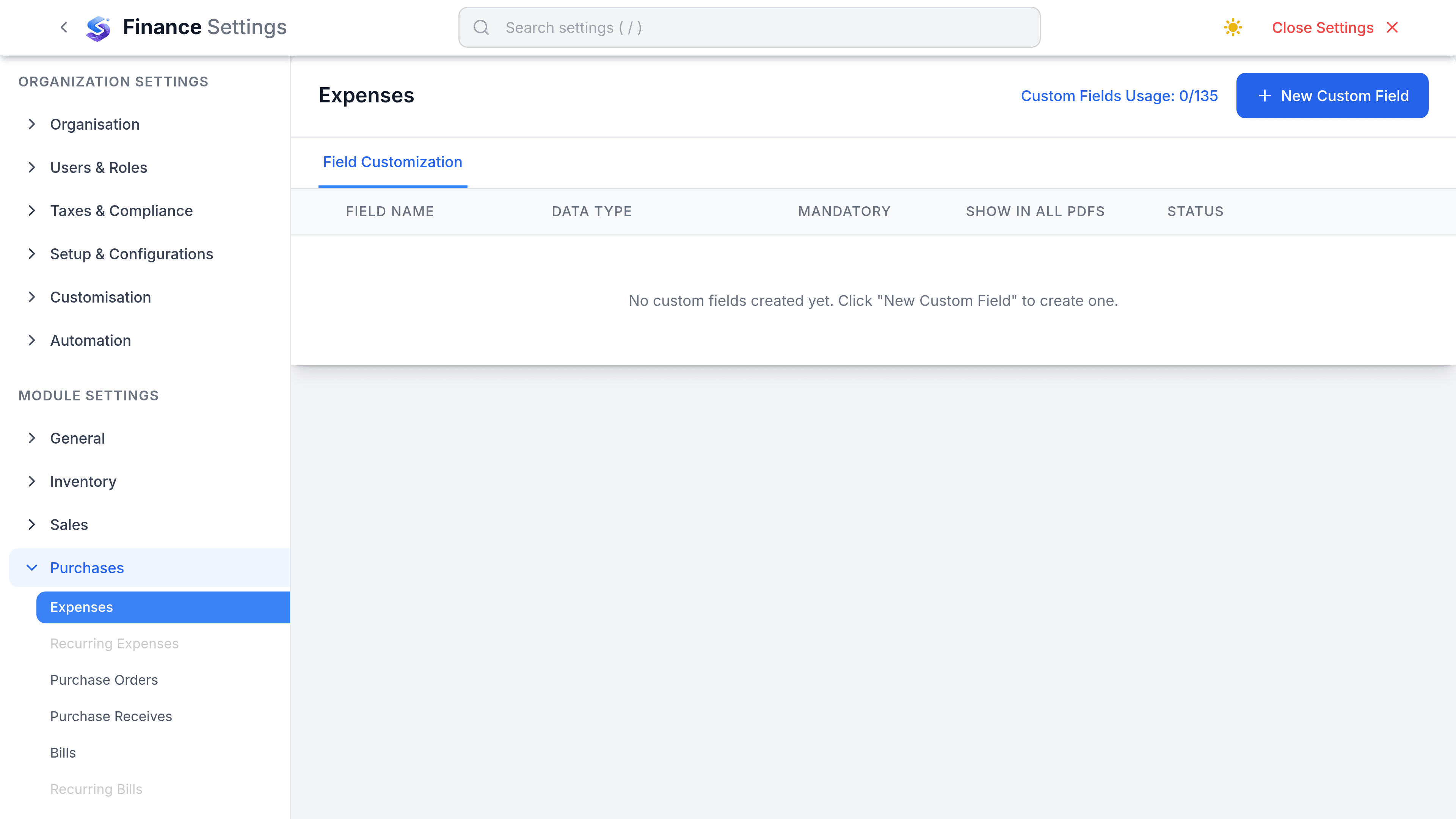
Go to SettingsFinanceExpenses. The tab has two sections: Approvers and custom fields.
Approvers
Every active employee is listed with an Approver switch and a limit. Turn the switch on for each person allowed to approve a submitted expense, then press Save.
The limit is the largest expense that person may approve. Leave it blank for no ceiling. An expense above an approver's limit is refused, so a limit of 0 blocks everything that person is asked to approve.
Custom fields
Add a custom field for anything the expense record does not model: a project code, a trip reference, the person who incurred it. Lists beat free text, because a text field fills with three spellings of the same word within a month.
The controls people look for here
| Expected setting | What actually happens |
|---|---|
| Default expense account | Not a setting. Every expense picks its account on the form, and a bill line with no account falls back to Purchase Adjustments. |
| Default paid-through account | Not a setting. Paid Through is chosen each time, and it is required. |
| Require a receipt | Does not exist. Attaching the receipt is a habit the product does not enforce. |
| Default markup | Real, but not here. Default markup percentage is a workspace-wide setting, and it is not scoped to expenses. |
| Expense categories | There is no separate category list. The expense account is the category, chosen straight from your accounts chart. |