
Introduction - Picklists
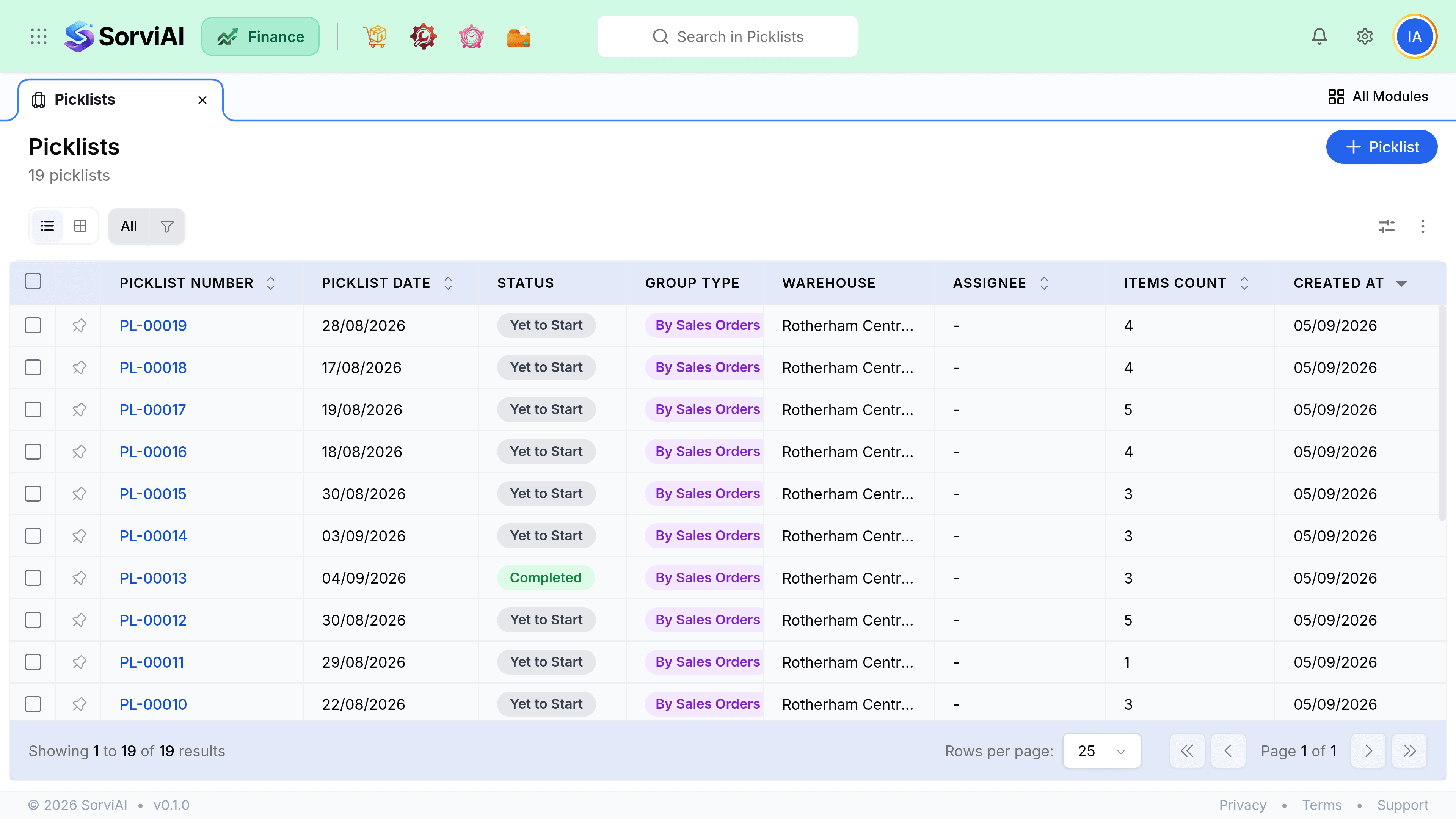
A picklist tells someone in the warehouse what to physically collect and where to find it.

It is the first step of fulfilment and it moves no stock at all: picking is an instruction, and nothing leaves your books until a shipment is recorded.
What a picklist does
It converts one or more confirmed sales orders into a walking route. Its whole value is that the person on the floor is given a list sorted by where things are, rather than by which customer ordered them.
- Sales OrderConfirmed demand
- PicklistCollect from shelves
- PackageBoxed for despatch
- ShipmentStock actually leaves
Picking states
| State | Meaning |
|---|---|
| Yet to Start | Generated, nobody has begun |
| In Progress | Partly picked |
| On Hold | Paused, and still holding its lines |
| Completed | The picker is finished with it, whether or not every line was found in full |
Those four are the whole set. There is no cancelled state and no separate short state: a list that could not be filled is still Completed, and the shortfall shows in the picked quantity against the quantity required.
Do you need them
If one person takes an order from screen to box, a picklist is a document with no reader. It earns its keep the moment picking and packing are different people, or the moment one walk covers several orders. Nothing in the product requires a picklist before a shipment, so using them at all is a decision about how your warehouse works rather than a setting you turn on.