
Manage and Stop
Recurring expenses are the easiest thing in any accounting system to forget about.
A subscription cancelled in March that is still generating in October quietly overstates your costs and understates your cash.
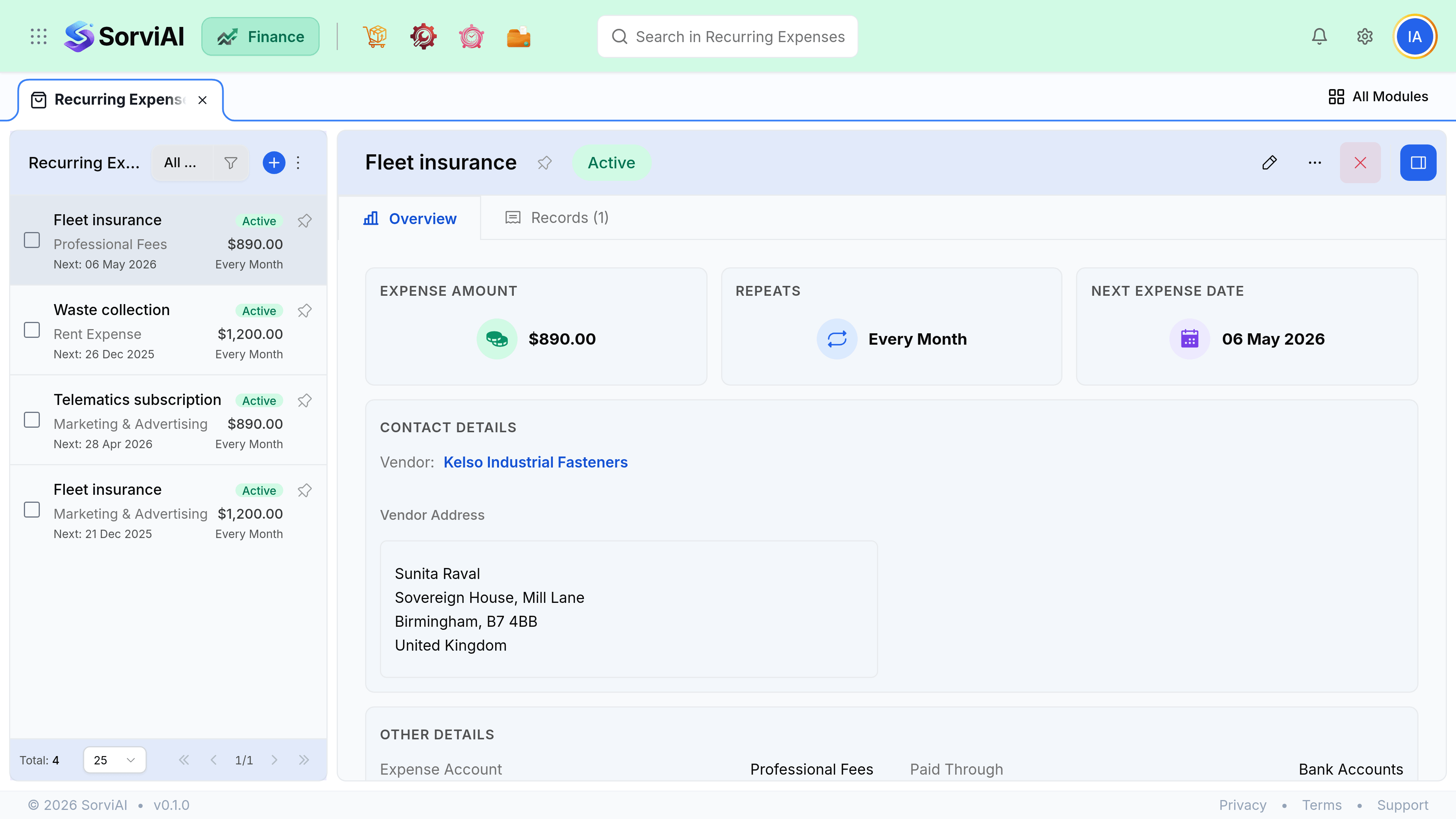
Stop, expire, delete
A profile is Active, Stopped or Expired. There is no pause, and nothing resumes on its own.
| Action | What happens | Reversible |
|---|---|---|
| Stop | Generation ends. The profile and its history stay. | Yes. Make it active again when you need it. |
| Expire | Reached its end date. Stops on its own. | Yes. Extend or clear the end date. |
| Delete | Removes the profile. Generated expenses are untouched. | No. |
The review that is worth doing
Filter the profile list to active with no end date, twice a year. That filter finds the cancelled subscription still generating, the supplier you stopped using, and the price that went up eighteen months ago.
- Review active profiles at least twice a year.
- Stop rather than delete when a service is suspended, so history stays intact.
- When a price changes, edit the profile. Editing one generated expense fixes that cycle only.
- Compare the profile list against your card statement once a year. The differences are the interesting part.