
Add a Customer
Add a customer so documents can be raised against them.
A customer needs to exist before anything can be raised against them, and the form asks for very little to get started. A display name is enough; addresses, contacts and terms can all be filled in later from the customer page.
Go to Customers in the sidebar, then select New.
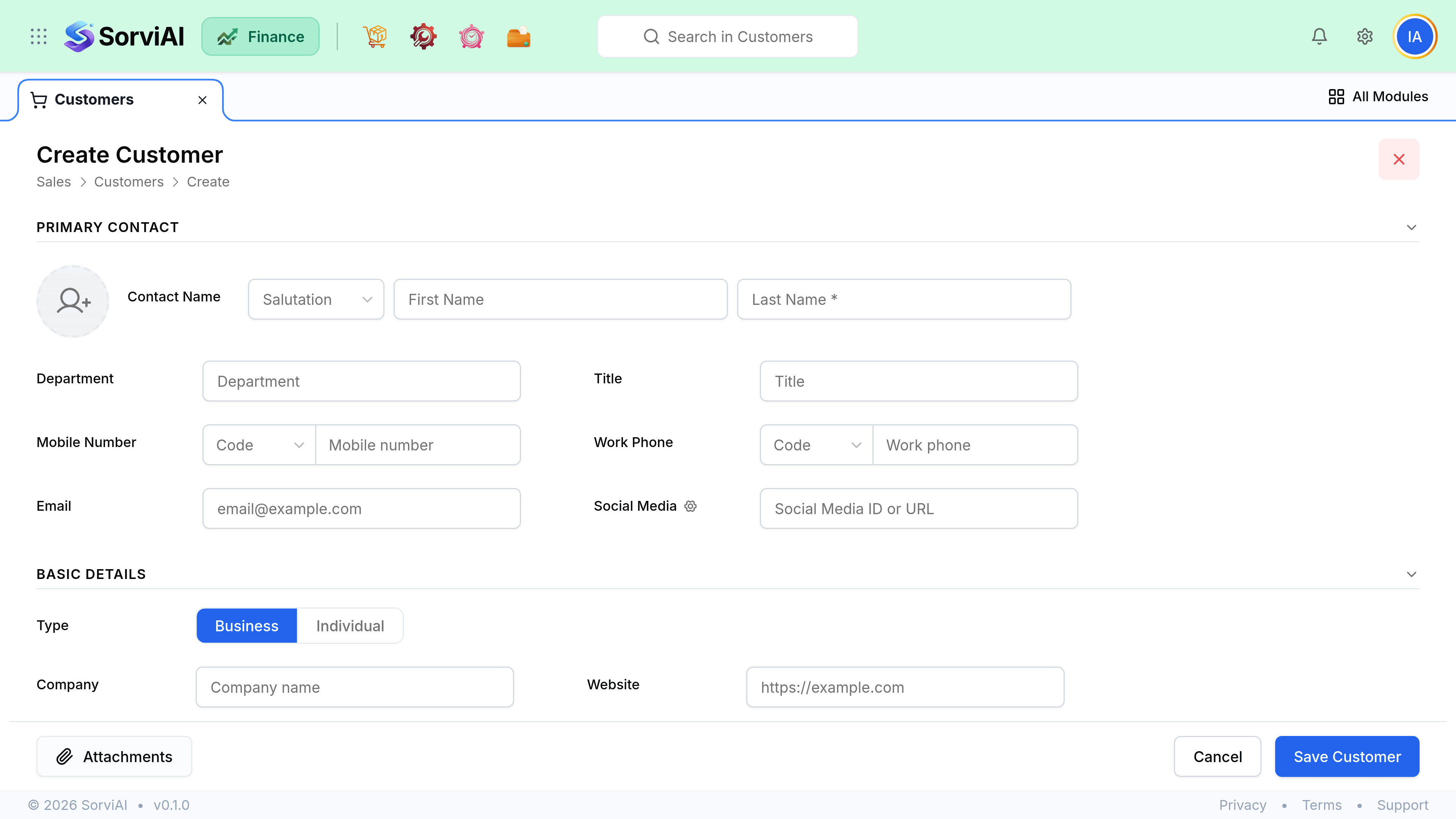
Enter the display name. This is the name documents print.
Add an email address if you will send documents rather than print them.
Select Save. Addresses and contact people can be added any time from the customer page.