
Create a Bill
Start from the purchase order wherever one exists.
Enter the vendor's own invoice number, not your reference. Attach the PDF. Those three habits prevent most of the problems this module ever produces.
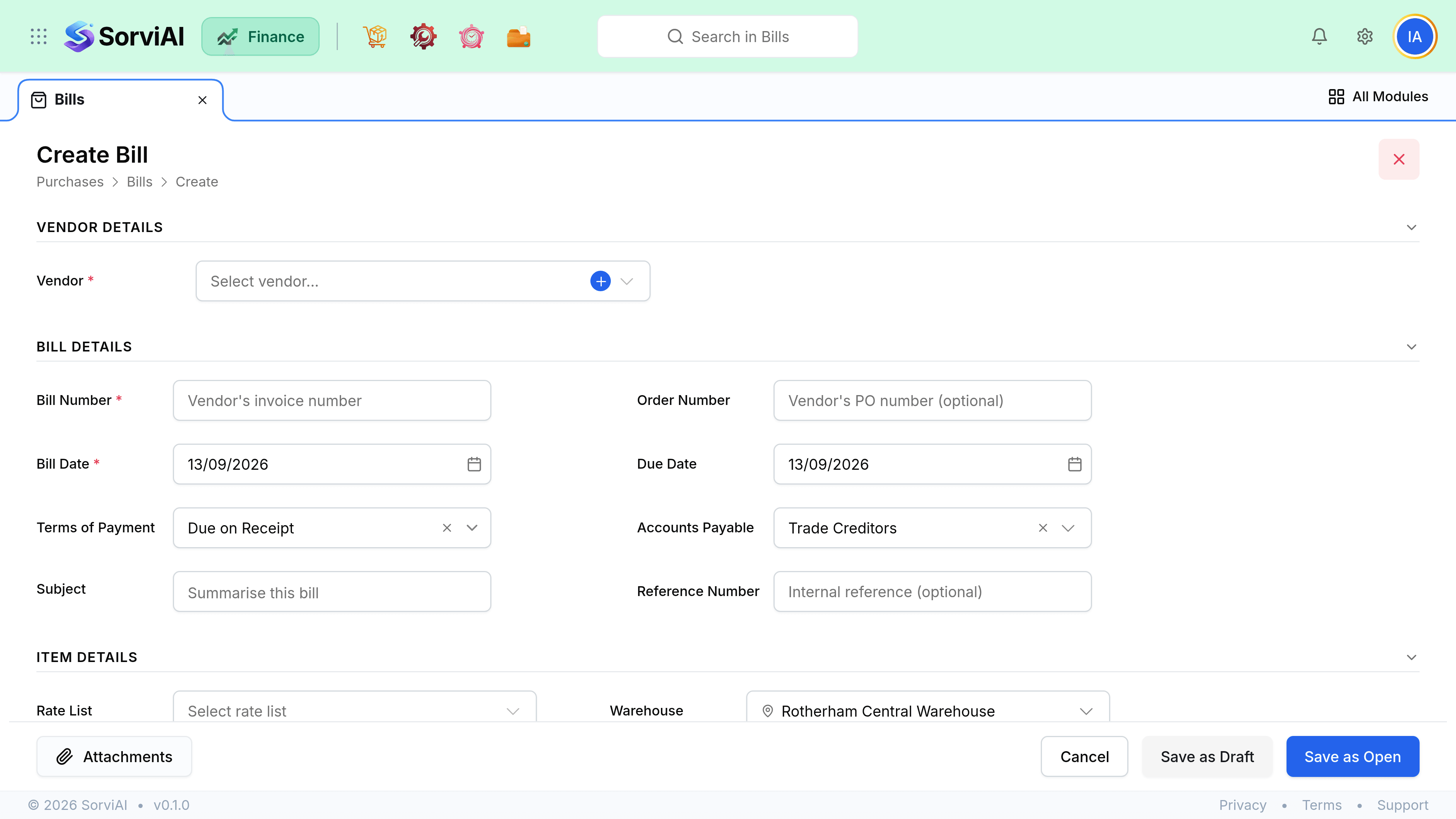
Enter it
Start from the purchase order where possible
Converting copies the lines and lets SorviAI Finance compare ordered, received and billed quantities for you.
Enter the vendor's own invoice number
Not your reference. This is what you will quote when querying it, and it stops the same invoice being entered twice.
Check the dates
The bill date sets the accounting period. The due date comes from payment terms and drives your payables ageing.
Code the lines
Each line needs an account. Vendor defaults fill this in for repeat purchases.
Attach the invoice PDF
It lands in Documents linked to the bill, which is where an auditor will look for it.
Save as Draft, or Save as Open
Save as Open is what posts the bill and creates the payable.
Field reference
| Field | Required | What it does |
|---|---|---|
| Vendor | Yes | Sets currency, payment terms and tax treatment. |
| Vendor invoice number | Yes | Their reference. Must be unique for that vendor, so a repeat is refused. |
| Bill date | Yes | Sets the accounting period the cost lands in. |
| Due date | Yes | From payment terms. Drives payables ageing and payment runs. |
| Purchase order | No | Links the bill for three-way matching. |
| Line account | Yes | The profit and loss line, or the stock account for goods. |
| Line tax | No | Recoverable purchase tax, per line. |
Dates and periods
The bill date is an accounting decision. Use the vendor's invoice date rather than the day you typed it in, otherwise costs drift into the following month and your margins look better than they were. A bill dated into a closed period is refused on save, which is the lock working.