
Allocate and Reallocate
Allocation is the forgiving part of this module.
Moving a payment from the wrong bill to the right one leaves the payment itself untouched, so your cash never wobbles while you correct the matching.
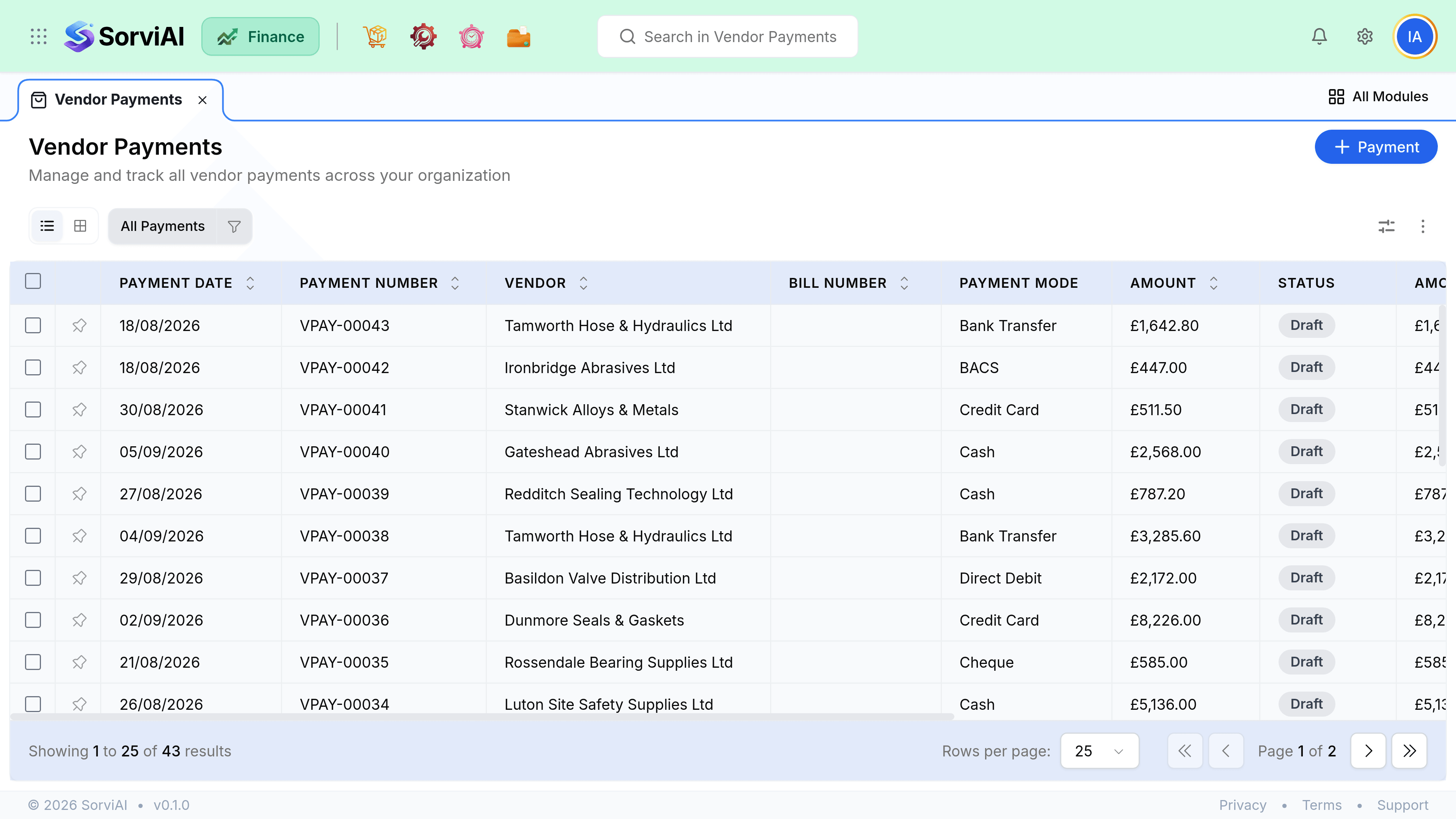
Allocate an existing payment
Open the payment
From the vendor payments list, or the vendor's transactions tab.
Tick the bills it settles
Open bills are listed oldest first, with their outstanding balances.
Split the amount if it does not fit
Type a partial amount against a bill. The remainder stays available.
Save
Any bill reaching zero moves to Paid. Anything left over sits as a prepayment.
Fixing a mistake
| Problem | Fix |
|---|---|
| Allocated to the wrong bill | Edit the allocation. The payment stays as it is. |
| Amount recorded wrongly | Edit the payment, then re-check the allocation. |
| Paid more than the bills | Leave the excess as a prepayment for next time. |
| Allocated to the wrong vendor | Delete and re-record. Allocation cannot cross vendors. |
| Payment never cleared | Delete it. The bills return to unpaid. |