
Workflow Automation
Rules that send an email alert or raise a notification when a record is created, edited, or reaches a date, and the log that shows whether they fired.
A workflow rule watches one module and does something when a record in it changes. Today that something is an email alert or an in-app notification, so think of this as automated telling rather than automated doing.
Go to SettingsFinanceWorkflow Automation. Three tabs: Workflow Rules, Workflow Actions and Workflow Logs.
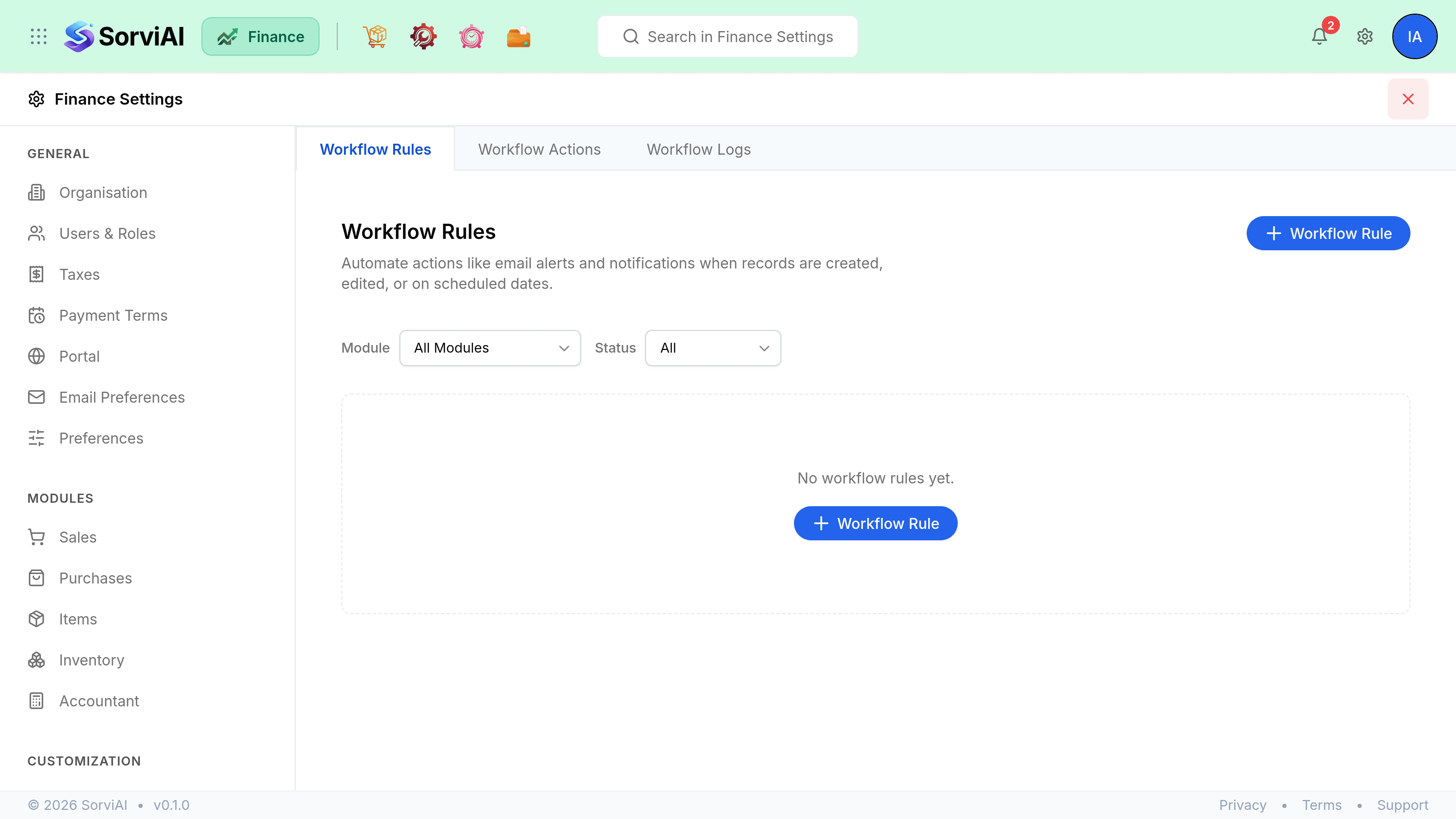
The three tabs
- Workflow Rules
- The rules themselves: which module, what triggers them, and what they do. Each rule is active or inactive.
- Workflow Actions
- The reusable things a rule can fire, split into Email Alerts and In-app Notifications. Build these first, then point rules at them.
- Workflow Logs
- Execution history: which rule ran, when, and whether the email got through.
Building a rule
A rule is a module, a trigger, optional criteria, and an action. The module is chosen when the rule is created.
Triggers come in two kinds.
- Event Based
- Fires when a record is Created, Edited, or Created or Edited. An edit trigger can be narrowed to particular fields, and to the first edit only.
- Date Based
- Fires relative to a date on the record, a number of days before or after it, at an hour you set and on a frequency you choose.
Criteria narrow it further: a rule can be limited to records matching conditions you build, so an alert fires on invoices over a value rather than on all of them. The builder writes the rule back to you in plain words as you go, beginning Execute when.
Checking a rule actually ran
Workflow Logs is the answer to "did it send?". Each entry carries the rule, the module, the execution time, a Success or Failure status, and the email alert it tried to send.