
Edit, Void and Write Off
Four different problems and four different answers.
Picking the wrong one is how a small mistake becomes a reporting mystery three months later, so this is the article to read before you touch a sent invoice.
Choose the right correction
| Situation | Right action | Why |
|---|---|---|
| Still a draft | Just edit it | Nothing has posted, so nothing needs reversing. |
| Sent, wrong amount | Credit note for the difference | Keeps the original and the correction both visible. |
| Sent, entirely wrong, nothing paid | Void it | Zeroes the value, keeps the number in sequence. |
| Sent, entirely wrong, part paid | Credit it in full | You cannot void an invoice with money against it. |
| Correct, but they will never pay | Write it off in Accountant | It is a bad debt. Crediting would say you overcharged, which is untrue. |
| Only the notes are wrong | Edit in place | Notes and terms do not affect the posted value. |
What you can still edit after sending
A sent invoice is not entirely frozen. Fields that do not change the posted value stay editable, because reissuing an invoice over a typo in a note would be absurd.
- Editable: notes, terms, reference, the contact it was sent to.
- Locked: the number, the customer, the currency, the date, the lines, the tax.
- Editing a note does not resend the invoice. Resend it explicitly if the customer needs the new version.
- Every edit is recorded on the activity timeline with who made it.
Voiding
Voiding zeroes the value of an invoice while leaving its number in place. Use it for an invoice that should never have been issued at all: raised against the wrong customer, duplicated, or sent by accident.
Check nothing is applied to it
Voiding is refused if a payment or credit sits against it. Remove those first, or credit the invoice instead.
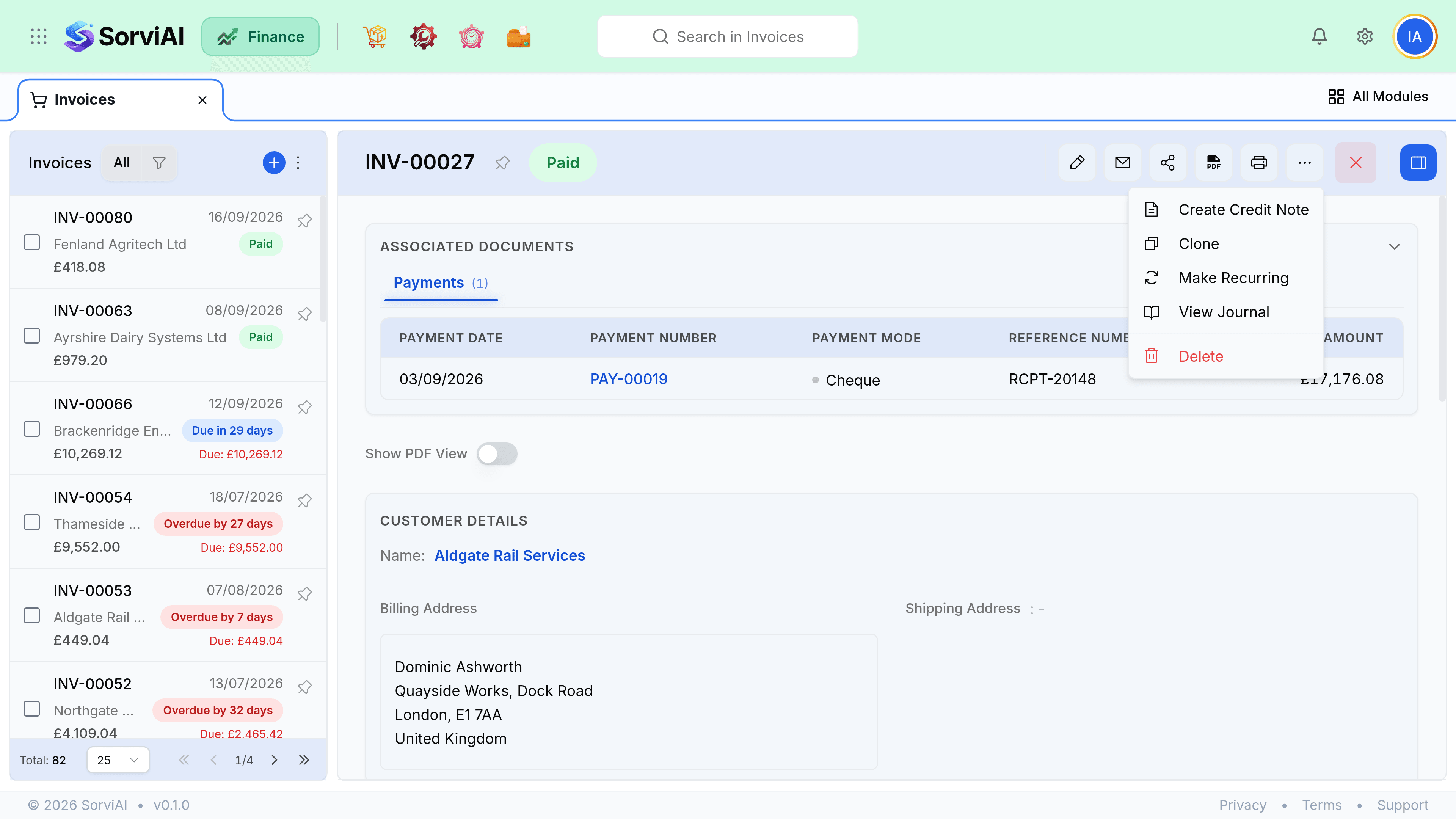
Void from the invoice
The reversing entry posts on the void date, not on the original invoice date.
Tell the customer if it went out
A voided invoice they have already received will otherwise sit in their payables.
Writing off a bad debt
A customer who will not pay a valid invoice is a loss, not a correction. Write it off through Accountant so the original sale stays on your books in the period it happened and the loss appears in the period you accepted it. Crediting instead would quietly reduce reported revenue for a month that has already been reported.
- Invoice sentRevenue recognised
- Chased and failedStatements, hold, escalation
- Write offBad debt expense in Accountant
- Receivable clearedIt stops ageing