
Exchange Rates
Which rate a document uses, where those rates come from, and what to do when a bank gives you a different one.
The product fetches rates for you, so consistency matters far more here than accuracy to four decimal places.
Which rate applies
| Document | Rate used | Editable |
|---|---|---|
| Invoice or bill | The rate on its document date | Yes, per document |
| Payment | The rate on the payment date | Yes, per payment |
| Credit note | The rate on its own date | Yes |
| Revaluation | The closing rate you enter | Yes |
| Stock movements | Not applicable | Held in base currency |
Where the rates come from
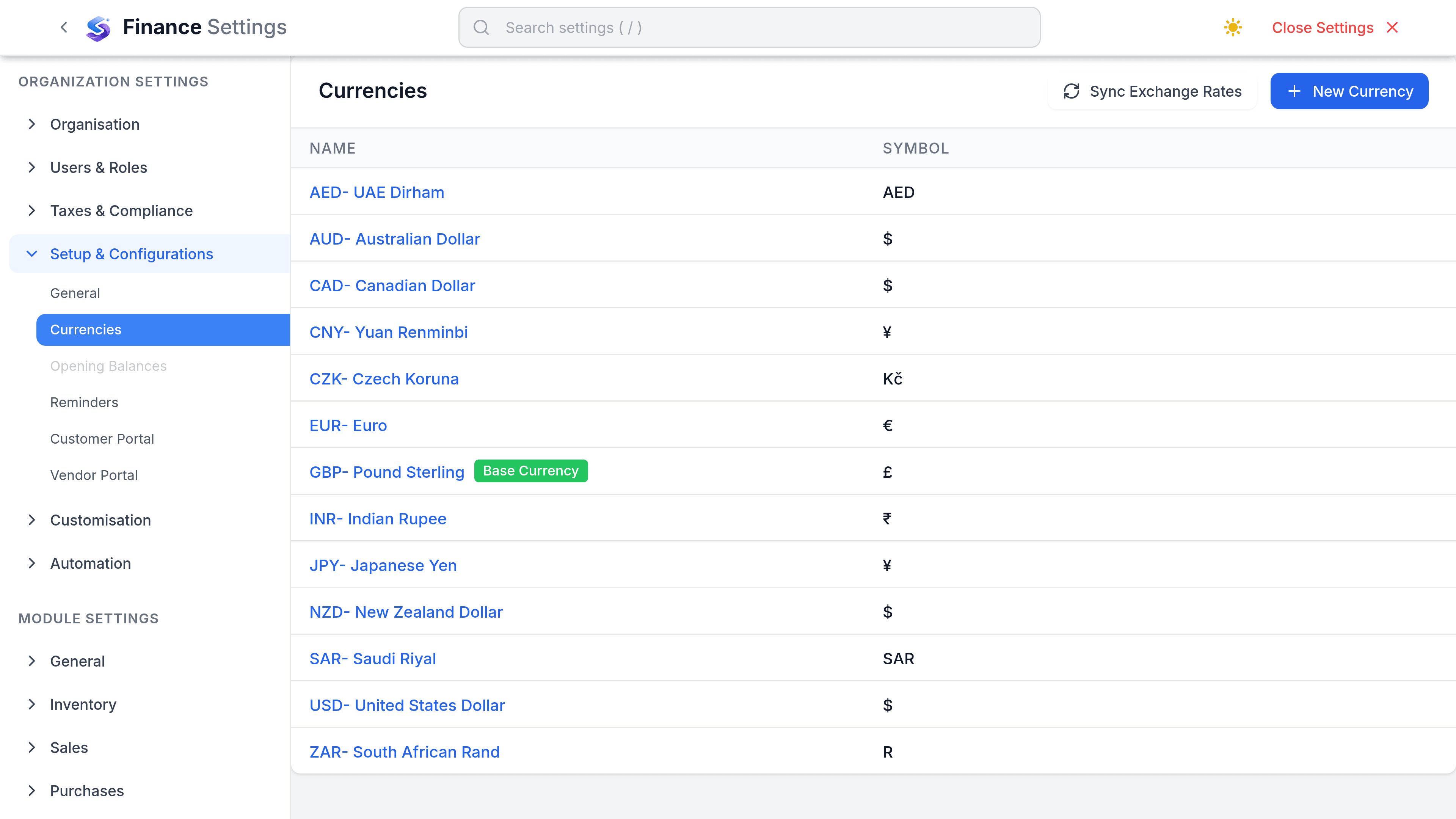
SorviAI Finance fetches rates for you. Each currency you trade in carries a rate on the organisation's currency settings, and a Sync Rates control pulls current rates from a provider. A new workspace has real rates fetched for it as soon as it is created.
That makes the source a decision the product has largely made, so what is left to you is consistency: sync on a rhythm rather than whenever a number looks wrong, and record the rate you used at period end.
Choosing a source
Where your policy names a specific source, such as a central bank rate, apply it consistently. What matters to an auditor is not which source but that the same one was used all year.
- Pick one source and record the choice somewhere your accountant will find it.
- Use the same source for transaction rates and closing rates.
- Where a bank charged you a materially different rate, the difference is a bank cost, not an exchange rate question.
- Do not switch source mid-year to improve a number. It is the one thing that will be noticed.