
Refunds and Overpayments
An overpayment is not a problem, it is a credit sitting on the customer.
It becomes a decision only when they want it back, and the rule for that is short: only unapplied money can be refunded.
What happens to an overpayment
Money received beyond what was allocated stays as an unapplied amount on the customer. It is real cash in your bank and a credit in their favour, and it will offer itself the next time you allocate anything for them.
- They overpayMore arrives than was due
- Excess unappliedSits as credit on the customer
- Next invoiceApply it, or
- RefundGive it back
Refund it
Check the unapplied amount
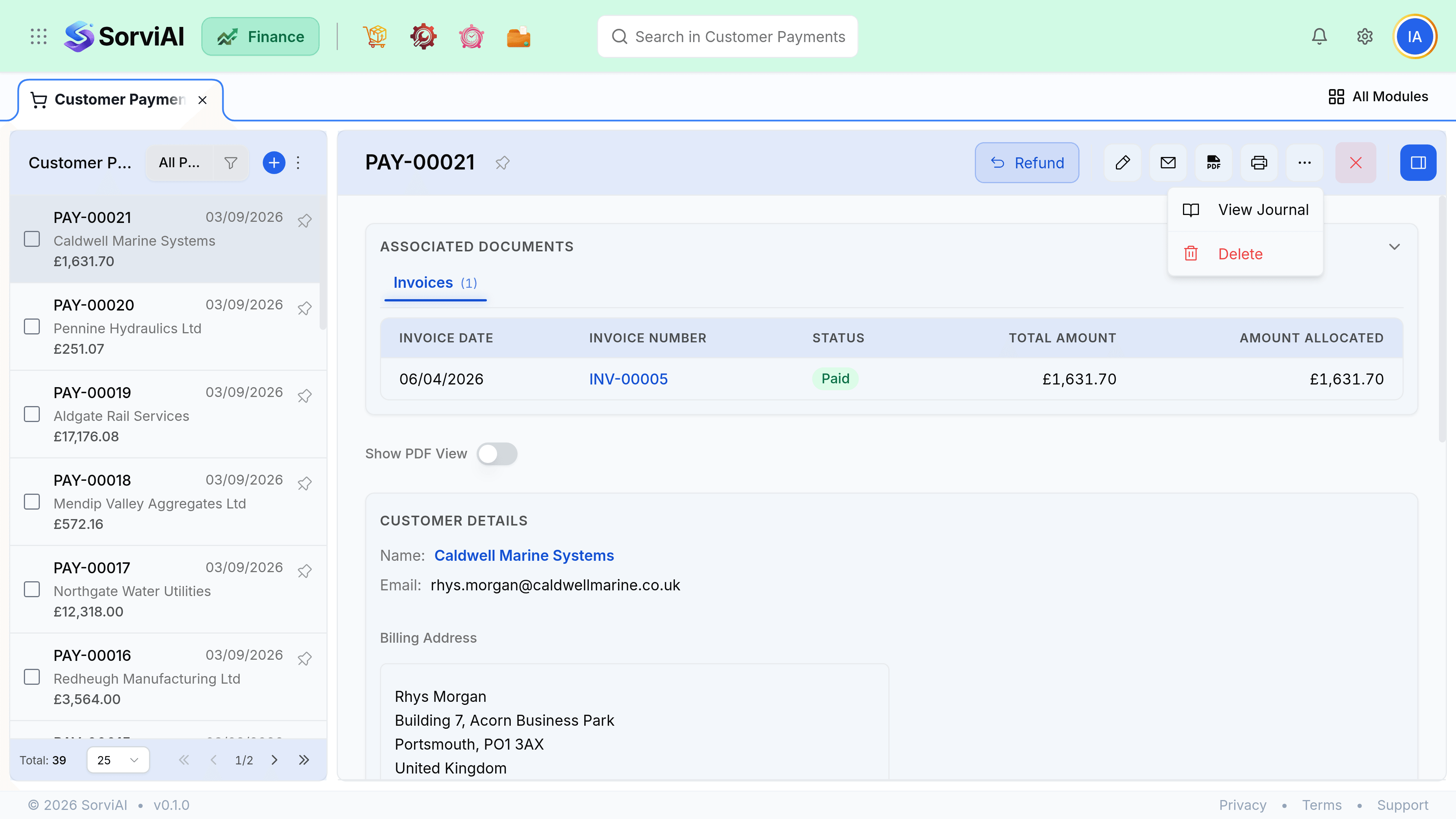
On the customer overview, or on the payment itself. Only this figure is refundable.
Raise the refund
From the payment, or from the customer's unapplied balance.
Choose the account and date
The account the money leaves from, and the date it left. Both feed your reconciliation.
Save
Cash reduces, the unapplied balance clears by the refunded amount.
Which kind of refund
| They are owed money because | Refund from | Why |
|---|---|---|
| They paid too much | The unapplied payment | The money was never earned against anything. |
| You overcharged them | A credit note | Value has to be reversed on the invoice first. |
| Goods came back | A return, which produces the credit | Stock and value both need to move. |
| A deposit is no longer needed | The advance balance | It was a liability, not revenue. |
Getting this right matters more than it looks. Each route posts somewhere different, and a refund taken from the wrong place leaves either revenue or a liability misstated.