
Introduction - Returns
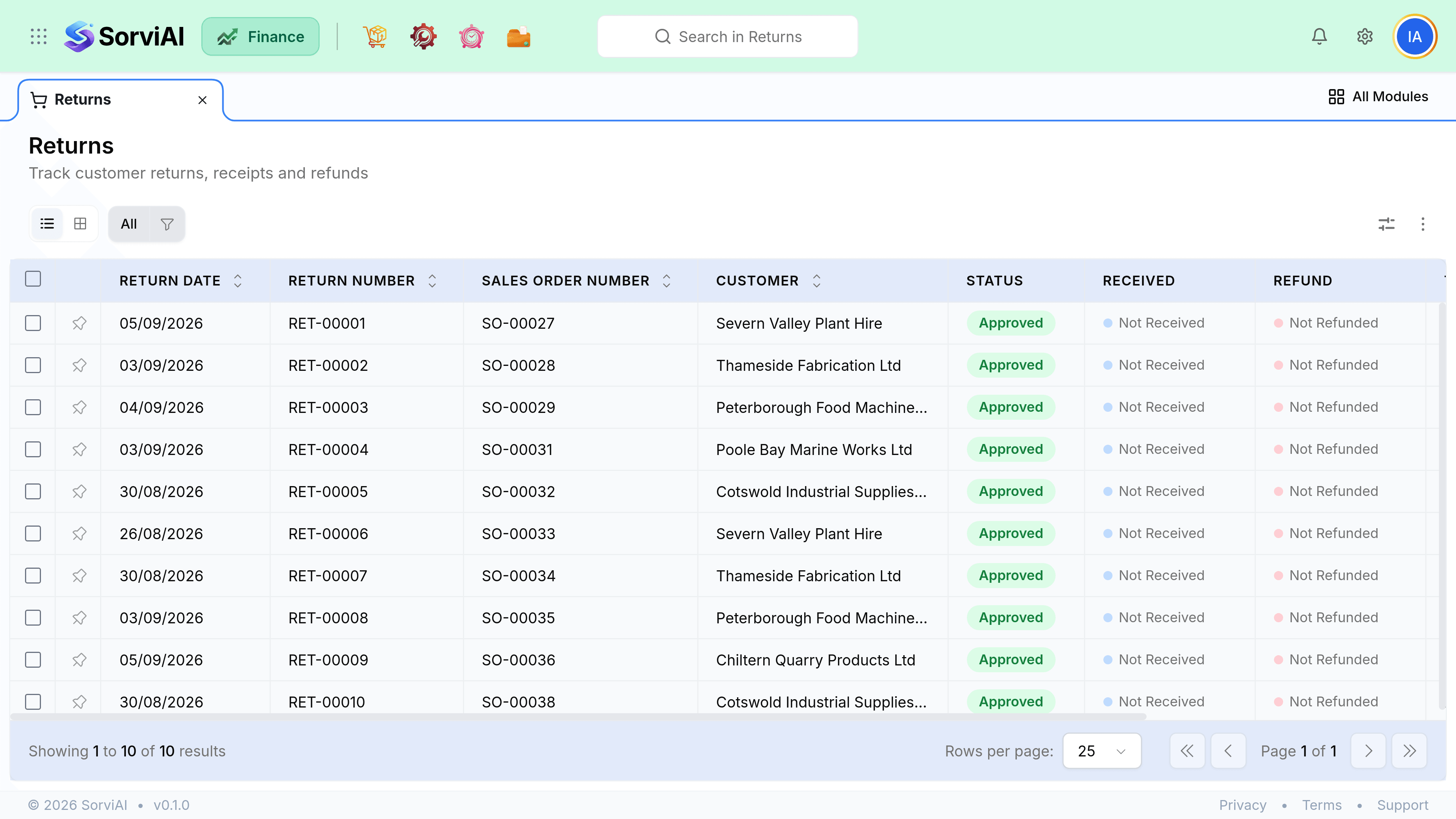
A return handles goods physically coming back.
It is the only sales document that moves stock in the opposite direction, and it settles both halves of the problem at once: the units go back on the shelf and the customer gets their value back.
Return or credit note
The question is only ever whether physical goods are coming back.
Raise a Return
Goods are physically coming back
- YesPuts units back into stock at a location
- YesProduces the credit note for you
- YesRecords condition, so damaged goods are not resold
- YesKeeps stock valuation correct
Raise a Credit Note
Only value is coming back
- YesRight for overcharges, discounts and service disputes
- YesFaster, one document
- NoMoves no stock at all
- NoWrong if goods are physically returning
The four stages
- RequestedThey ask
- AuthorisedYou agree, warehouse warned
- ReceivedGoods arrive, stock moves
- CreditedValue goes back
What a return is tied to
A return references the original invoice, and that reference is what makes the credit correct. It is how the returned units are valued at the price actually charged rather than at today's price, and how your margin on the original sale reverses cleanly.