
Introduction - Accounts Chart
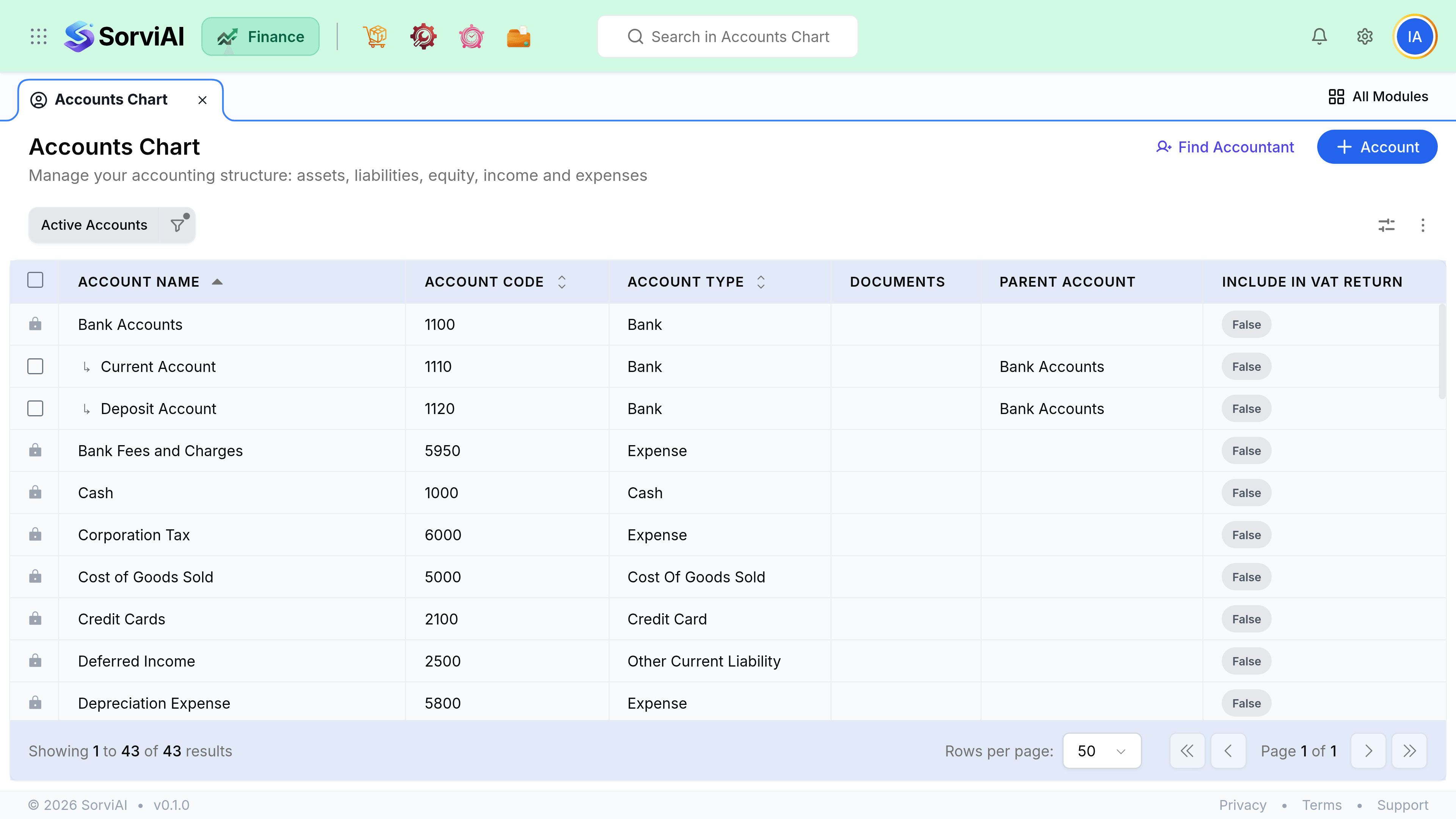
The accounts chart is the list of buckets every transaction in SorviAI Finance eventually lands in.

Every invoice line, bill, payment and adjustment posts to one. It is the backbone of your reporting, and it is worth ten minutes of thought before you have a thousand transactions sitting in it.
How deep to go
The most common mistake is too many accounts. Every extra account is a decision someone has to make correctly on every transaction, forever. If you will never make a different decision because of a split, do not split it.
Fewer accounts
Recommended starting point
- YesFaster and more consistent coding
- YesReadable reports
- YesEasy to split later if you need to
- NoLess detail without running a breakdown
Many accounts
Usually regretted
- YesFine-grained detail on the face of the report
- NoMore miscoding, so the detail is unreliable
- NoReports nobody reads to the end
- NoMerging accounts later is painful
System accounts
Some accounts are wired into how the product posts, and they cannot be deleted. You can usually rename them, but what they do is fixed.
| Account | Posted to by |
|---|---|
| Accounts Receivable | Every invoice and customer payment |
| Accounts Payable | Every bill and vendor payment |
| Tax control | Tax on every transaction, and tax payments |
| Inventory | Purchase receives, shipments and adjustments |
| Exchange gain or loss | Realised and unrealised currency differences |
| Opening balance equity | Balances brought in when you started |