
Add a Vendor
Only a display name is required to save.
Currency and payment terms are the two fields worth getting right immediately, because one of them cannot be changed later and the other quietly decides when everything falls due.
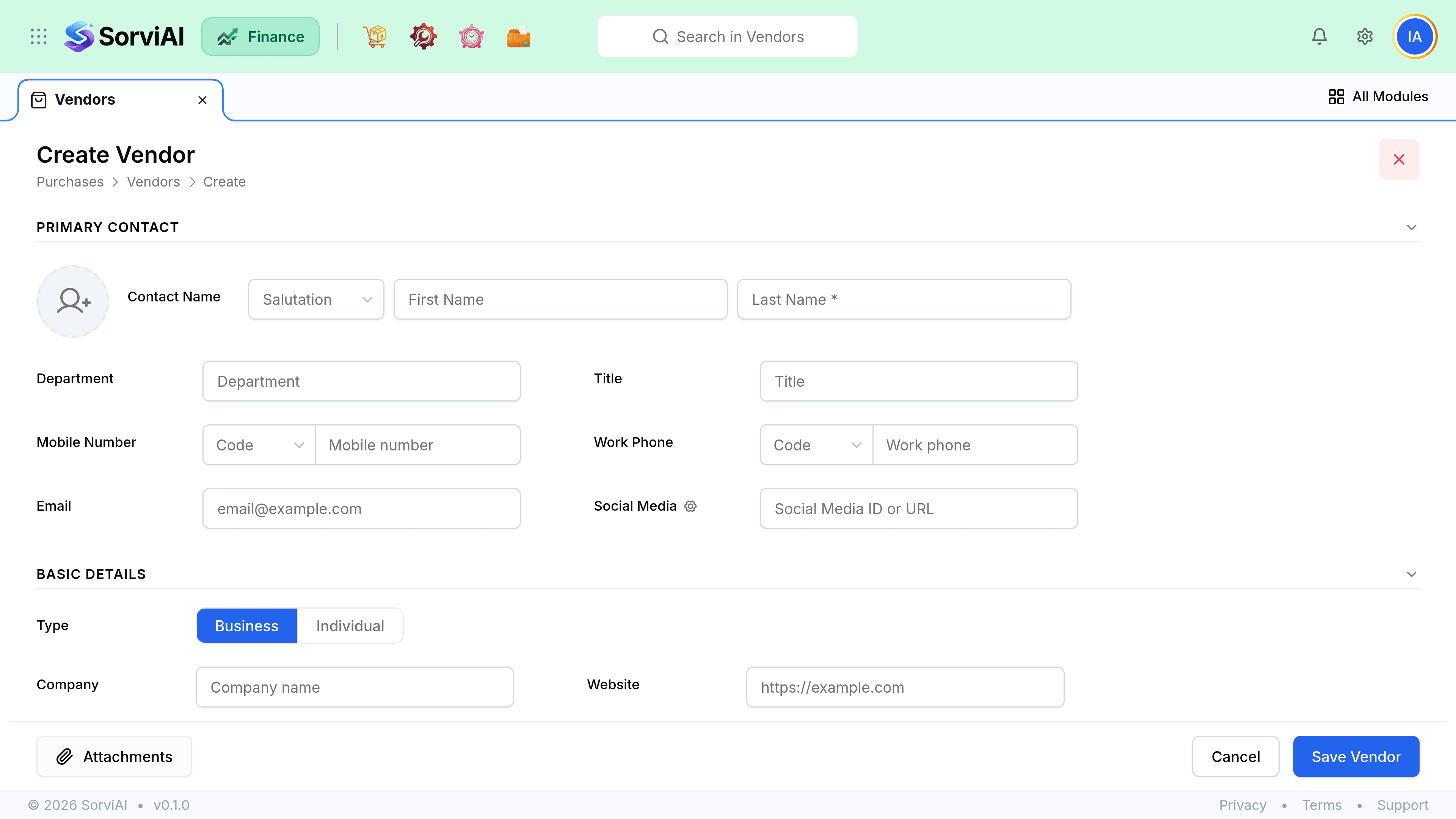
Create the record
Open the form
Go to PurchasesVendorsNew.
Set the display name
What your team searches for. Put the legal entity name in the company field if it differs.
Set the currency
Bills can only ever be raised in this currency, and it locks once anything posts.
Set the payment terms
These calculate the due date on every bill, which is what your payables ageing and your payment runs work from.
Set the tax treatment
It decides whether purchase tax on their bills is recoverable, which feeds straight into your tax return.
Set a default expense account
Optional, and worth doing for any vendor who always sells you the same thing.
Field reference
| Field | Required | What it does |
|---|---|---|
| Display name | Yes | The searchable name, used in every picker. |
| Company name | No | Prints on purchase orders and remittances when set. |
| Currency | Yes | Locks on first transaction. All bills use it. |
| Payment terms | Yes | Sets the due date on every bill. |
| Tax treatment | Yes | Decides recoverability of purchase tax. |
| Tax registration number | If registered | Needed for your return, and printed on orders. |
| Default expense account | No | Pre-fills the account on their bills and expenses. |
| Opening balance | No | What you already owed on your start date. |
Opening balances and imports
Migrating with money already owed? Enter an opening balance rather than inventing bills. It posts to your opening balance account and appears in payables at once, so day one is honest.
- An opening balance is one number, so it cannot be aged bill by bill. Enter real bills if you need that detail.
- Import from CSV for a bulk onboarding. Currency and terms must match values that already exist.
- Duplicate display names are rejected rather than merged, which is deliberate.