
The Overview dashboard
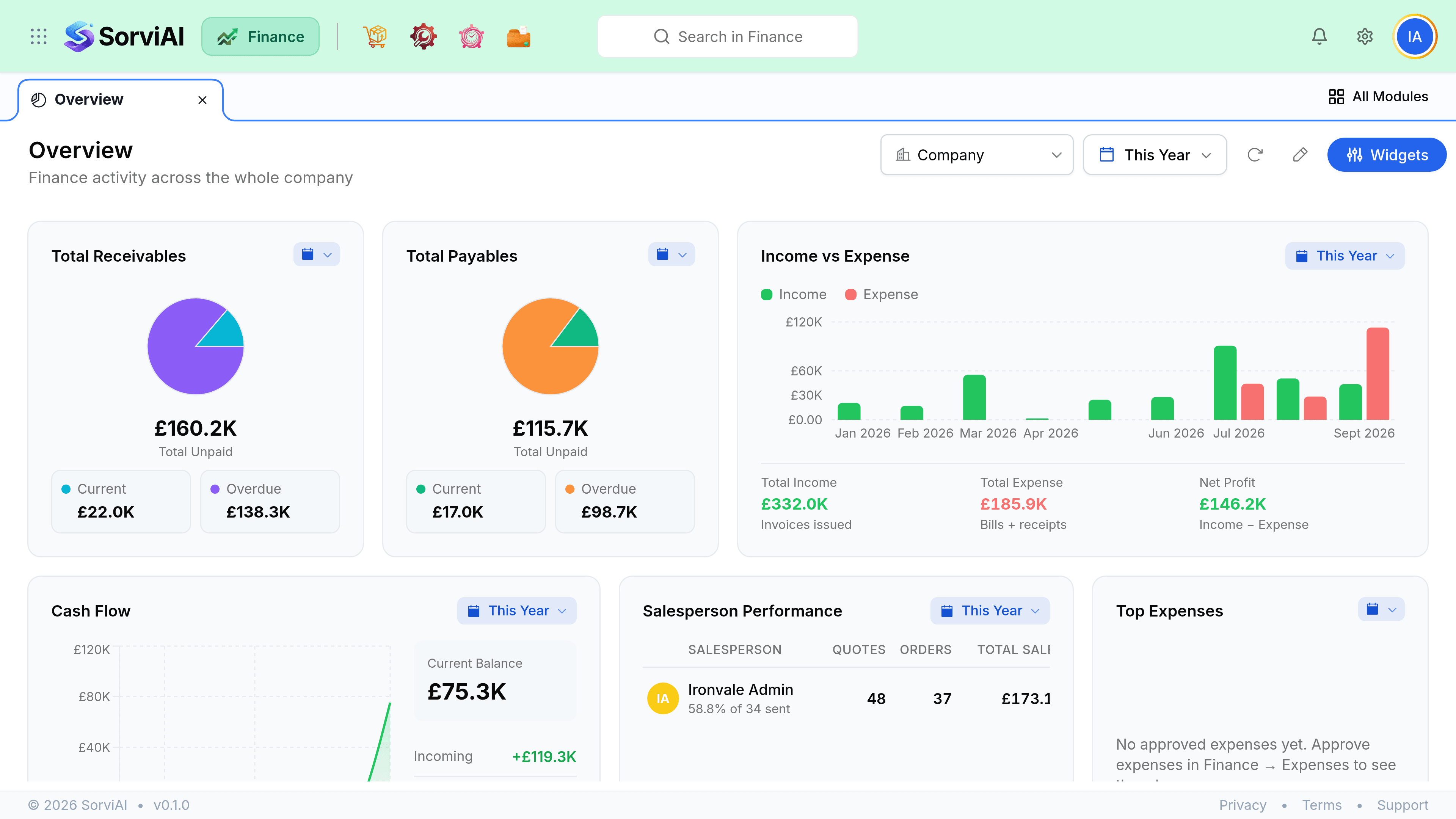
Overview is the first screen in SorviAI Finance.

It does not hold any records of its own. Everything on it is a live read of the other eight modules, arranged so that the things needing a decision today sit above the things that are merely true.
What Overview is for
Overview answers three questions in order: what is owed to us, what do we owe, and is anything stuck. It is a starting point rather than a report. When a number looks wrong, click through to the module that owns it and investigate there, because that is where the filters, the audit trail and the edit actions live.
How the modules feed it
Almost everything in SorviAI Finance is one of two chains. Money coming in runs through Sales. Money going out runs through Purchases. Both post into the same accounts under Accountant, and Items plus Inventory supply the lines in between.
- QuoteWhat you offered
- Sales OrderWhat they accepted
- InvoiceWhat you asked for
- Customer PaymentWhat arrived
- Purchase OrderWhat you ordered
- Purchase ReceiveWhat turned up
- BillWhat they charged
- Vendor PaymentWhat you paid
Reading those two rows is most of what you need to understand the product. Every other module supports them: Items defines the lines, Inventory tracks what those lines did to stock, Taxes handles what the government takes, Accountant holds the accounts it all lands in, and Documents keeps the paperwork.
Where to go next
The two articles below cover the rest of this screen: what each tile is actually counting, and how to reorder the sidebar so the module you live in is the one at the top.