
Introduction - Purchase Orders
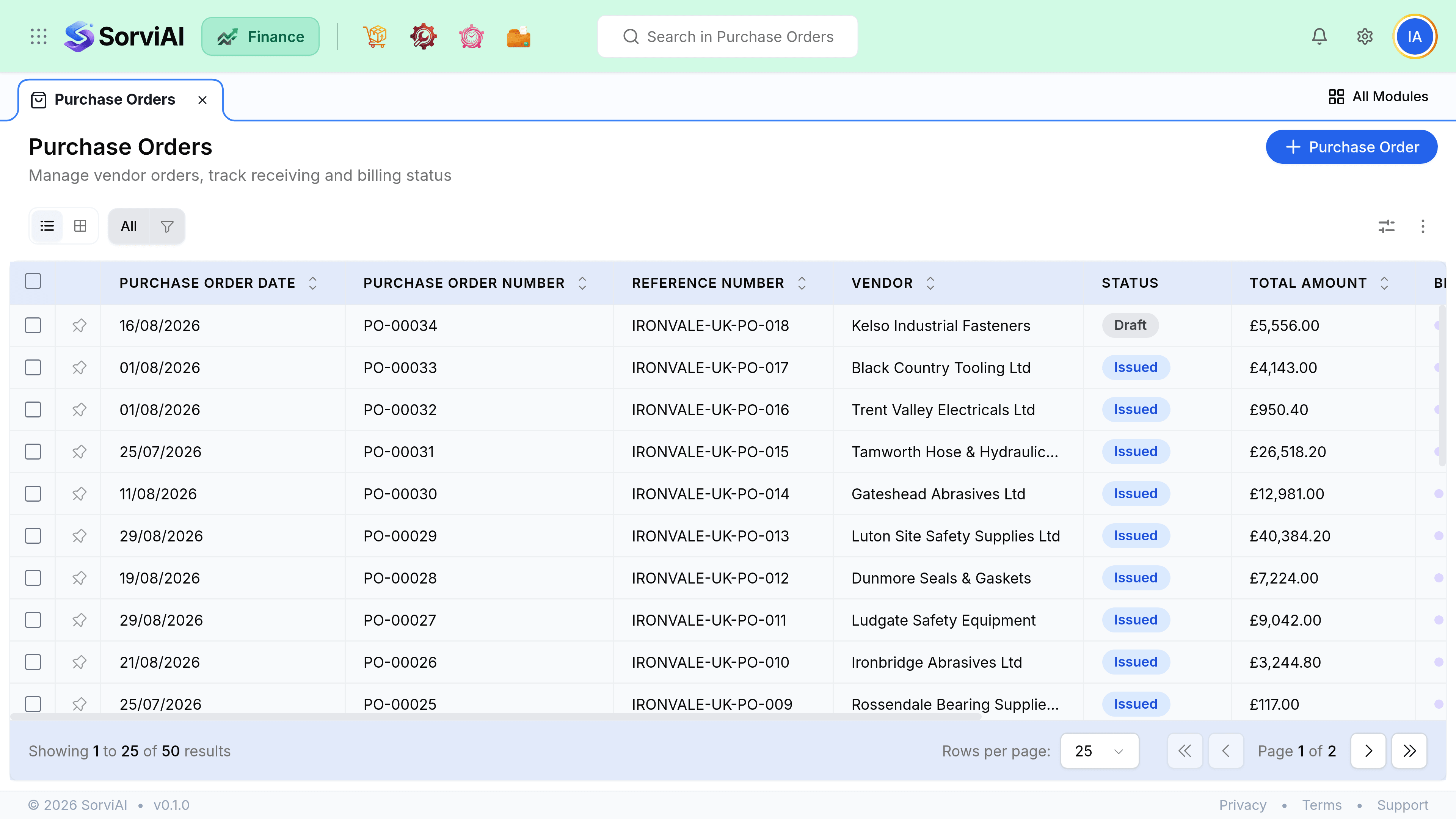
A purchase order is a formal commitment to buy at an agreed price.
It posts nothing and creates no liability, but it is the document that lets you check, when the invoice finally arrives, whether you are being charged what you agreed for what you actually received.
The three-way match
The reason purchase orders exist is this comparison. Three documents describe the same transaction from different angles, and the differences between them are where the money leaks.
- Purchase OrderWhat you agreed to buy
- Purchase ReceiveWhat actually arrived
- BillWhat they charged you
Bill against a purchase order and SorviAI Finance shows you all three side by side. Being charged for ten when eight arrived becomes obvious rather than being something you discover at year end.
Statuses
| Status | Meaning |
|---|---|
| Draft | Being prepared, not sent to the vendor |
| Issued | Sent, awaiting delivery |
| Partially received | Some quantities arrived |
| Closed | Fully received, or closed short deliberately |
| Cancelled | Withdrawn before anything arrived |
When to bother
Raise one whenever you agree a price before you see an invoice, and always for physical goods. Skip it for a card purchase completed in the same minute, because an order that opens and closes at once is paperwork with no reader.