
Other Actions in Customer Payments
Receipts, remittance matching, deleting a payment that never cleared, and the exports that make month-end reconciliation a short job rather than a long one.
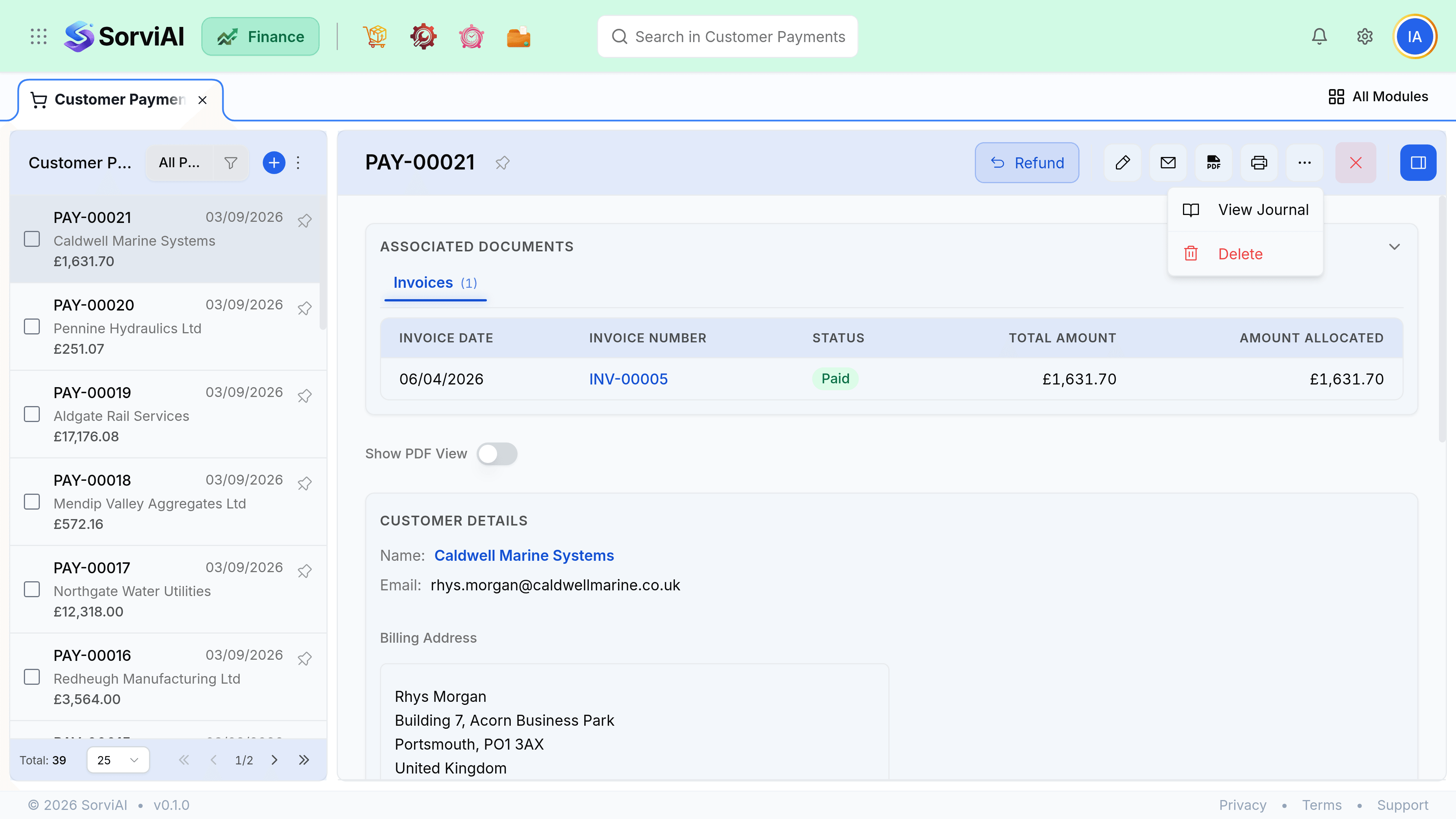
Receipts
A receipt confirms money was received and which invoices it settled. Send one when a customer asks for confirmation, or when their accounts payable team needs proof for their own records.
- Email receipt goes to the primary contact, using its own template.
- Download PDF shows the payment, the date, the method and every allocation.
- A receipt reflects the allocation as it stands now, so reallocating later changes what a fresh receipt says.
- Receipts are optional. Nothing depends on one being sent.
Deleting a payment
Delete a payment only when the money never actually arrived: a bounced cheque, a failed transfer, a duplicate entry. Deleting reverses the cash and reopens every invoice it had settled.
| Situation | Delete? |
|---|---|
| Cheque bounced | Yes. The money never arrived. |
| Recorded twice by accident | Yes, delete the duplicate. |
| Allocated to the wrong invoice | No. Edit the allocation instead. |
| Customer wants it back | No. Refund it, so the movement is recorded both ways. |
Reconciling at month end
Two filters answer most of month end. Filter payments by deposit account and date range to tie out against a bank statement, then filter by unapplied to find money sitting unmatched.
- Export gives CSV of the columns and filters currently on screen, which is usually exactly what your reconciliation needs.
- The Payments Received report in Reports covers a period with allocations included.
- A long list of unapplied payments at month end usually means somebody has been recording money without matching it.