
Vendor Balances
Four numbers sit on every vendor and only one of them is what you owe.
Reading them correctly before a payment run is the difference between paying the right amount and paying twice.
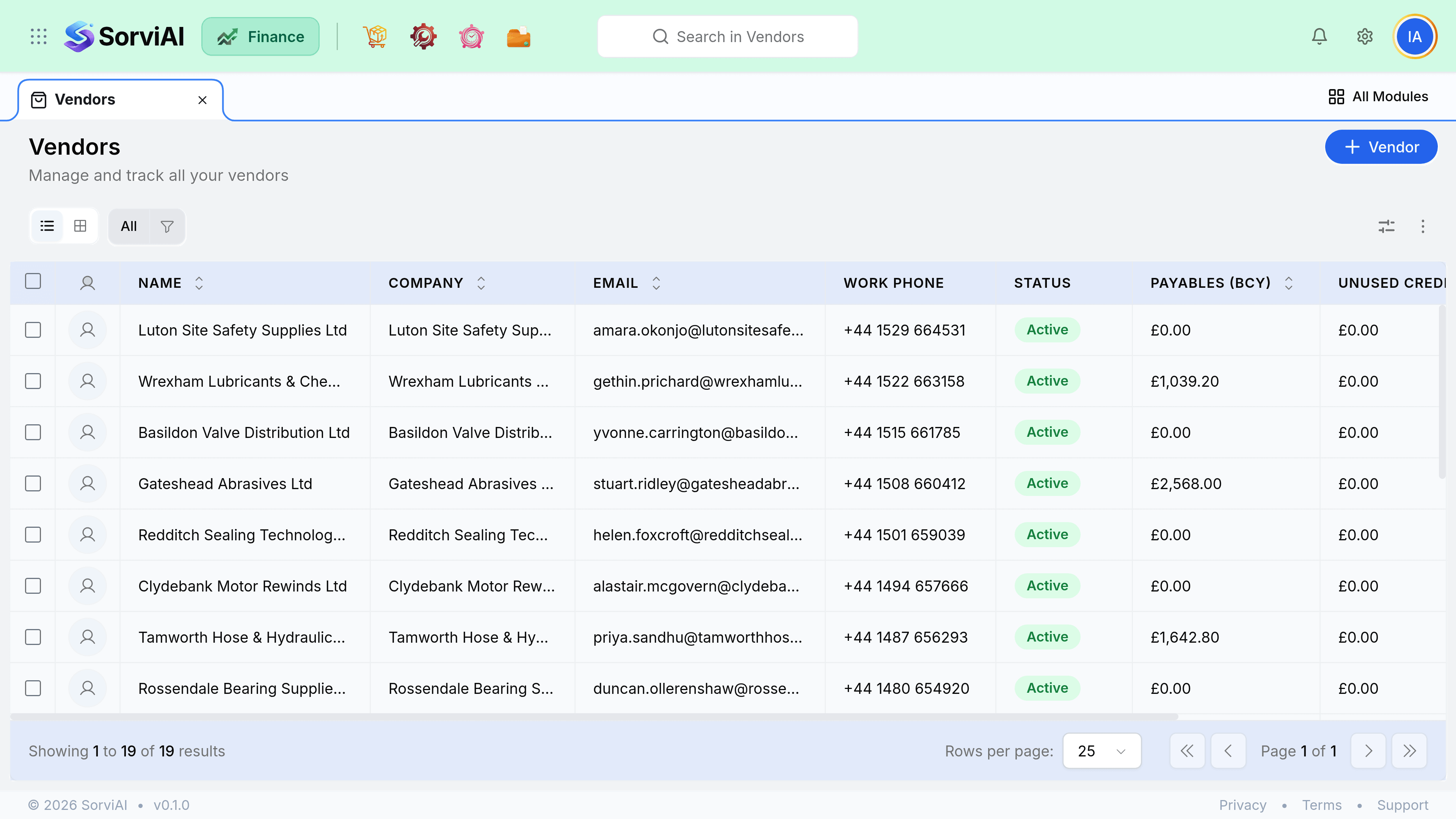
Reading the balance
- Outstandingyou owe them
- The unpaid total on approved bills. This is the figure in your payables ageing report.
- Unused creditsthey owe you
- Vendor credits not yet applied to a bill. Apply these before sending money.
- Prepaymentsyou already sent
- Payments not matched to any bill. Match them before paying again.
- Committednot a liability
- Issued purchase orders not yet billed. Nothing is owed on these.
Stopping business with a vendor
There is no hold. A vendor is either Active or Inactive, and that is the whole of it.
| What you might want | What is available |
|---|---|
| Block new orders and bills for a supplier in dispute | Not available. Nothing refuses a document because of who the vendor is. |
| Take a supplier out of circulation | Mark them Inactive. They drop out of the pickers, so nobody selects them by accident on a new document. |
| Keep the history | Inactive keeps every existing bill, order and payment exactly as it was, and they stay payable and keep ageing. |
| Stop a recurring profile against them | Stop the profile itself. Making the vendor inactive is not a substitute, and does not reach the schedule. |
Statements from your supplier
When a supplier statement disagrees with your payables, work in this order and stop as soon as the difference is explained: bills you have not entered, bills still in draft, credits they have issued and you have not recorded, and payments in transit. Those four cover almost every case.