
Convert to Sales Order
Converting an accepted quote to a sales order keeps fulfilment and billing as separate steps.
Choose this path whenever something has to be picked, packed or delivered before you can reasonably ask for money.
When this is the right path
The question is never which document is better. It is whether delivery and billing happen at the same moment. If they do not, you need somewhere to record the gap, and that is what a sales order is.
Convert to Sales Order
Goods, or work that happens before billing
- YesKeeps fulfilment and billing as separate steps
- YesLets you pick, pack and ship against the order
- YesSupports partial delivery and partial invoicing
- NoOne more document to manage
Convert straight to Invoice
Services, or anything delivered on the spot
- YesFastest path from agreement to payment
- YesNo fulfilment paperwork at all
- NoNo record of what shipped, so stock is not picked
- NoAwkward if you later deliver in stages
Convert it
Mark the quote accepted
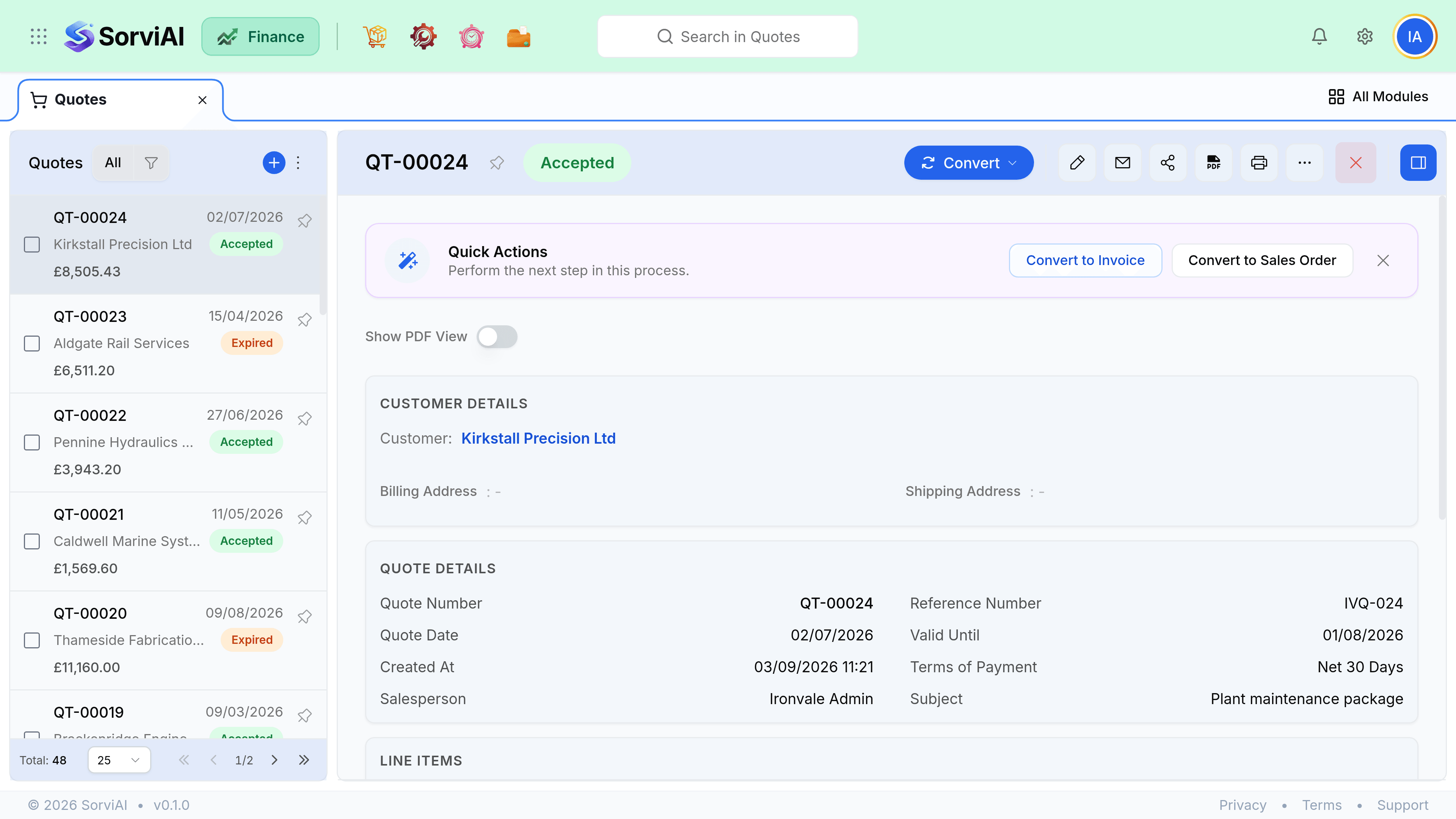
Either yourself, or the customer does it in the portal. Conversion is not offered on a quote that is still Sent.
Choose Convert to Sales Order
From the quote itself, or from the row menu in the quotes list.
Check what carried over
Customer, lines, quantities, prices, discounts, reference, notes and terms all copy exactly. Nothing is recalculated.
Set the shipping address and dates
These are order fields, so they were never on the quote. Expected delivery dates can be set per line if they differ.
Confirm the order
Confirmation is what makes the order visible to fulfilment. A draft order is invisible to the warehouse.
- Quote acceptedAgreement reached
- Sales orderCommitment recorded
- ConfirmedWarehouse can see it
What happens to the quote
The quote stays exactly where it was, marked as converted and linked to the order it produced. It is not deleted, not archived and not editable afterwards. That link is what lets you answer "what did we actually offer them" six months later.
Partial conversion
A quote converts in full. If the customer accepted only part of it, edit the quote down to what they agreed before converting, or convert in full and then reduce the order lines. The second is usually better, because the quote then still shows what was offered.