
Other Actions in Invoices
Duplicating, downloading, attaching, reminding, and the bulk actions on the invoice list.
The routine work that surrounds an invoice once it exists.
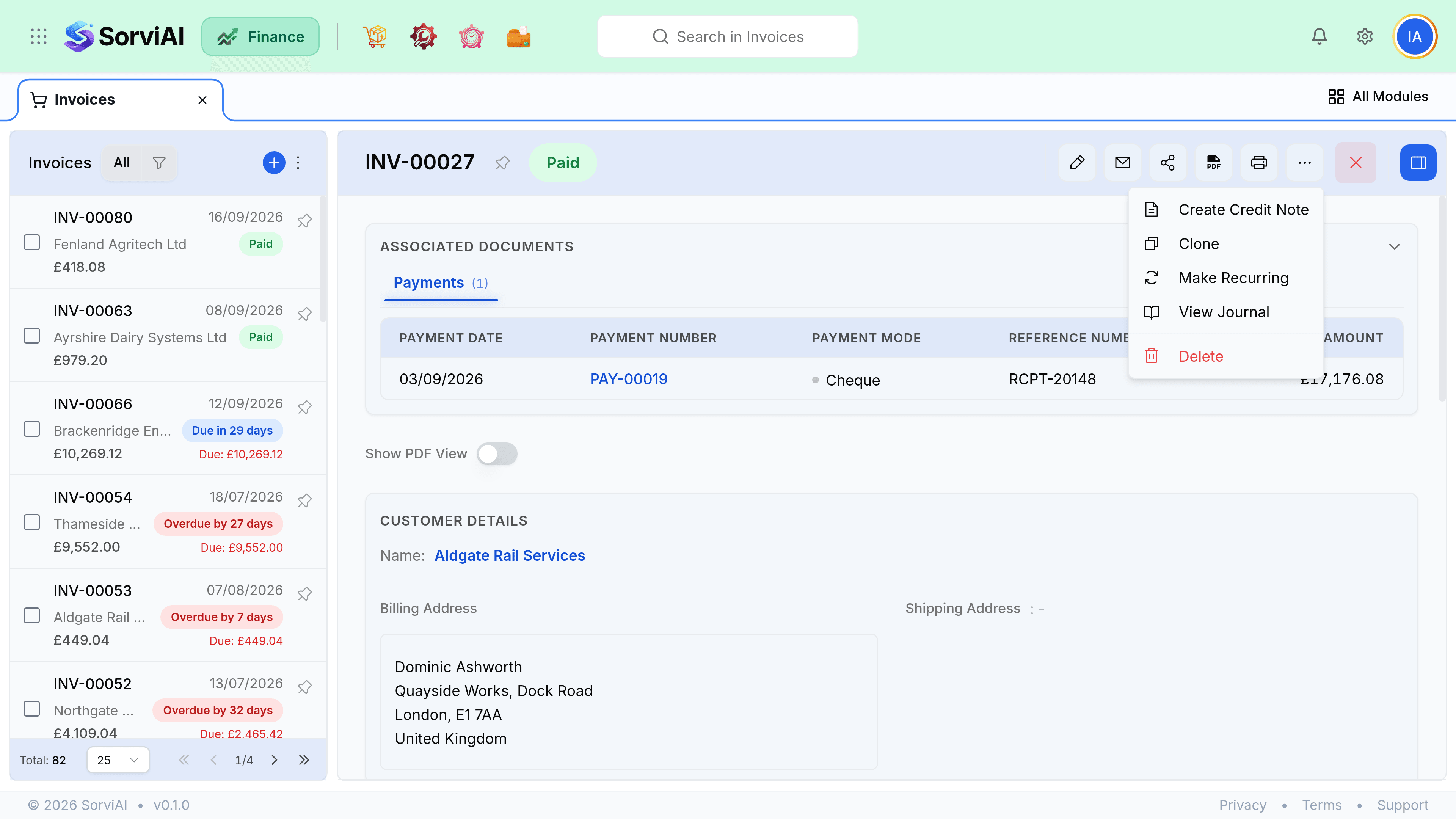
Duplicate
Duplicating copies the customer, lines, prices, discounts, notes and terms into a new draft with a new number and today's date. It is the right tool for a repeat charge that is not regular enough to justify a recurring profile.
- Prices copy from the original, not from today's item prices. Check them on an old invoice.
- The reference is copied, so clear it if it belonged to a previous purchase order.
- Payments, credits and attachments are not copied, only the billing content.
- If it happens every month, use a recurring profile instead and stop duplicating.
Documents and attachments
| Action | What it does |
|---|---|
| Download PDF | The invoice as the customer sees it, using your template. |
| The same PDF, straight to a printer. | |
| Attach a file | Stores it against the invoice and surfaces it in Documents. |
| Mark an attachment to send | Includes it in the email. Attachments are internal by default. |
| Copy portal link | A URL the customer can open without a login. |
Reminders and chasing
Chasing is manual. You send a reminder from the invoice, and the product picks the right template for you depending on whether the invoice is merely sent or actually overdue.
- A reminder is a separate email from the invoice, using its own template.
- The activity timeline records reminders alongside sends, so the whole conversation is in one place.
- Marking a customer inactive does not stop you chasing them. It removes them from the pickers for new documents; the invoices already raised are untouched.
Bulk actions
Select rows in the invoice list and the bulk bar appears.
- Bulk Send Email emails each selected invoice to its own contact.
- Bulk Mark as Sent and bulk Mark as Paid move a batch of statuses at once.
- Bulk Print and bulk Download produce the PDFs for everything selected.
- Bulk Delete removes the batch.
- There is no bulk reminder and no bulk void. Both are decisions per invoice.