
Apply to an Invoice
Applying offsets a credit against an open invoice, reducing what the customer owes.
It is the right move for a customer who is still trading with you, and it is reversible, which refunding is not.
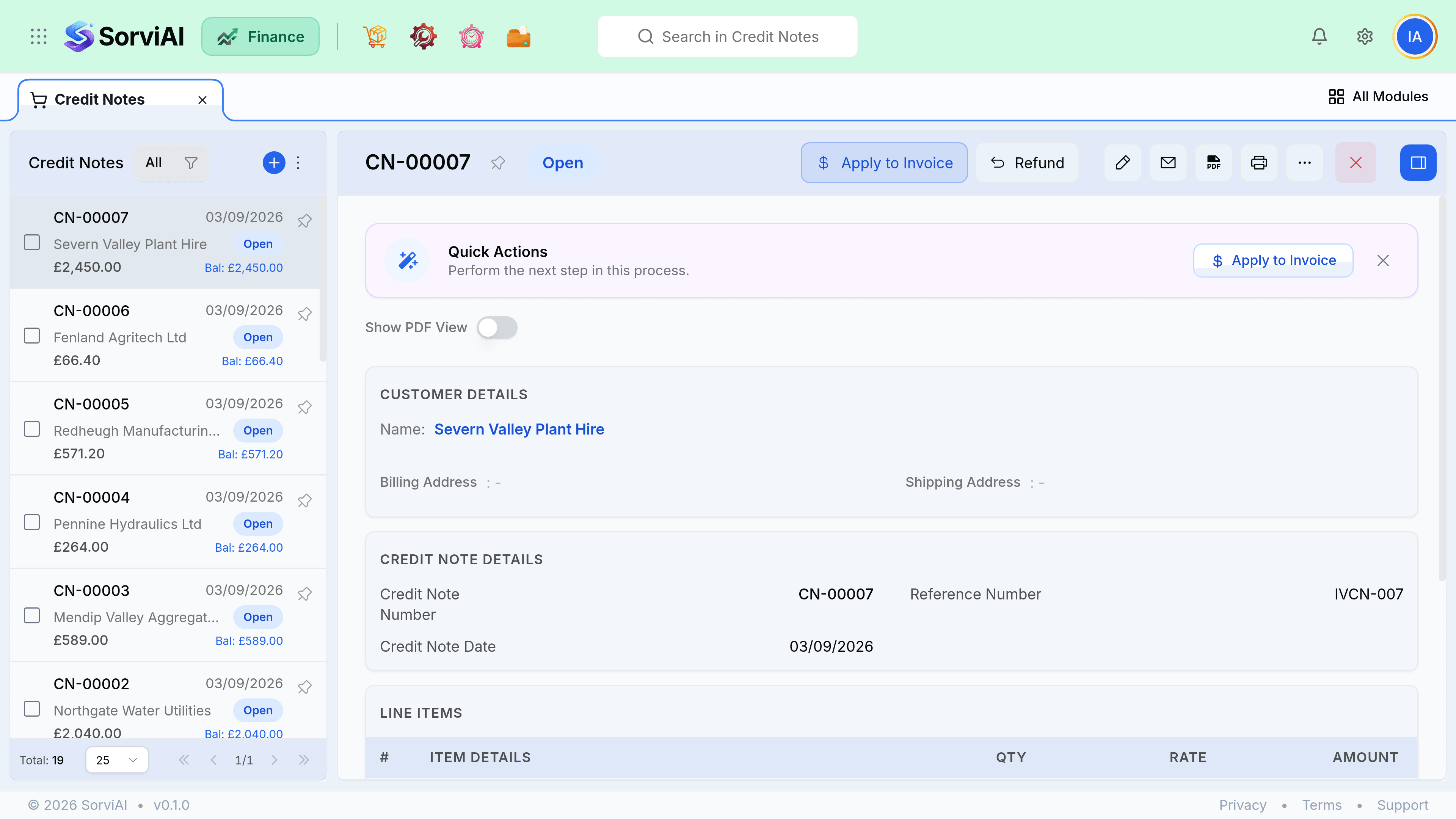
Apply it
Open the invoice, or the credit note
Both offer the same action. From the invoice, available credits are listed; from the credit, open invoices are.
Choose how much to apply
Up to the invoice balance or the credit remaining, whichever is smaller.
Save
The invoice balance drops. An invoice reaching zero moves to Paid.
- A credit can be applied across several invoices until it is used up.
- It can be applied to invoices raised after it, not only to the original.
- Part applied and part refunded is allowed.
- Applying can be undone. Remove the allocation and the credit is open again.
Apply or refund
Apply it
Ongoing customer
- YesNo money moves, so no bank transaction to reconcile
- YesReversible if you allocate it to the wrong invoice
- YesReduces their next payment, which is usually what they expect
- NoLeaves a credit sitting there if they stop buying
Refund it
Finished trading
- YesSettles the relationship cleanly
- YesRight when there will be no next invoice
- NoCosts a bank transfer and a reconciliation line
- NoCannot be undone once the money has gone
Unapplied credits at period end
An open credit note reduces what a customer owes you but does not show against any particular invoice, so ageing reports can read as more overdue than the customer believes. Apply credits before you run collections, and again before you close a period.