
Vendor Preferences
The one setting that governs vendors, the custom fields you can add, and the defaults people expect to find here but will not.
There is less here than most people expect, and knowing what is missing saves a hunt through Settings.
The one setting
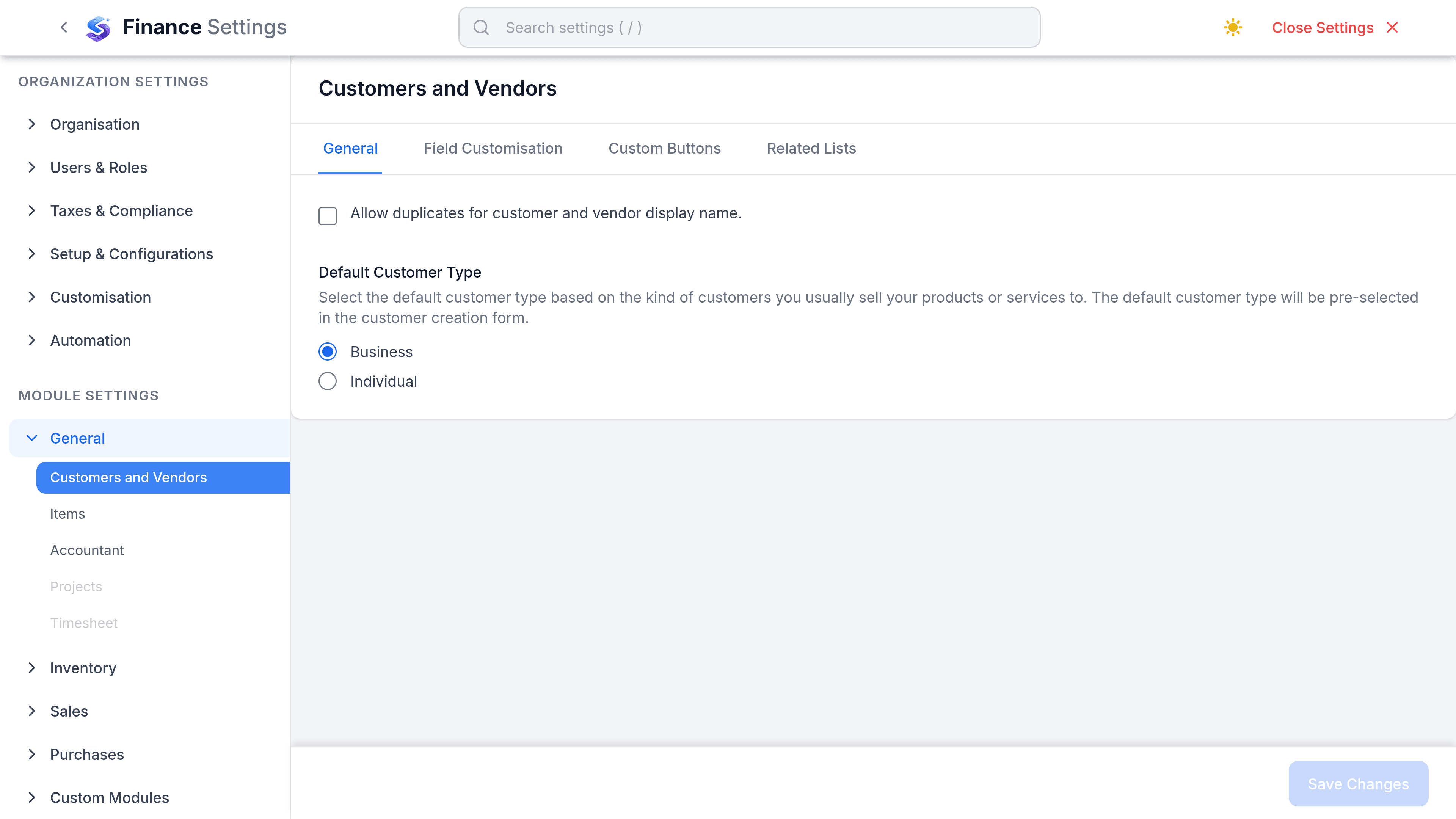
Duplicate display names are governed workspace-wide, and the switch is filed under Sales rather than Purchases: go to SettingsFinanceSalesCustomers.
| Preference | What it does | Applies to |
|---|---|---|
| Allow duplicate customer/vendor names | Off by default, which refuses a second contact whose display name matches an existing one. Turn it on only if you genuinely trade with two businesses of the same name. | Customers and vendors together, immediately |
What is not configurable
These are the defaults people look for on this page. None of them exists, and each is decided somewhere else instead.
| Expected setting | What actually happens |
|---|---|
| Default payment terms for new vendors | One payment term is marked the workspace default and is offered everywhere. There is no vendor-specific default. |
| Default currency for new vendors | The form starts from your organisation's base currency. There is no separate vendor default. |
| Default expense account | Not a setting. When a bill line carries no account, Finance falls back to the Purchase Adjustments account, and to any active expense account if that is missing. |
| Vendor numbering | Vendors are not auto-numbered. Vendor ID is a free-text field in the shape VEND-XXXX that you fill in yourself. |
| Duplicate invoice number check | Not a preference, and stronger than one. A bill number must be unique per vendor, so a repeat is refused rather than warned about. |
Custom fields
Add a field for anything SorviAI Finance does not model: an account manager, a contract end date, a supplier category for reporting. Lists beat free text, because a text field fills with three spellings of the same word within a month.