
Track and Deliver
Carrier and tracking live on the shipment and reach the customer through the portal, so the answer to "where is my order" is a link rather than a phone call.
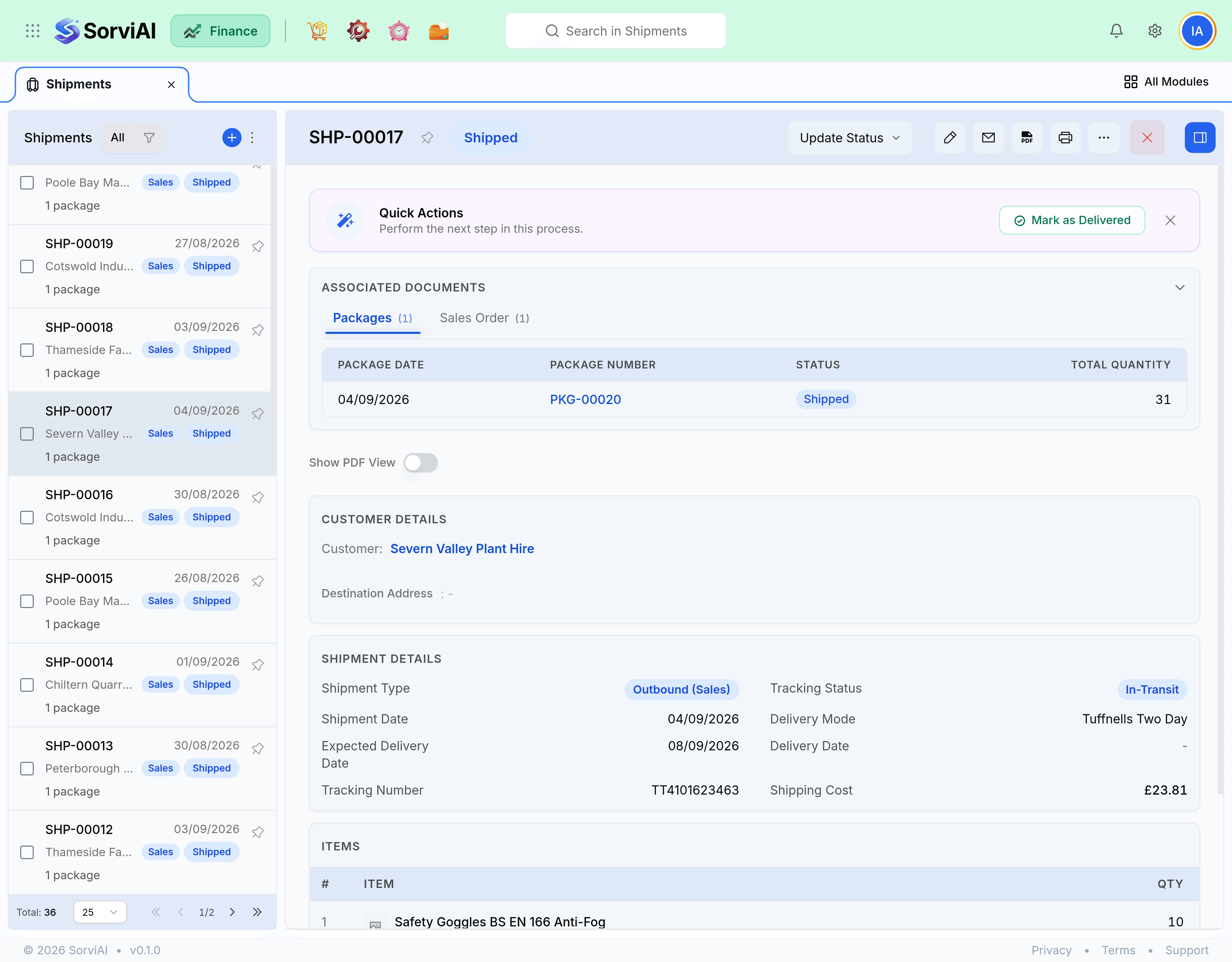
Tracking
Carrier and tracking number are stored on the shipment and shown to the customer in the portal. Add them at despatch rather than later, because the window in which a customer wants them is the window in which they are waiting.
- The tracking number appears on the shipment, the portal and any despatch notification.
- The carrier is a free field, so an own-van delivery is recorded the same way as a courier.
- A shipment with no tracking is still a valid shipment. Stock has moved either way.
Delivery states
| State | Meaning | Stock |
|---|---|---|
| Not Shipped | Packed, still with you | Untouched |
| Shipped | Left your building | Already reduced |
| In-Transit | With the carrier | Reduced |
| Out For Delivery | On the round | Reduced |
| Delivered | Marked as received | Reduced |
| Returned | Came back to you | Reduced until a return is recorded |
Carrier-driven states such as Delayed, Failed Delivery Attempt and Ready For Pickup also exist, and they behave like In-Transit as far as your books are concerned.
When it goes missing
A shipment lost in transit should not be deleted, because the goods genuinely left your building and are genuinely gone. Leave the shipment, credit the customer, and pursue the carrier claim. If you resupply, that is a new shipment against the same order or a new order entirely.
Delete the shipment
It never left
- YesStock returns and the packages go back to Not Shipped
- YesRight when the van never went
- NoWrong for anything actually despatched
Leave it and credit
It left and was lost
- YesStock stays gone, because it is gone
- YesThe customer is credited for what they never received
- YesThe carrier claim has a document behind it