
Introduction - Exchange Adjustments
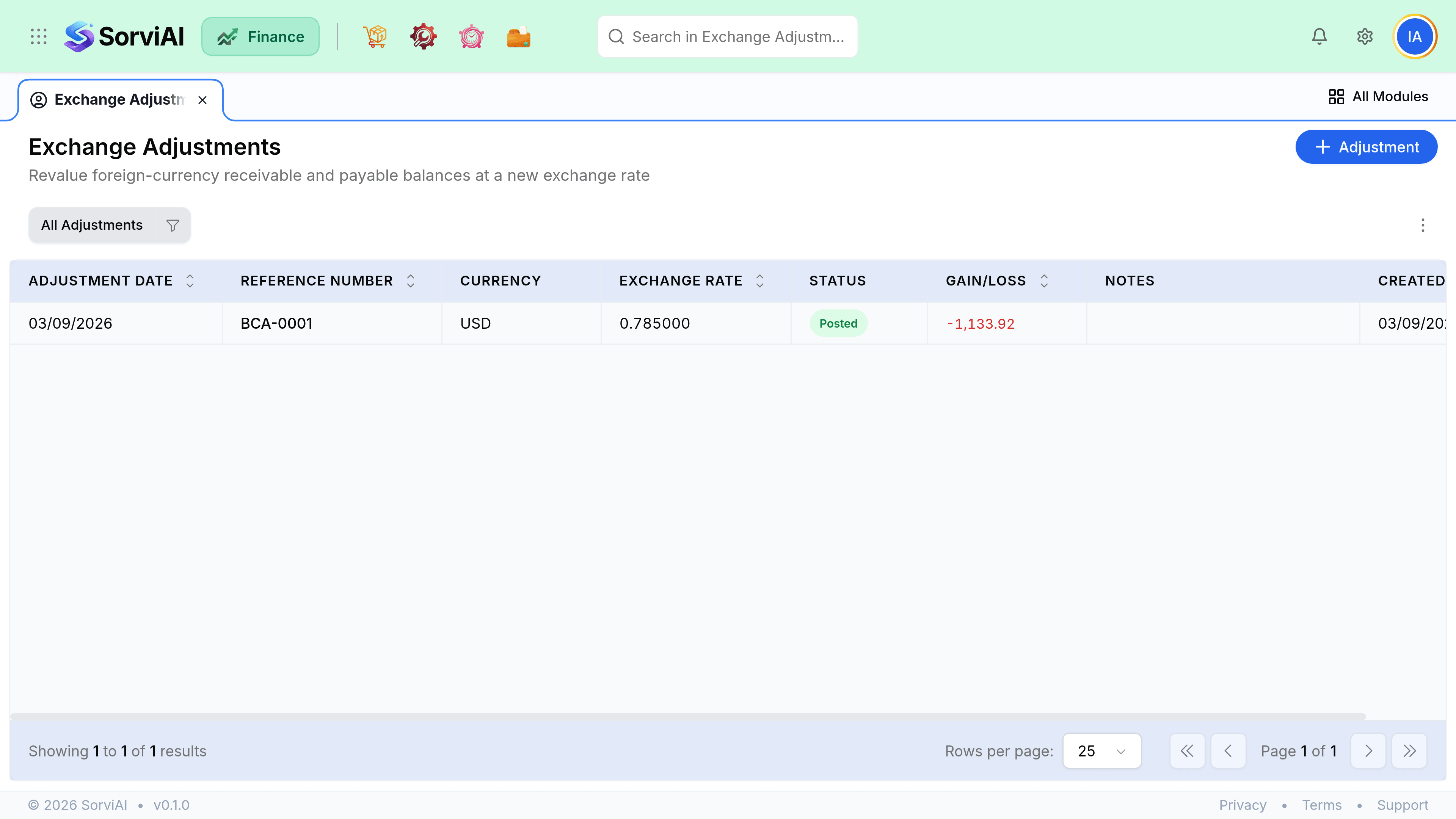
When you invoice in one currency and get paid in another, or hold a foreign balance across a period end, the exchange rate moves and the difference has to go somewhere.

Exchange adjustments are where it goes.
Realised differences
These happen by themselves. You invoice 1,000 EUR when EUR is worth one thing, the customer pays when it is worth another, and the two translations into your base currency do not match. SorviAI Finance posts the difference when the payment is recorded.
- Invoice raisedRate on the invoice date
- Payment receivedRate on the payment date
- Difference postedRealised gain or loss
Unrealised differences
At a period end, foreign balances still outstanding are worth a different amount in your base currency than when they were raised. Revaluing them is what makes your balance sheet true on the reporting date, and it is a deliberate step you run.
Nothing runs it for you, which is why a foreign balance that looks wrong at period end is almost always a revaluation nobody remembered.
Do you need any of this
If every customer, vendor and bank account is in your base currency, no. There is no foreign balance, nothing to revalue and no difference to post. The moment one customer is in another currency, all of it applies.