
Other Actions in Purchase Receives
Reversing a receive, printing a goods received note, and the filters that tell you what has arrived but not yet been billed.
That last list is where money hides.
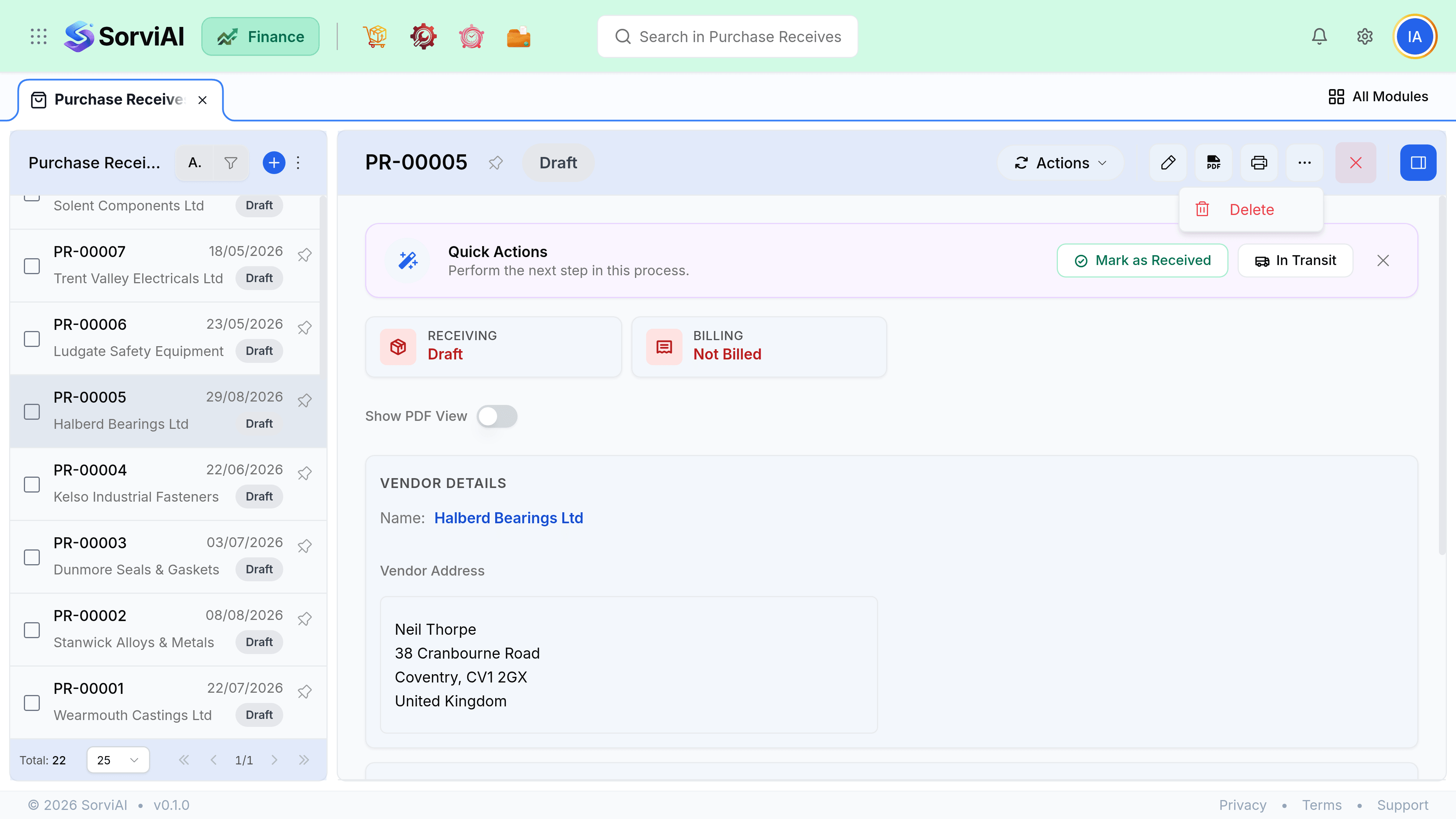
Reversing a receive
Reversing returns the stock and reopens the outstanding quantity on the order. Do it when the receive itself was wrong: recorded against the wrong order, entered twice, or entered before the goods actually arrived.
Goods received notes
- Print GRN produces a note showing what was received, when and by whom.
- It is the document to file with the vendor delivery note, and the one an auditor asks for when a bill is queried.
- Attachments on a receive appear in Documents, linked back to it, so photographs of damage stay findable.
Received not billed
Filter the receives list to received and not billed. Everything on it is stock you hold and a cost you have not recorded, which means your profit looks better than it is. At month end this list should be short and every line on it should have a reason.
| Line has been sitting for | Usually means |
|---|---|
| Days | Their invoice is in the post. Normal. |
| Weeks | The invoice went to the wrong person, or is in somebody's inbox. |
| Months | It was never invoiced, or it was billed against a different order. |
| Since last year | Accrue it, and ask the vendor. |