
Fulfil and Ship an Order
Fulfilment is three documents in Inventory and one in Sales: pick the stock, pack it, ship it, invoice it.
Only the shipment moves stock, and only the invoice moves money, which is the pair of facts that makes the rest of this article obvious.
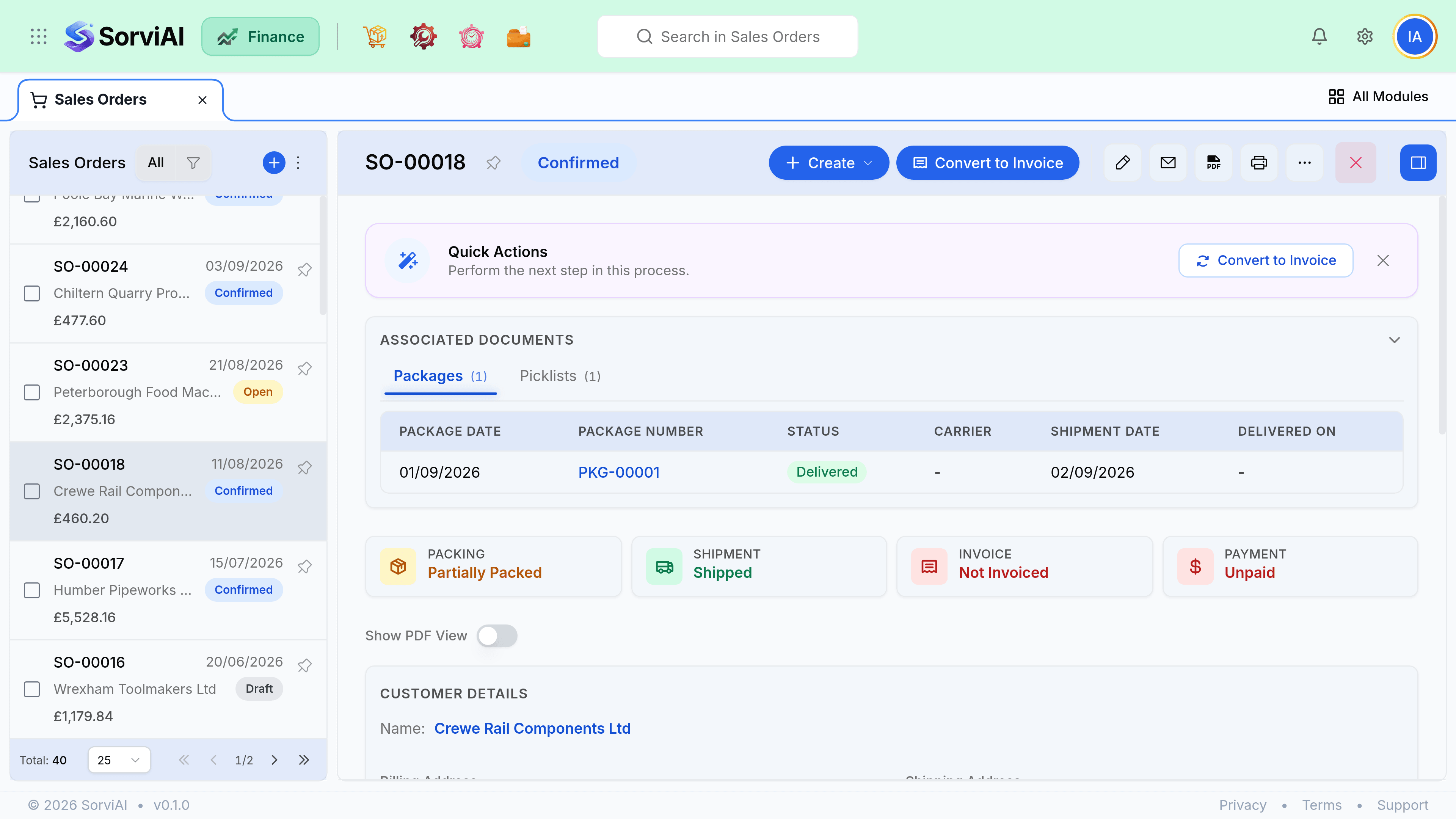
The four steps
- PicklistWhat to pull, and from where
- PackageWhat went in which box
- ShipmentStock leaves, tracking recorded
- InvoiceCustomer billed
Small operations skip the picklist and the package and go straight from a confirmed order to a shipment. That is entirely valid. The intermediate documents exist for warehouses where the person pulling stock is not the person boxing it.
Ship in full
Open the confirmed order
Choose Ship, or create a picklist first if your warehouse works from one.
Confirm the quantities
Defaults to everything outstanding. Reduce a line here to ship part of it.
Record the carrier and tracking
Optional, but it is what the customer will email you about, so it saves a lookup later.
Save the shipment
Stock leaves at this point. Not at confirmation, not at packing.
Invoice from the order
Choose Create Invoice. Only shipped quantities are proposed, which is usually what you want.
Partial fulfilment
Ship what you have. Each shipment records which lines and what quantities went out, and the order tracks the remainder automatically. You can invoice per shipment or wait and invoice once at the end.
| Situation | What to do | Order status after |
|---|---|---|
| Everything is in stock | Ship in full, then invoice | Closed |
| Half is in stock | Ship what you have, invoice it | Partially shipped |
| Rest arrives next week | Second shipment against the same order | Closed once complete |
| Customer cancels the rest | Close the order short | Closed |
| Customer adds to the order | Edit the open lines, or raise a second order | Confirmed |
Invoicing against the order
Invoicing is independent of shipping. The order proposes shipped quantities because that is the common case, but you can invoice more or less than has shipped, up to the ordered quantity. Deposits, staged billing and bill-on-order arrangements all work by overriding that proposal.
- One order can produce several invoices, each covering part of it.
- The order line shows ordered, shipped and invoiced side by side, so the gaps are visible.
- An order is only Closed when every line is both fully shipped and fully invoiced.
- Invoicing before shipping is allowed and is the normal pattern for prepayment.