
Open and Pay
Opening a bill is the moment it becomes a liability.
Paying is the moment cash leaves. Keeping the two as separate acts, done by different people where you can, is the whole of accounts payable control.
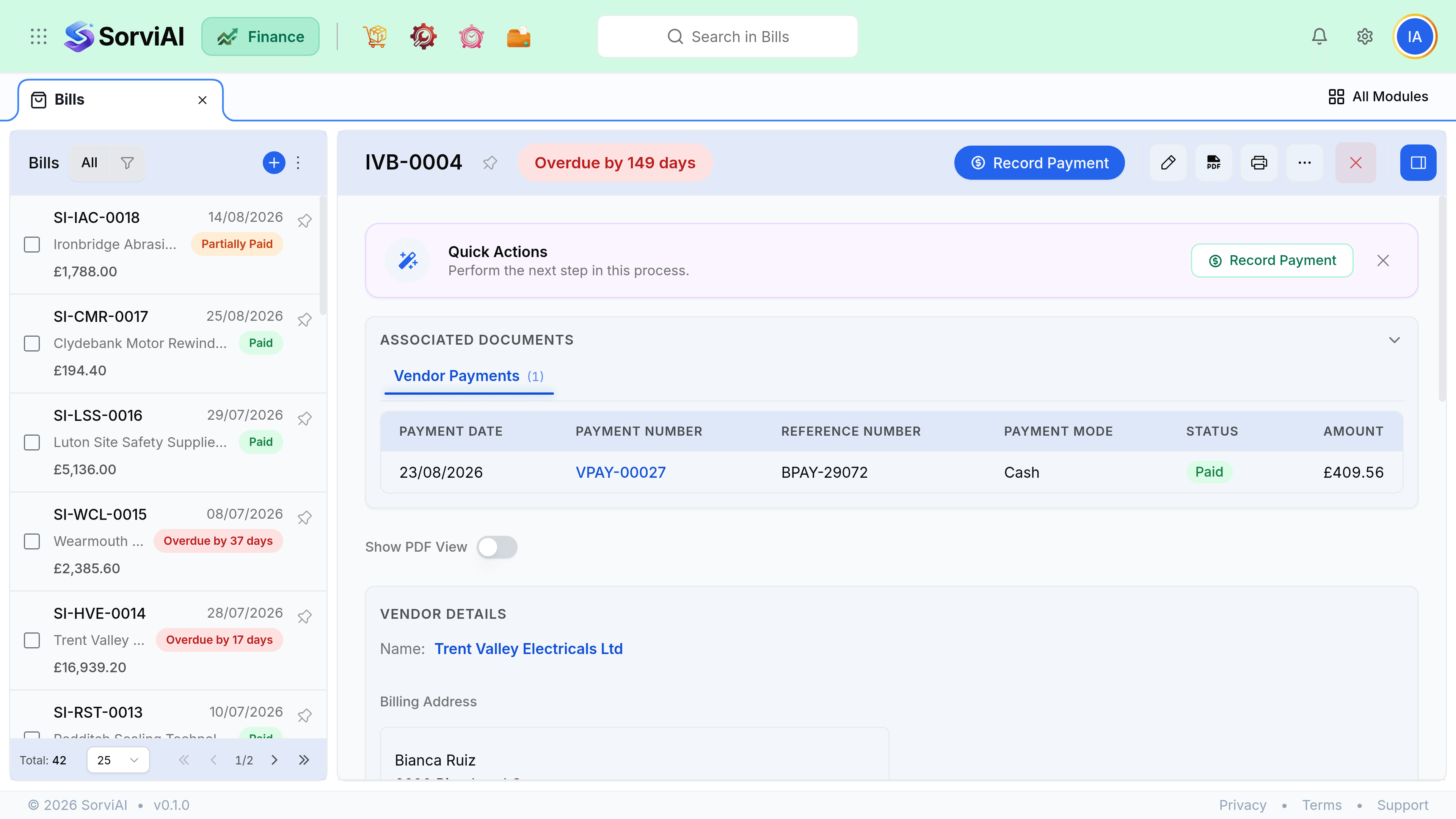
Opening a bill
Check the match, if there is an order
Ordered, received and billed. Anything that disagrees is worth a question now rather than after payment.
Check the coding
Each line on the right account. A miscoded bill is invisible until somebody reads the profit and loss.
Check the attachment is there
An open bill with no document is a cost with no evidence.
Save as Open
The payable is created and the bill appears in ageing from its due date.
Paying it
From the bill, choose Record Payment and the allocation is filled in for you. From Vendor Payments, you record one payment and allocate it across several bills, which is what a real payment run looks like.
- Check for vendor credits first. Applying one reduces the cash you need to send.
- Check for prepayments too. Money already sent and unmatched is money you can allocate rather than send again.
- Partial payments are fine. The bill stays open with a reduced balance.
- A bill reaching a zero balance moves to Paid automatically.
Payment runs
Filter the bills list to open and due within your payment window, group by vendor, and settle each vendor with one payment allocated across their bills. One payment per vendor per run matches how the money actually leaves your bank and makes reconciliation short.