
Bill Preferences
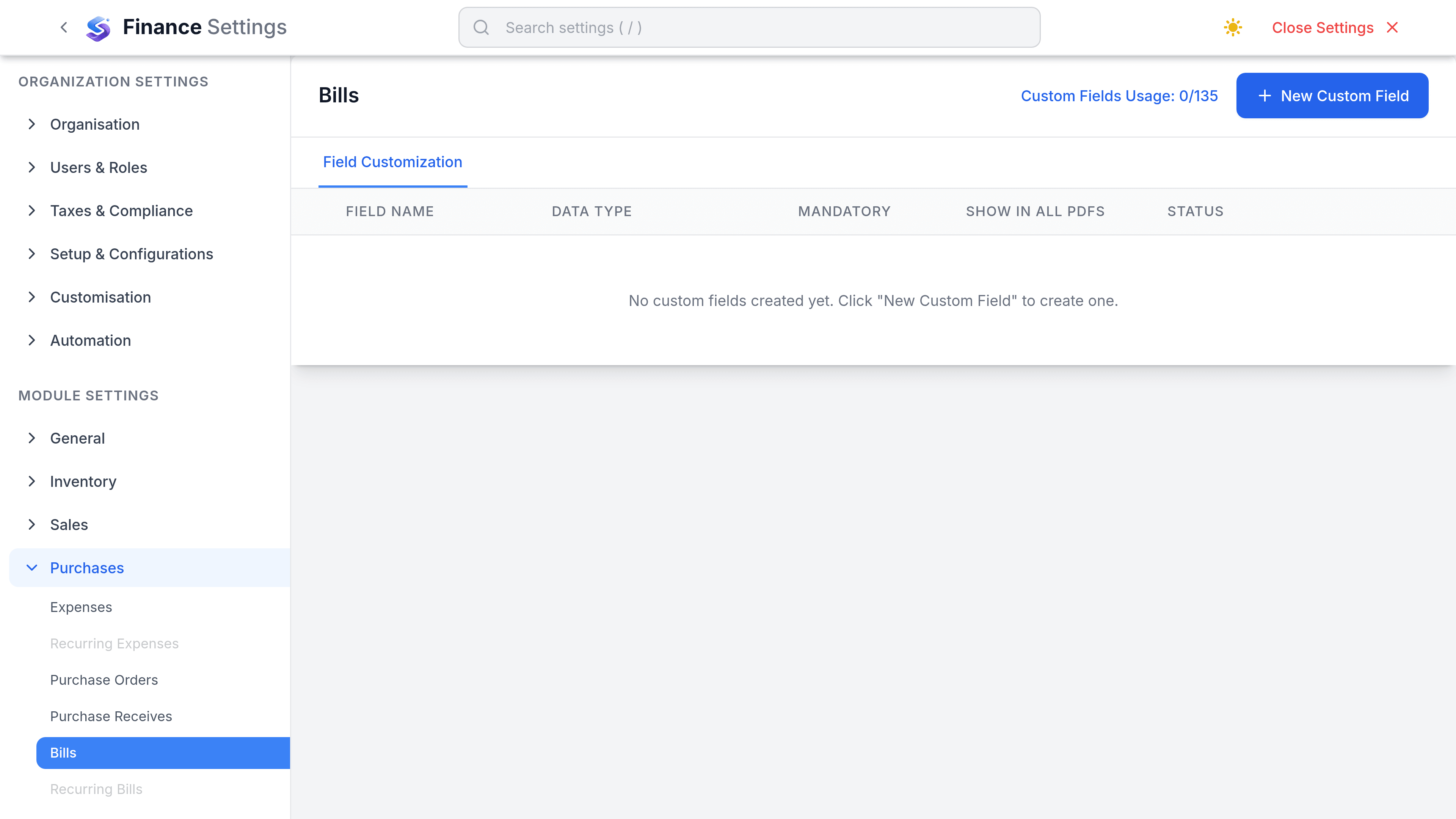
The Bills tab holds custom fields and nothing else, and the payables controls people go looking for here are enforced elsewhere.
There is very little on this tab, and the useful part of this article is knowing where the controls actually are.
Settings
Go to SettingsFinanceBills. The tab offers custom fields, and that is all. Purchase Orders is the only tab under Purchases that carries settings of its own.
Add a custom field for anything the bill record does not model: a cost centre, a contract reference, the person who approved it off-system. Lists beat free text, for the same reason they do everywhere else.
The controls people look for here
| Expected setting | What actually happens |
|---|---|
| Duplicate invoice number check | Not a preference, and stronger than one. Bill number is unique per vendor, so a repeat is refused outright rather than warned about. It only protects you if the number is entered. |
| Require an attachment | Does not exist. Attaching the vendor's PDF is a habit, not a rule the product enforces. |
| Approval threshold | Does not exist for bills. A bill is draft or open, and opening it posts the payable. There is no second approver and no value at which one is demanded. |
| Require a purchase order | Does not exist. Nothing stops a bill being entered with no order behind it, so the three-way match is a discipline rather than a gate. |
| Default bill account | Not a setting. When a line carries no account, Finance falls back to the Purchase Adjustments account, then to any active expense account. |
| Auto-apply vendor credits | Does not exist. Credits are applied deliberately, from the credit or from the bill. |