
Build a Budget
Start from last year, enter figures per account, and phase them to match how your business actually behaves.
Phasing is the step that decides whether your monthly variances mean anything.
Build it
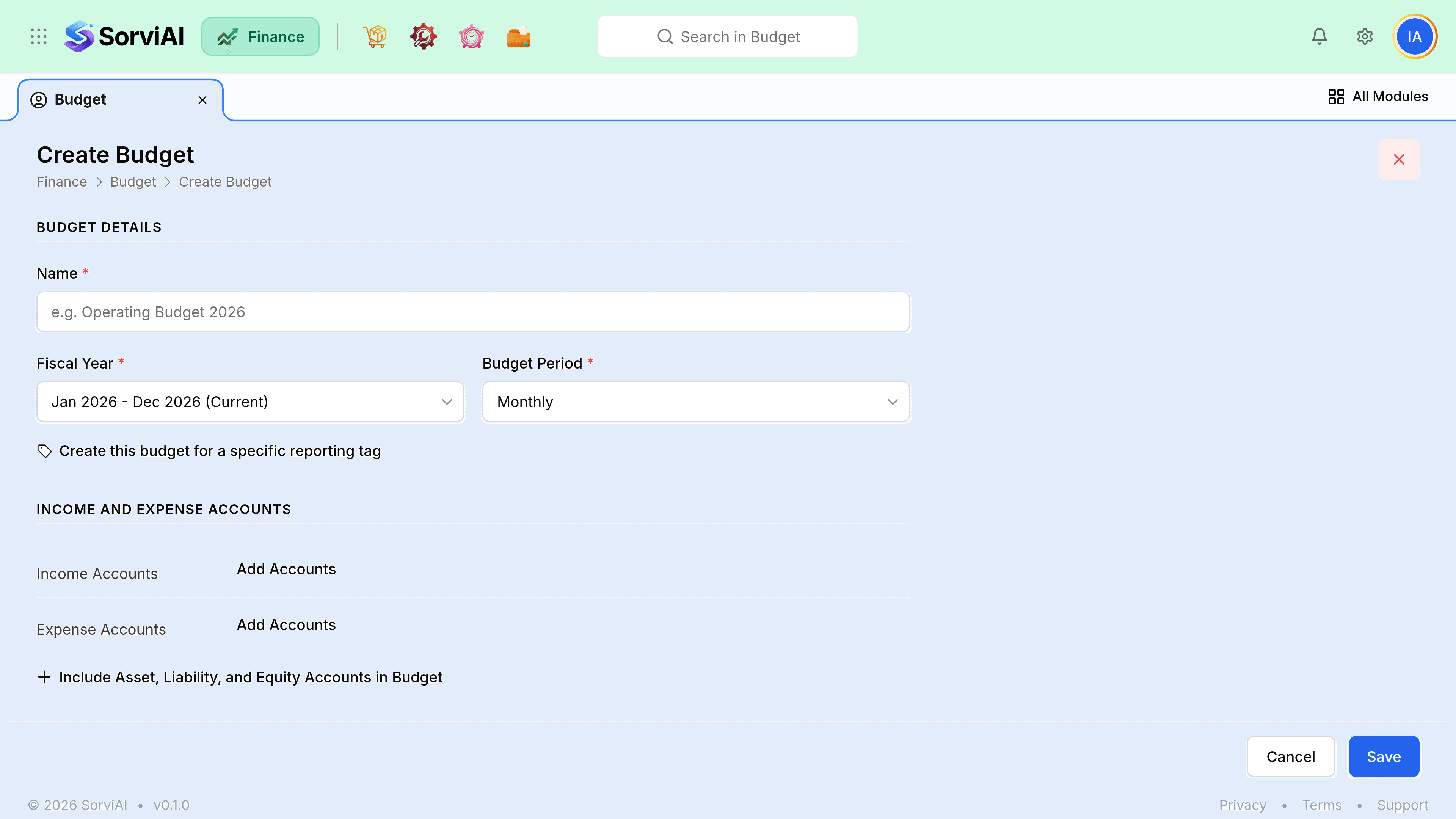
Choose the fiscal year and the period
The fiscal year sets the span; the period sets the grain. Monthly, Quarterly, Half-Yearly and Yearly are offered, and monthly is what makes a variance report worth reading.
Start from last year's actuals
Far quicker than a blank sheet, and grounded in something real.
Choose which account groups to include
Income and expense are the usual pair, and the form can also take assets, liabilities and equity if you budget the balance sheet. Leave those off unless you know you want them.
Enter figures per account
One figure per account per period.
Phase them properly
Seasonal businesses ruin their own variance reports by spreading annual figures evenly.
Save and compare monthly
A budget nobody looks at monthly is decoration.
Phasing patterns
| Account | Phase by |
|---|---|
| Sales | Last year's monthly shape, not one twelfth. |
| Cost of goods sold | The sales phasing, at your expected margin. |
| Rent and subscriptions | Evenly. They genuinely are. |
| Salaries | Evenly, plus the months with a bonus or a pay rise. |
| Marketing | When the campaigns are, not when the money is available. |
| Utilities | Last year's shape. Winter is not one twelfth. |
Reforecasting
When circumstances change materially, create a second budget rather than editing the first. Comparing against a figure that has been quietly adjusted all year proves nothing, and the original is the only thing that shows what you expected before you knew.