
Customise Your Sidebar
The sidebar belongs to the Classic layout, where it can be reordered by dragging, and your order is remembered per browser.
Overview leads the sidebar by default but does not have to.
First, turn the sidebar on
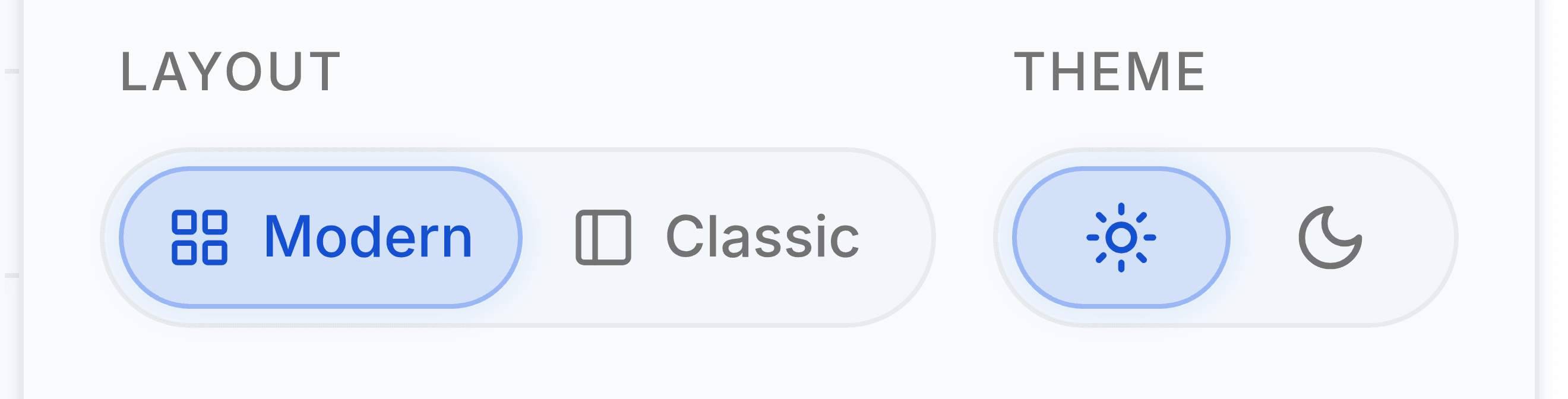
Finance has two layouts, and only one of them has a sidebar. Modern is the default: modules sit in a tab strip along the top, behind All Modules. Classic puts them in a sidebar down the left instead, and the sidebar is the thing this article is about. If your screen has no sidebar, you are in Modern and nothing below will match it.
Select your avatar
Top right of the header, on every screen in the app.
Under Layout, select Classic
The change applies at once and is remembered per browser, the same as the order you are about to set.
Reordering
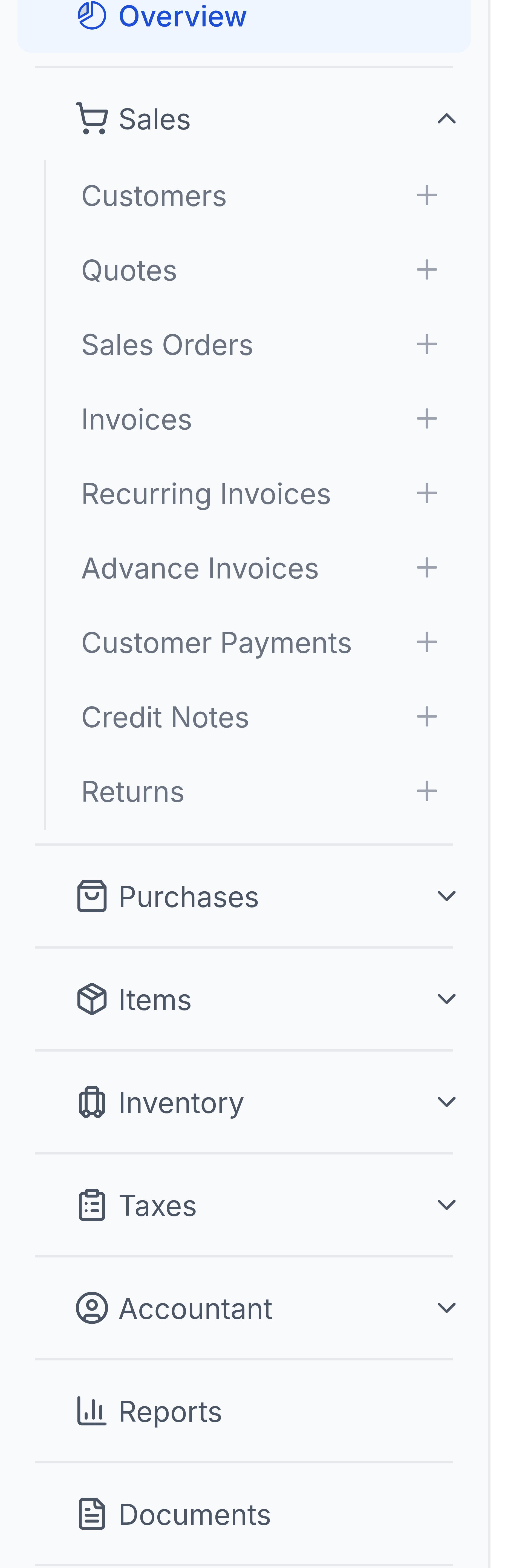
- Drag any module in the sidebar to reorder it. The order is yours alone and does not affect teammates.
- The order is remembered per browser, so a different machine starts from the default.
- Put the module you live in at the top. For most people that is Sales or Purchases, not Overview.
- Reordering never changes what you can access, only where it appears.
Missing modules
A module you cannot access is not shown at all, rather than shown and refused. That is deliberate: a sidebar full of things that reject you is worse than a shorter one.
Reports is visible to everyone today because report permissions are not yet assigned to roles. That is a known gap rather than a decision that reports are unrestricted.