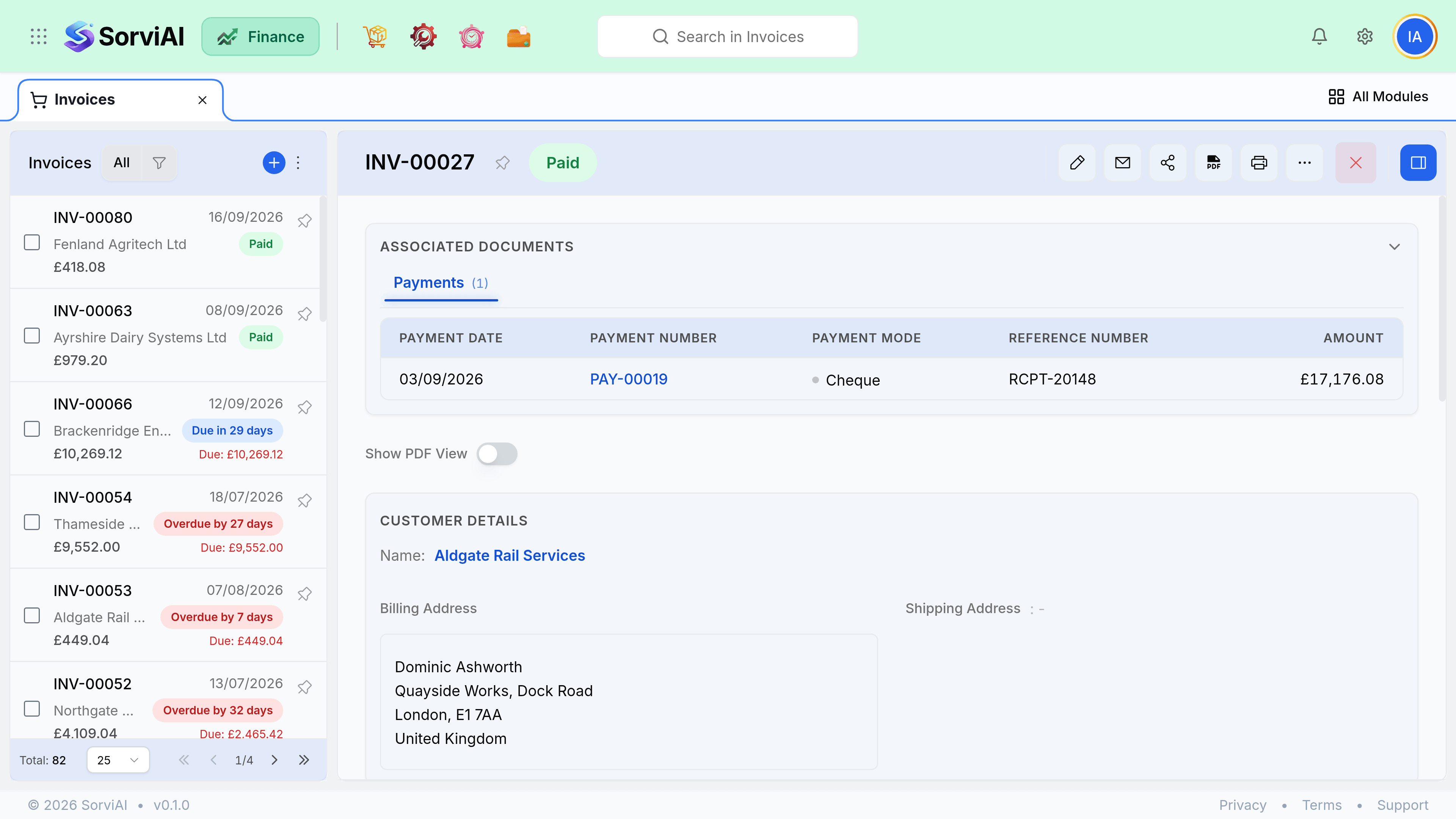
Send and Share an Invoice
Email an invoice, and follow it to paid.
Sending is the moment a draft becomes the customer's copy, so it is worth checking the lines and the due date first. After it goes out, corrections run through a credit note rather than an edit.
Open the invoice, and select Send.
Check the recipient and the message, then confirm. The invoice moves to sent.
When money arrives, record a payment against the invoice; it moves to paid when the balance reaches zero.