
Create a Purchase Order
Vendor, lines, delivery location, dates.
The delivery location is the field worth pausing on, because it decides which of your warehouses the stock will land in when the goods eventually arrive.
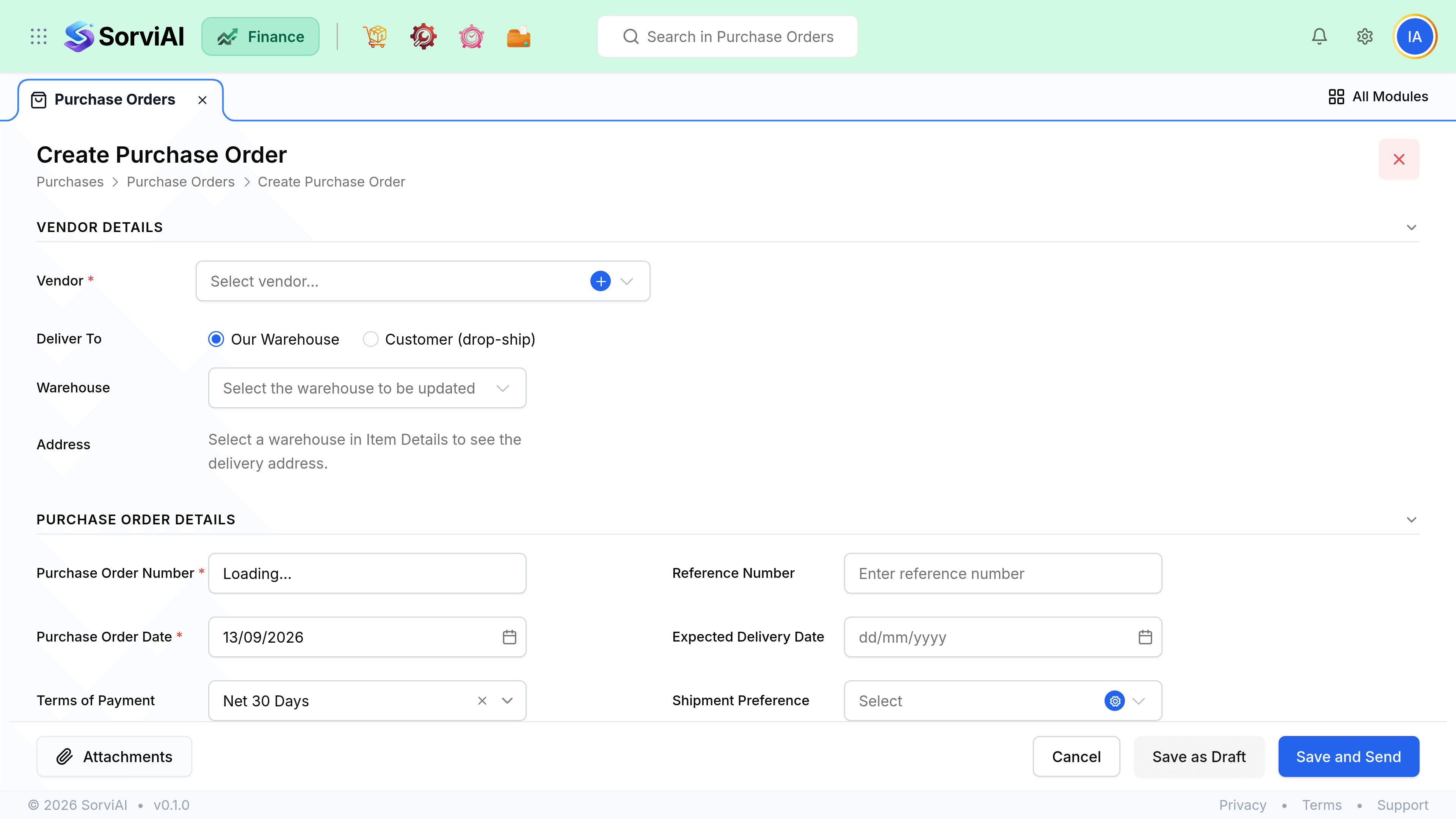
Raise it
Pick the vendor
Currency and payment terms come from their record.
Add the lines
Items with quantities and agreed unit costs. Use the item's purchase price, not its sale price.
Set the delivery location
Which of your locations the goods should arrive at. This is where stock will be received.
Set the expected date
Per line if deliveries are staged. It is what orders your incoming queue.
Save as draft, or issue it
Issuing moves it from Draft to Issued and makes it receivable against.
Field reference
| Field | Required | What it does |
|---|---|---|
| Vendor | Yes | Sets currency, payment terms and tax treatment. |
| Order number | Auto | From your numbering series. Editable until issued. |
| Order date | Yes | The date of commitment. Posts nothing. |
| Expected delivery date | No | Per order or per line. Drives the incoming queue. |
| Delivery location | Yes for goods | Which of your locations stock is received into. |
| Reference | No | Your internal requisition or project reference. |
| Notes to vendor | No | Printed on the order PDF. |
Lines and costs
- The quantity on a line is the maximum that can be received or billed against it.
- A non-stocked item or a one-off description is fine on the same order as goods.
- Delivery and handling charges are usually best as their own line, coded to a carriage account.
- Reducing a line below what has already been received is refused.