
Preferences
The switches that decide which modules Finance offers at all, and the workspace defaults applied across documents, emails and PDFs.
Preferences is the widest-reaching screen in Finance settings. Its first tab decides which modules exist for everybody; its second holds the defaults documents, emails and PDFs are built from.
Go to SettingsFinancePreferences. Two tabs: Modules and Defaults.
Modules
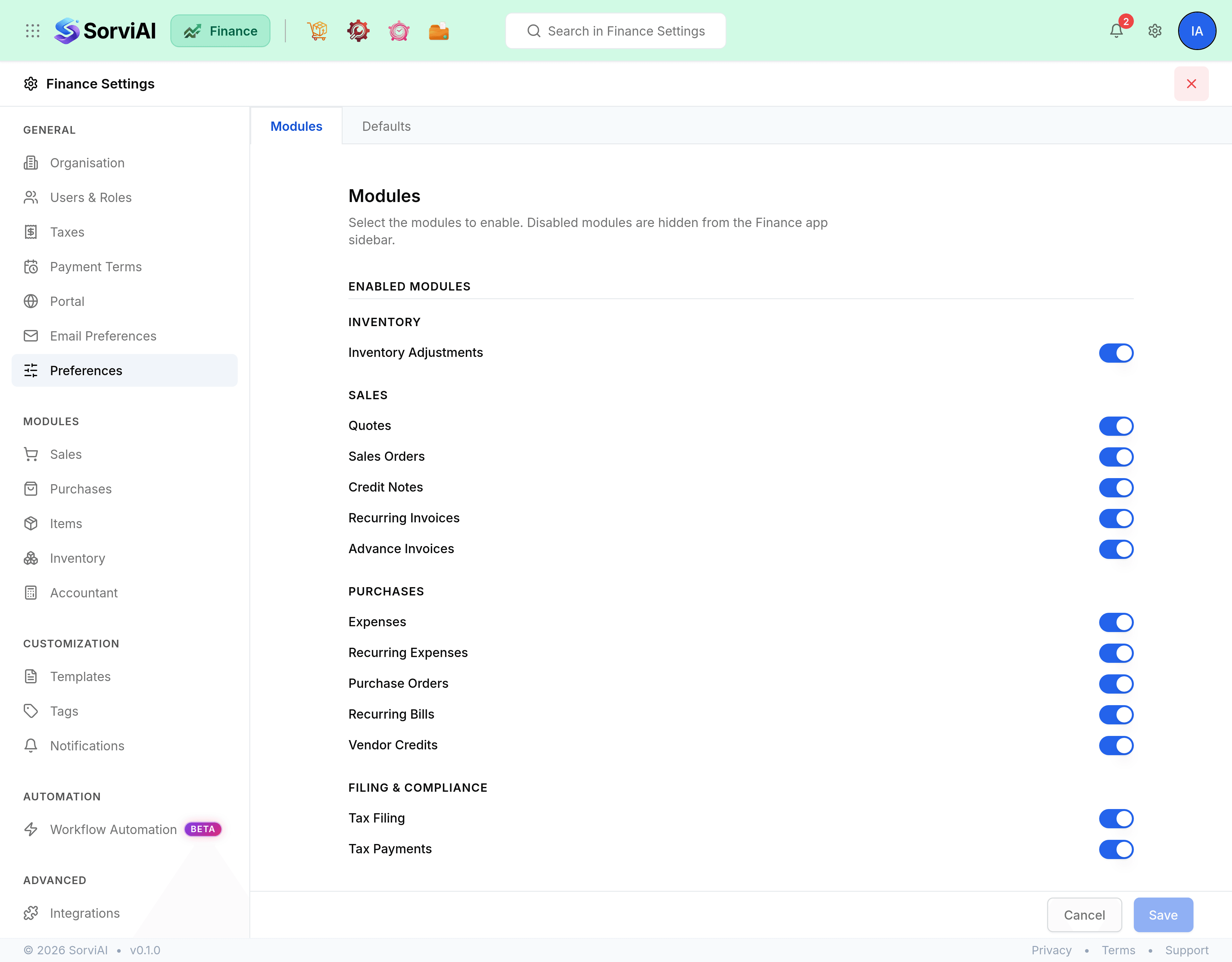
Enabled Modules is a switch per module, grouped under Inventory, Sales, Purchases and Filing & Compliance. Turning one off hides it from the Finance sidebar.
Turning a module off hides it; it does not delete anything. Records already raised stay in the database and come back when the module is turned on again.
Inventory in Finance
Enable Inventory modules in Finance is one switch in front of a group of them: packages, shipments, picklists, stock transfers, returns and purchase receives. Expand Enabled Modules beneath it to see exactly which screens it brings in, named as the sidebar names them.
PriceMesh
Where your organisation has PriceMesh, a PriceMesh section appears on this tab with one switch, Show Stock Price List in Vendor Details. Turning it on adds a Stock Prices tab to vendor detail pages. Organisations without PriceMesh do not see the section.
Defaults
| Field | What it does |
|---|---|
| Work Week | The first day of your working week, which is what date pickers and week-based views start from. |
| PDF Attachment | Attach a PDF file with the link when emailing invoices and quotes. Off means the email carries the link alone. |
| Additional Charges | Adjustments, Shipping Charges, and a salesperson field. Each adds a line to the documents that offer it. |
| Billable Bills and Expenses | Default Markup Percentage, applied when a cost is rebilled to a customer. |
| Organisation Address Format | How your address is laid out on a PDF, built from placeholders. It changes printing only. |