
Match to a Purchase Order
When a bill comes from a purchase order, you get the three-way comparison for free.
Look at it before you open the bill, because this is the cheapest error and fraud control you will ever run.
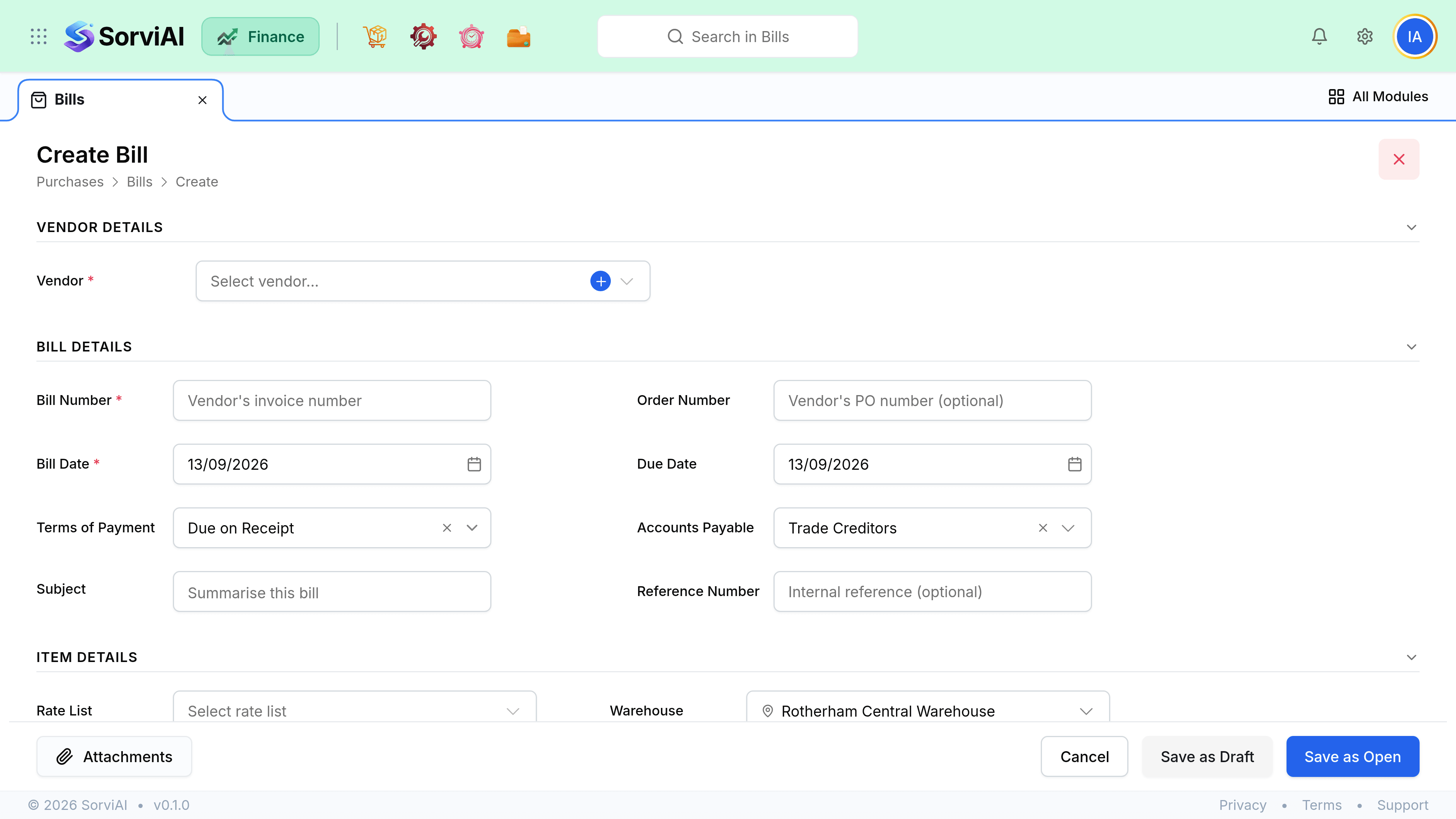
Read the comparison
| Discrepancy | Usually means | Action |
|---|---|---|
| Billed more than received | Short delivery, or billed in advance | Query before opening it |
| Billed above agreed price | Price rise, or an error | Query, or accept and note why |
| Received more than billed | A second bill is coming | Wait, then match both |
| Billed for items not ordered | Delivery charges, or wrong account | Verify, then code correctly |
| Everything agrees | Nothing. Open it. | Save as Open |
Price differences and stock
Stock was received at the order cost. If the bill comes in higher or lower, the difference has to go somewhere, and where it goes depends on whether the stock is still on the shelf.
- If the goods are still in stock, the difference adjusts the stock value.
- If they have already been sold, it adjusts cost of sales in the current period.
- A large difference is usually an error rather than a price rise. Query it before opening the bill.
- The purchase order keeps the agreed price regardless, which is your evidence.
Billing across several receives
One order that arrived in three deliveries is often invoiced once. Bill from the order and it proposes everything received but not yet billed, across all three receives. You do not have to bill per delivery unless the vendor invoices that way.