
Manage and Stop
Stopping, expiring and deleting behave exactly as they do everywhere else in Finance, with one difference that matters more here: a generated bill is a document of its own that outlives the profile.
Stopping, expiring and deleting behave exactly as they do everywhere else in Finance, with one difference that matters more here: a generated bill is a real document of its own, so stopping the profile does not touch what it already produced.
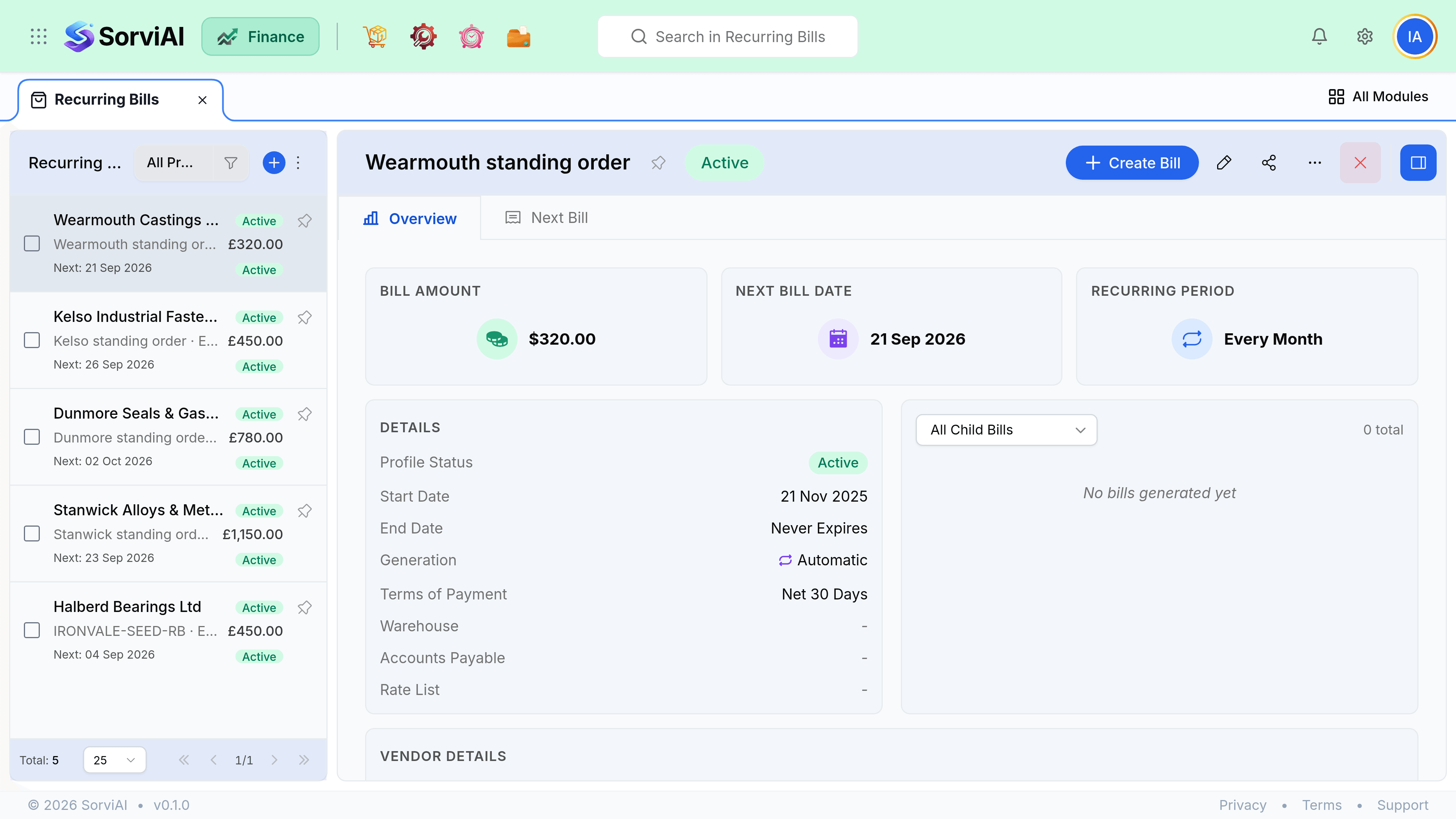
Stopping a profile
A profile is Active, Stopped or Expired. There is no pause, and nothing resumes on its own.
| Action | What happens | Reversible |
|---|---|---|
| Stop | Generation ends. Profile and history stay. | Yes. Make it active again. |
| Expire | Reached its end date. Stops on its own. | Yes, extend or clear the end date. |
| Delete | Removes the profile. Generated bills untouched. | No. |
The review worth doing
Filter the profile list to active with no end date, once a year, and compare it with your actual contracts. Recurring bills are less easy to forget than recurring expenses because somebody has to pay them, but a profile still generating against a supplier you left is a bill somebody will eventually pay.
- Check the last generated date. A gap is a missed cycle, and nothing backfills.
- Check for long runs of drafts. A draft-mode profile nobody approves records no cost at all.
- Stop rather than delete when a service is suspended, so history stays intact.