
Generate a Picklist
Select the orders, choose the location, generate.
The interesting decision is how much to batch, because that is the trade-off between fewer walks and more sorting at the packing bench.
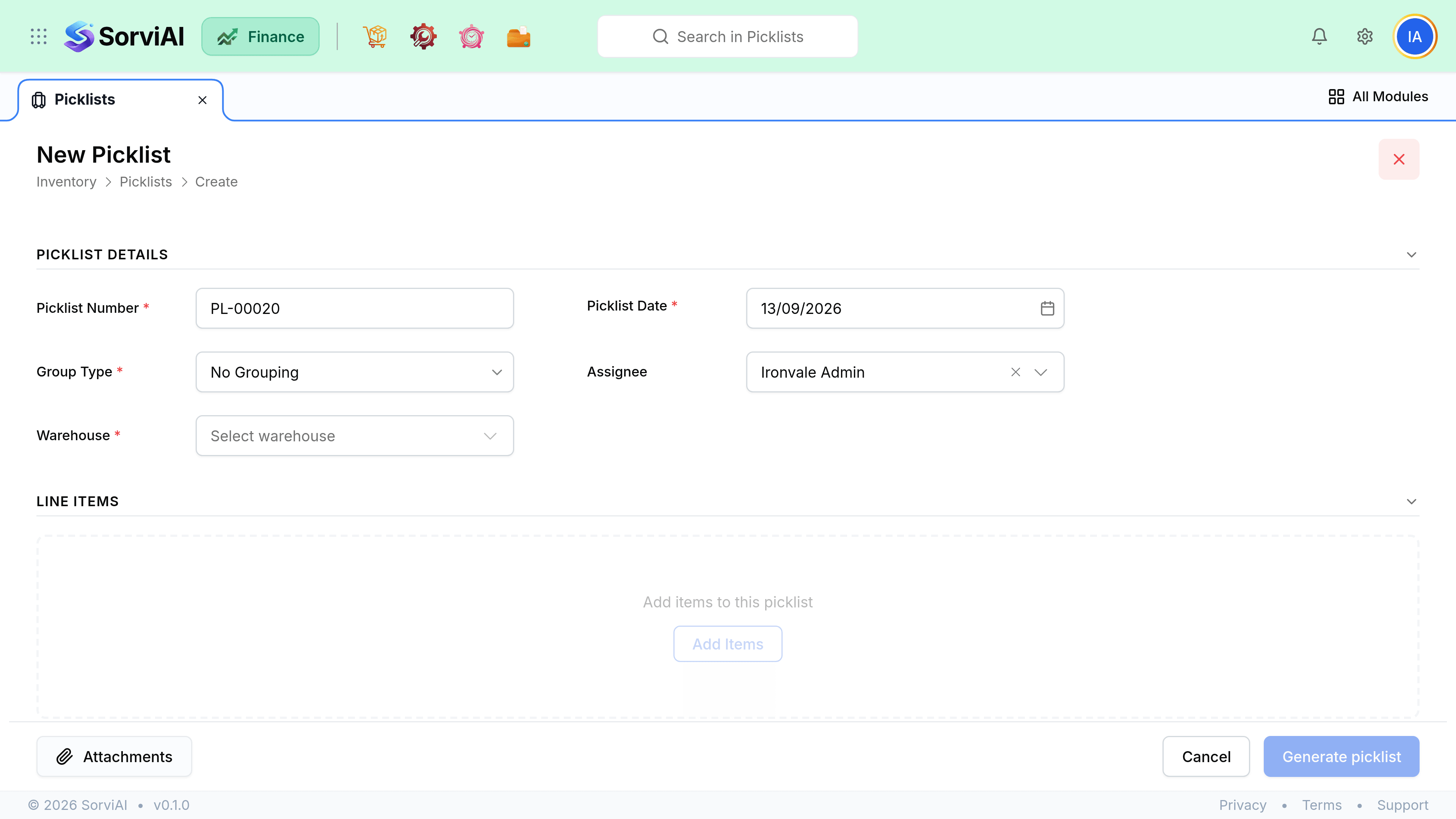
Generate one
Select confirmed sales orders
One order, or several batched into a single walk. Draft orders are not offered.
Choose the location
A picklist covers one location, because it is a physical route through one building.
Generate
Lines are grouped by storage position rather than by order.
Assign a picker
Optional but useful when several people work the same floor.
Print it, or work from a screen
Either way, the picked quantities have to come back into SorviAI Finance.
How much to batch
Batch several orders
One walk, many customers
- YesFar fewer miles walked per order
- YesRight when orders are small and shelves are far apart
- NoEverything must be sorted back into orders at packing
- NoOne short pick affects several customers
One order per picklist
Simple and slow
- YesNo sorting at the bench
- YesRight for large orders, or a small warehouse
- NoThe same aisle is walked repeatedly
Assigning a picker
Assigning names who is responsible and stops two people picking the same list. It is optional, and it becomes worth doing the moment more than one person is on the floor at once.