
Record a Shipment
Confirm what is going, set the date it actually left, and save.
Stock reduces at that point, so the despatch date is an accounting decision as much as a logistics one.
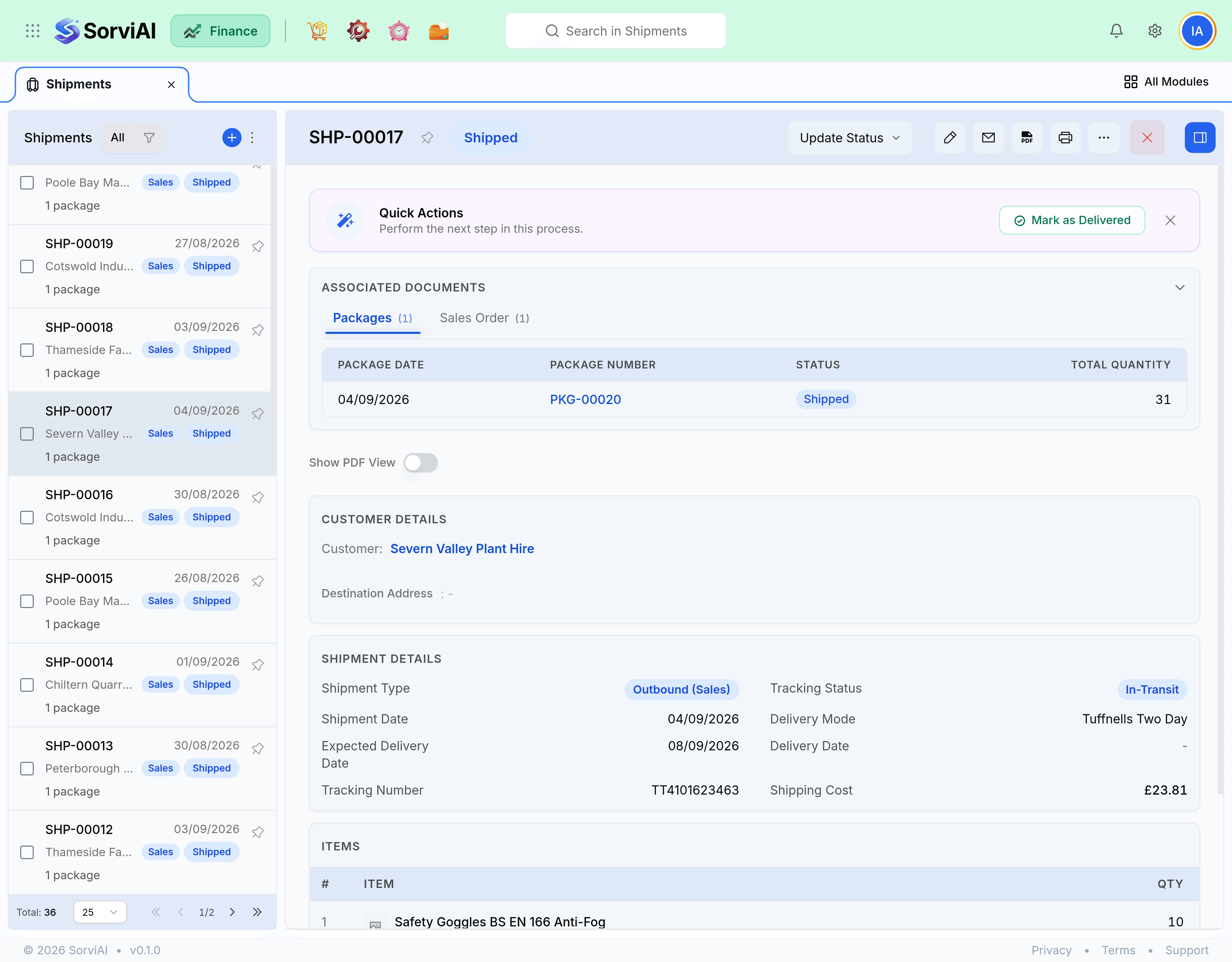
Record a shipment
Start from packages or from the sales order
From packages for split deliveries, straight from the order for simple ones.
Confirm what is going
Quantities per line. This is what leaves your stock.
Set the despatch date
The date stock actually left, which decides the period the cost lands in.
Add carrier and tracking
Shared with the customer through the portal.
Confirm
Stock reduces now.
The despatch date
Cost of goods is recognised on this date. Shipping on the 30th and recording it on the 2nd moves the cost into the following month, away from the revenue it belongs with. Record shipments the day they happen, or backdate them accurately.
- A date in a closed period is refused on save.
- The date is what the Stock Movement report and your cost of goods figures both use.
- The carrier collection date and the despatch date are usually the same. Where they differ, use the day the goods left your building.
Partial shipments
Ship what you have. The order tracks the remainder and can be shipped again as many times as it needs. There is no penalty for several shipments against one order, and there is a real cost to holding a complete order back for one missing line.
| Situation | Do this |
|---|---|
| Everything is ready | One shipment, then invoice. |
| Half is ready, rest next week | Ship what you have. Invoice it or wait. |
| One line will never ship | Ship the rest, then close the order short. |
| Customer wants it all together | Wait. The order stays open and visible in the queue. |