Invoice Fields
What every field on the invoice form means.
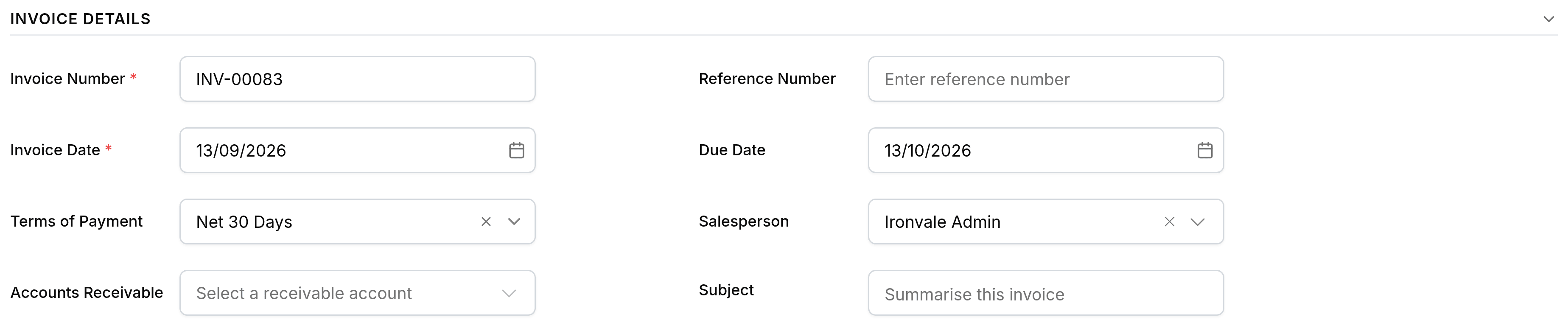
Most of the invoice form fills itself once you pick a customer. The table below covers what each field decides, and which of them you are ever likely to change by hand.
| Field | What it does |
|---|---|
| CustomerRequired | Who the invoice bills. Fills the addresses and the terms. |
| Invoice number | Assigned from your number series; editable where your settings allow. |
| Invoice dateRequired | The date the invoice is raised. The due date counts from it. |
| Due date | When payment is expected. Filled from the customer's terms, editable per invoice. |
| Line itemsRequired | What is being billed: item, quantity, rate, tax. |