
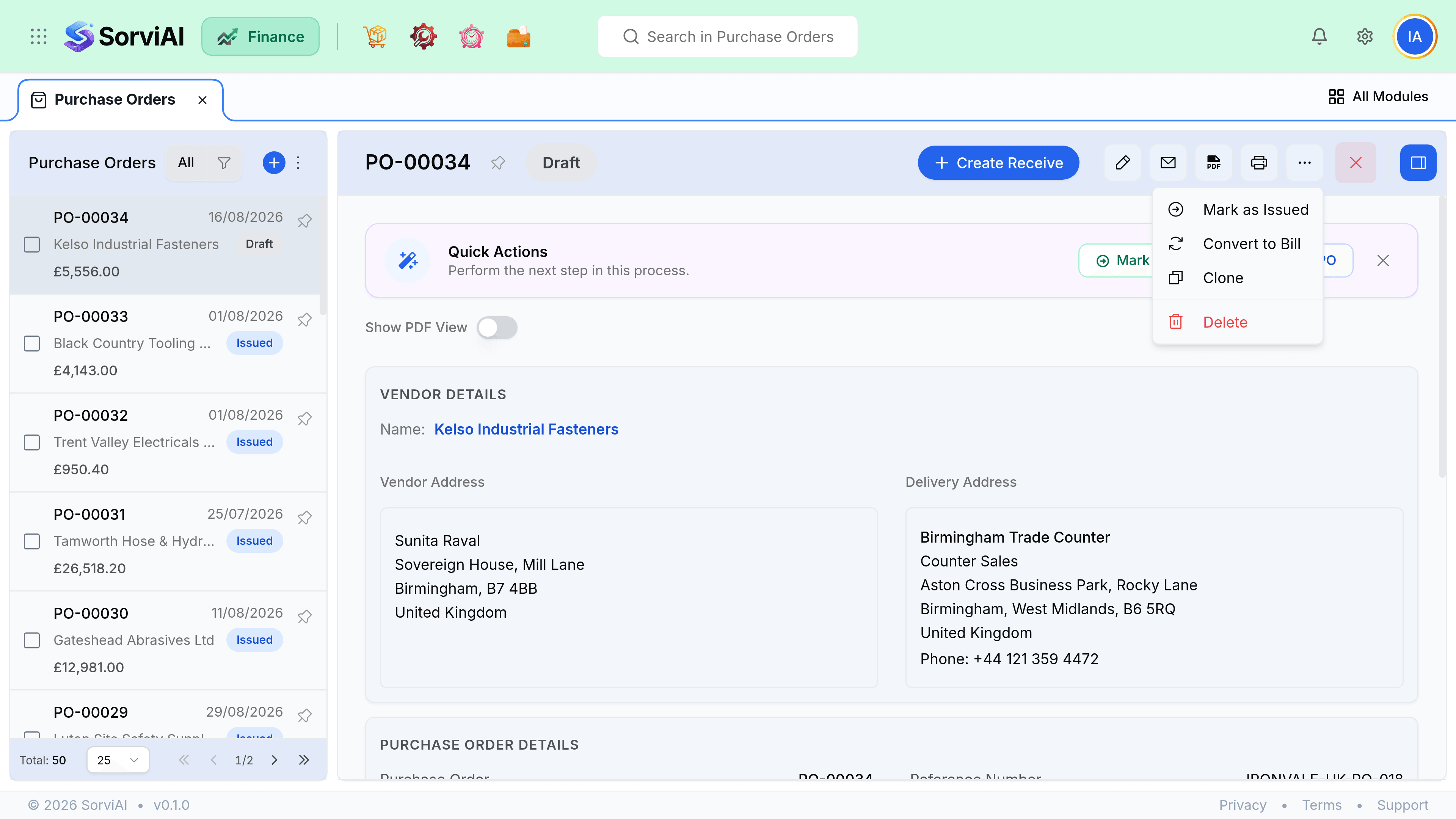
Other Actions in Purchase Orders
Closing short, cancelling, duplicating a repeat order and converting to a bill.
Two of these look similar in the menu and mean opposite things about whether anything actually happened.
Close short or cancel
Close short
Some of it arrived
- YesKeeps everything already received and billed
- YesRemoves the balance from your incoming queue
- YesRight when the vendor cannot supply the rest
- NoNot available on an order with nothing received
Cancel
None of it happened
- YesRight for an order raised in error or withdrawn
- YesLeaves the order visible with a cancelled status
- NoRefused once anything has been received or billed
- NoDoes not reverse a receive. Reverse that first.
Convert to a bill
When the vendor invoice arrives, convert the purchase order to a bill. The lines, quantities and prices copy across and you adjust only what genuinely differs. Anything you change is a discrepancy worth a moment's thought before you approve it.
- Converting proposes received quantities, not ordered ones, which is usually what the invoice covers.
- One order can produce several bills when the vendor invoices per delivery.
- Converting does not close the order. It closes when everything is received and billed.
Duplicate and bulk actions
| Action | What it does |
|---|---|
| Duplicate | Copies lines, quantities, prices and delivery location into a new draft. |
| Bulk issue | Issues every selected draft, skipping ones already issued. |
| Bulk email | Sends each order to its own vendor contact. |
| Bulk close | Closes selected orders short. Refused on orders with nothing received. |
| Export | CSV of the columns and filters currently on screen. |
Duplicating copies prices from the original rather than from today's item costs, so check them on an old order before issuing.