
Other Actions in Packages
Repacking, printing slips and labels in a batch, and the list filter that finds packed boxes nobody has shipped.
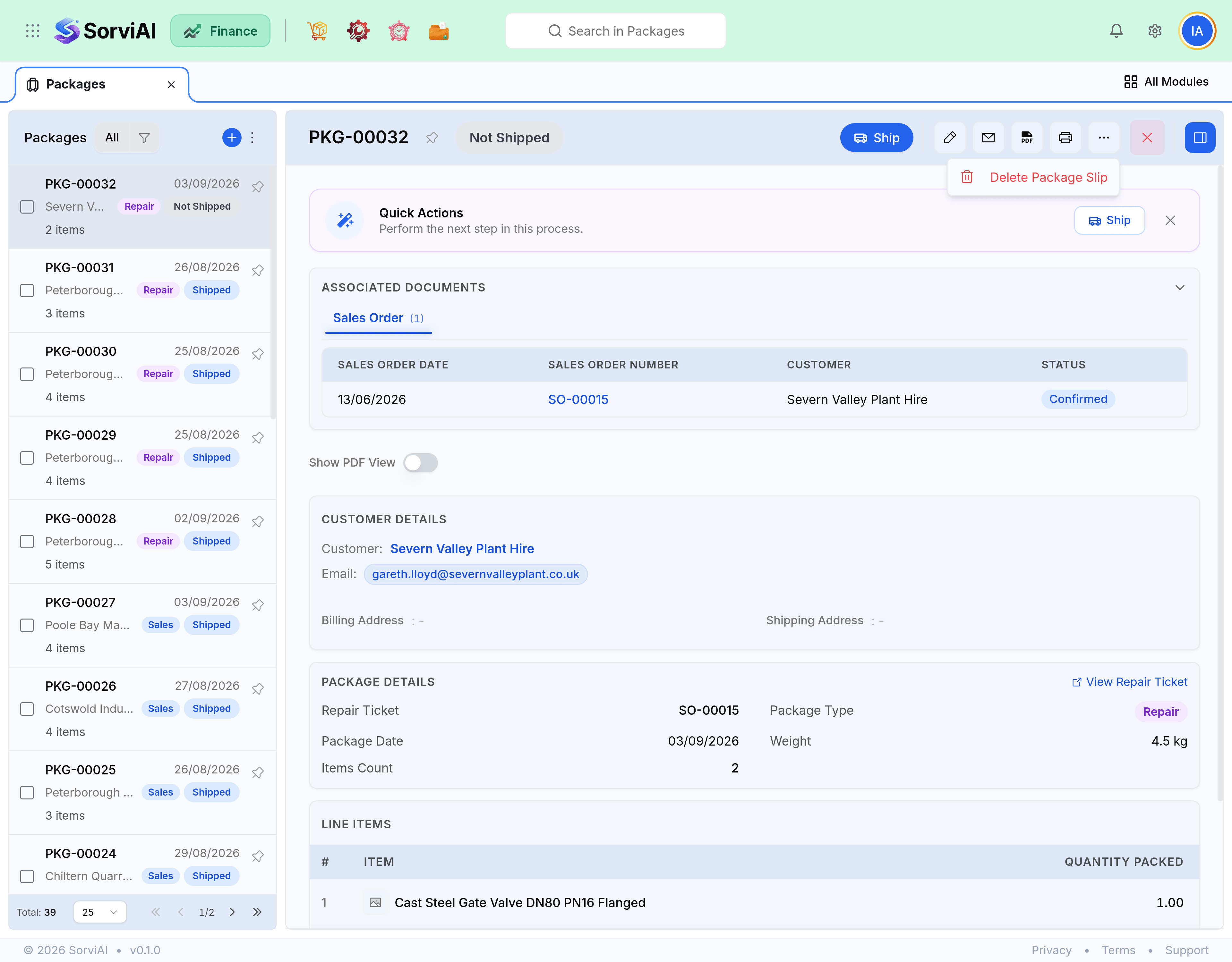
Repacking
A package can be edited or deleted freely until a shipment references it. Since packing moves no stock, there is nothing to reverse: change the contents and reprint the slip.
Slips and labels
- Packing slip lists the contents of one box. Prices are hidden by default.
- Bulk print gives one PDF covering every selected package, in package order.
- Shipping label comes from the shipment rather than the package, because that is where the carrier lives.
- Templates are chosen under Customization, Templates, alongside the delivery note.
Packed not shipped
Filter the packages list to packed with no shipment. Everything on it is a box sitting somewhere that your customer is waiting for and your books still count as stock. At the end of a working day this list should be empty or explained.
| A package has been sitting | Usually means |
|---|---|
| Since this morning | It is going out on today's collection. Fine. |
| Since yesterday | It missed a collection. Check the carrier booking. |
| A week | It is waiting for the rest of an order, or it was forgotten. |
| Longer | Somebody shipped it without recording the shipment. |