
Other Actions in Vendor Payments
Remittances, refunds received, deleting a payment that never cleared, and the exports that make bank reconciliation a short job.
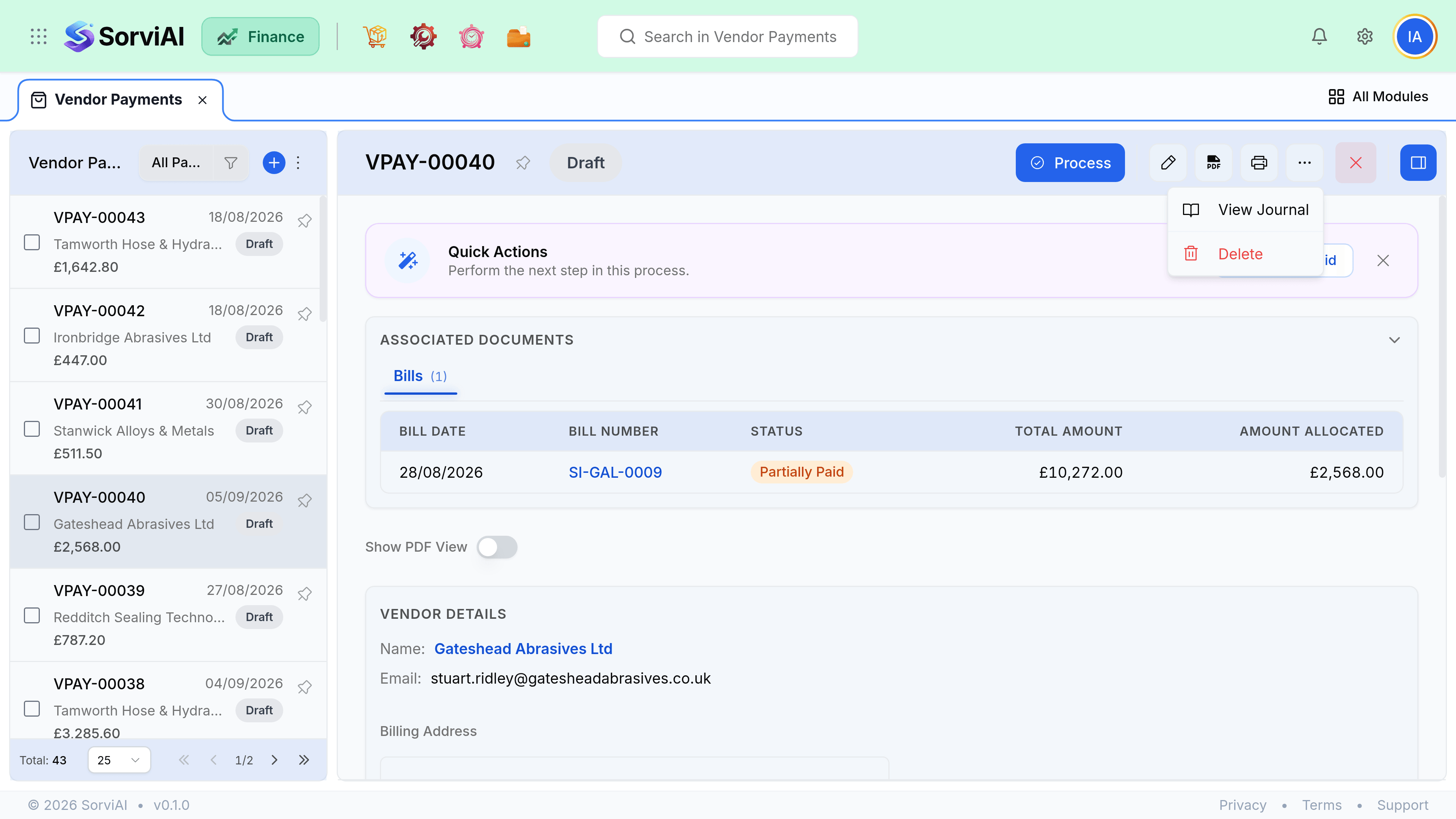
Remittances
- Email remittance goes to the vendor contact marked for remittances, using its own template.
- Download PDF lists the payment, the date, the method and every bill it settled.
- A remittance reflects the allocation as it stands now, so reallocating later changes what a fresh one says.
- Sending one is optional and saves your supplier guessing, which usually saves you an email.
When money comes back
| Situation | What to record |
|---|---|
| The transfer failed and was returned | Delete the payment. It never happened. |
| The vendor refunded an overpayment | A refund against the prepayment balance. |
| The vendor refunded a credit in cash | A refund against the vendor credit. |
| You paid twice by mistake | Leave one as a prepayment, or ask for it back and record a refund. |
Reconciling
Filter payments by the account they left from and by date, and tie the total to your bank statement. Then filter to unallocated to find prepayments sitting against vendors, which are the lines that make a supplier statement disagree with your payables.