
Introduction - Stock Transfers
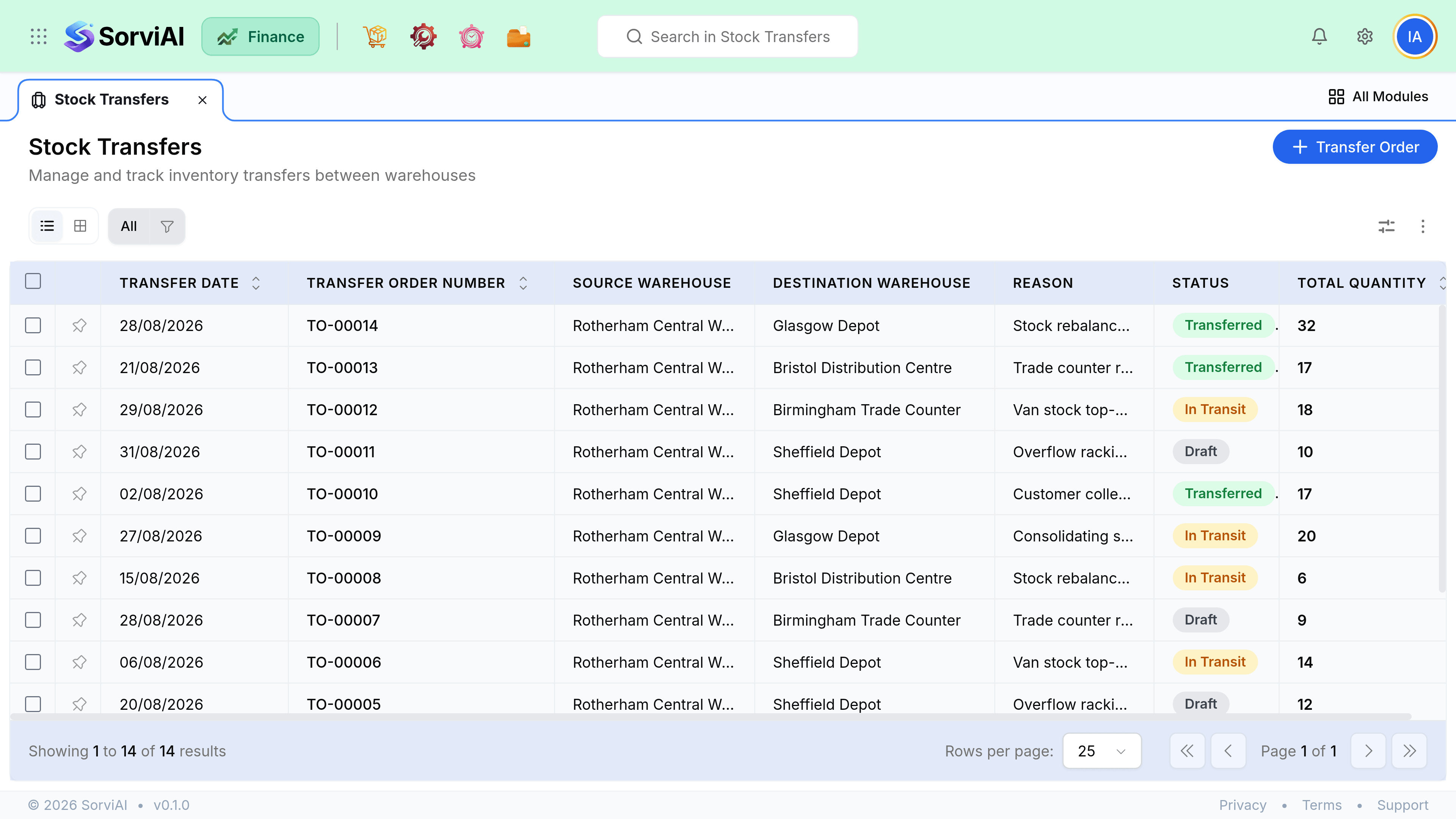
A stock transfer moves units between your own locations.
Total stock does not change and nothing is bought or sold, so no revenue and no cost of goods is recognised. Only the location changes, which is exactly why it is a separate document from an adjustment.
Transfer or adjustment
If the same goods exist somewhere else afterwards, it is a transfer. If they have ceased to exist, it is an adjustment. Using two adjustments to fake a transfer destroys the connection between the two halves and makes the movement impossible to audit.
Stock Transfer
Goods moved between your sites
- YesTotal stock unchanged
- YesBoth halves linked in one document
- YesHandles goods in transit
- YesNo profit and loss impact
Two Adjustments
The wrong way to do it
- NoTwo unrelated write-offs
- NoPosts to expense accounts wrongly
- NoNo record that they are the same goods
- NoDistorts shrinkage reporting
Goods in transit
Between despatch and receipt the stock belongs to neither location. It is still yours and still on your balance sheet, but it is not available to sell from either site. This is deliberate: a van on the motorway should not satisfy an order at either end.
- At sourceAvailable to sell
- In transitOwned, not available
- At destinationAvailable again
Valuation
Goods move at their existing cost, so nothing is gained or lost by moving them. If the destination costs stock differently, the transfer preserves the original cost rather than revaluing it, which keeps margins on the eventual sale honest.