
Contact Persons and Addresses
A customer has one billing address and any number of shipping addresses, plus as many contact people as you need.
Contact people carry their own email, so an invoice can go to accounts payable while the delivery note goes to a site manager.
Billing against shipping
The two addresses answer different questions and are chosen at different moments, which is why they are separate fields rather than one address with a tick box.
Billing address
One per customer
- YesPrints on every invoice and credit note
- YesUsed to determine the tax treatment
- YesSet once on the customer record
- NoCannot vary per document
Shipping address
Any number per customer
- YesChosen per sales order, so one customer can receive at many sites
- YesPrints on packages, shipments and delivery notes
- YesCan be added mid-order without leaving the form
- NoNever used for tax
Add an address
Open the customer and go to the addresses tab
Or use Add address directly from a sales order line.
Fill the panel
The panel slides in from the right and saves on its own, so nothing you have typed into the customer form is lost.
Give it a label
A label such as "Bristol depot" is what appears in the picker on a sales order. Without one, people pick by postcode, badly.
Mark a default if there is one
The default shipping address is pre-selected on new orders, and can still be changed per order.
Contact people
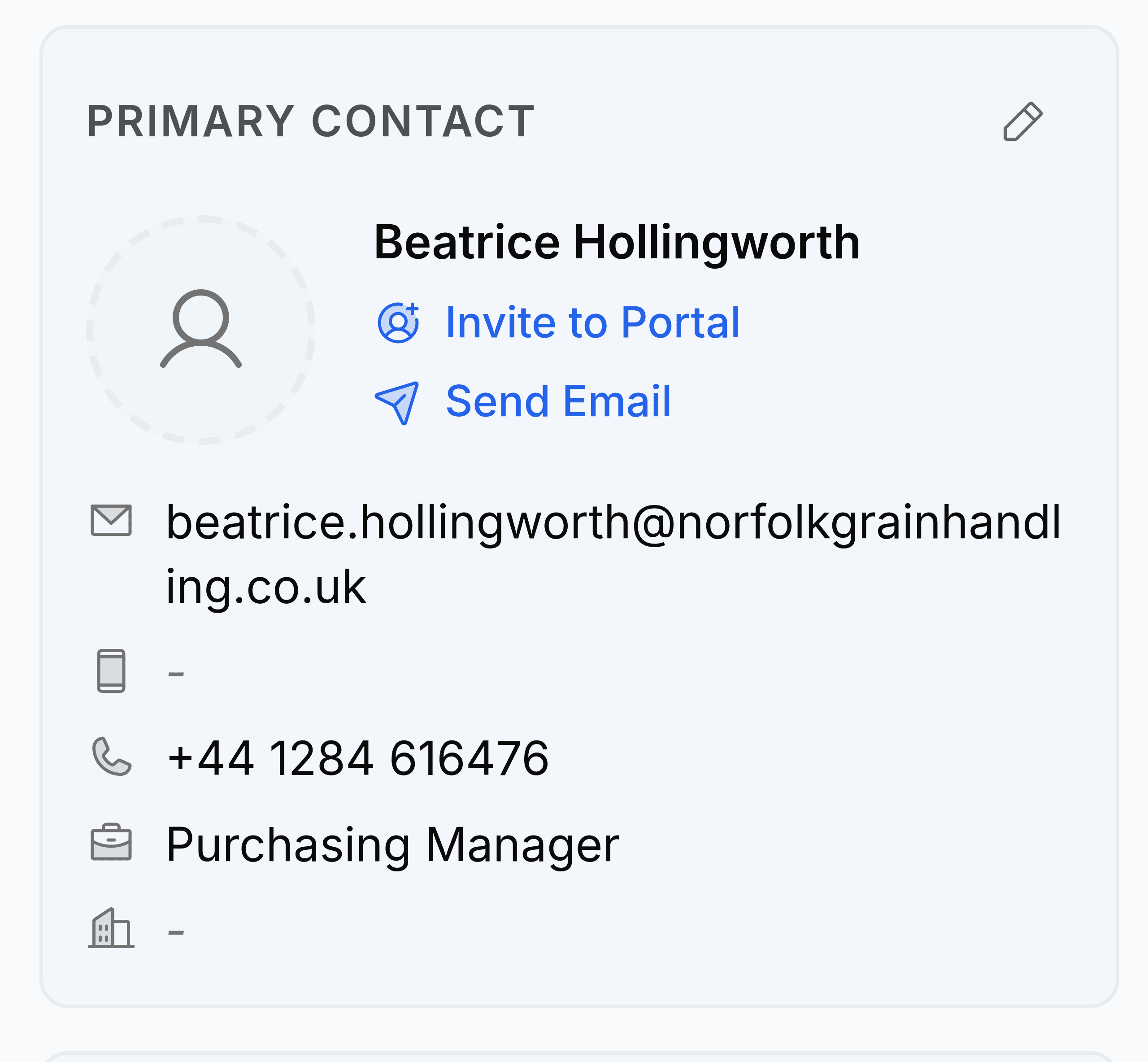
A contact person is a human with an email address. Documents are emailed to contact people, never to the customer record, which is why a customer with no contacts cannot be sent anything.
- Mark one contact as primary. That is who is emailed when no one else is specified.
- Any contact can be given portal access, which lets them sign in, view their documents and accept quotes.
- A contact can be marked to receive only certain document types, so the warehouse contact is not sent your invoices.
- Removing a contact does not remove their history. Documents already sent to them keep the record of who they went to.