
Set Up Filing Periods
Filing periods have to match what you registered for with your tax authority, exactly.
Get them right once at the start and every return afterwards lines up on its own; get them wrong and every return needs manual arithmetic.
Rates and treatments
Two settings decide the tax on any given line, and they work together. The rate is what percentage applies; the treatment is whether it applies at all.
- Tax rateon the item or line
- The percentage. Set as a default on the item and overridable per line.
- Tax treatmenton the customer or vendor
- Whether tax is charged, and at which rate group. This is what makes an overseas sale zero-rated without anybody choosing it.
Changing periods later
| Change | When it is safe |
|---|---|
| Frequency, monthly to quarterly | From your next unfiled period, if the authority agreed. |
| Period start date | Only if no return has been filed on the old dates. |
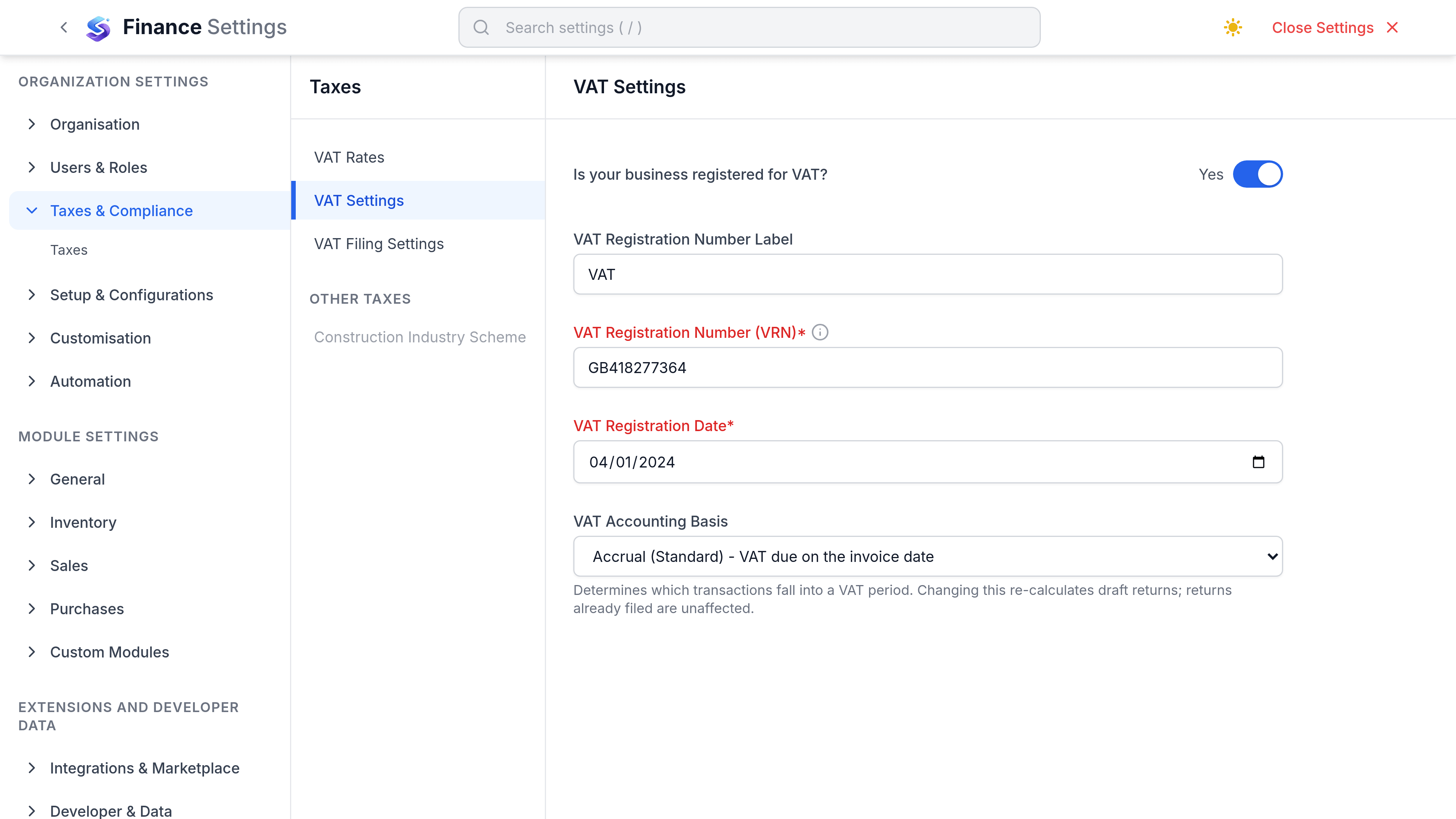
| Accounting basis | At a period boundary, with the authority's agreement. |
| Adding a tax rate | Any time. Existing transactions keep their rate. |
| Editing a tax rate percentage | Never. Add a new rate instead. |