
Create a Recurring Bill
Build the bill template, choose the rhythm, and decide whether each generated bill waits for a human.
The schedule is the decision worth pausing on, because everything a profile raises still has to be opened by somebody before it reaches the ledger.
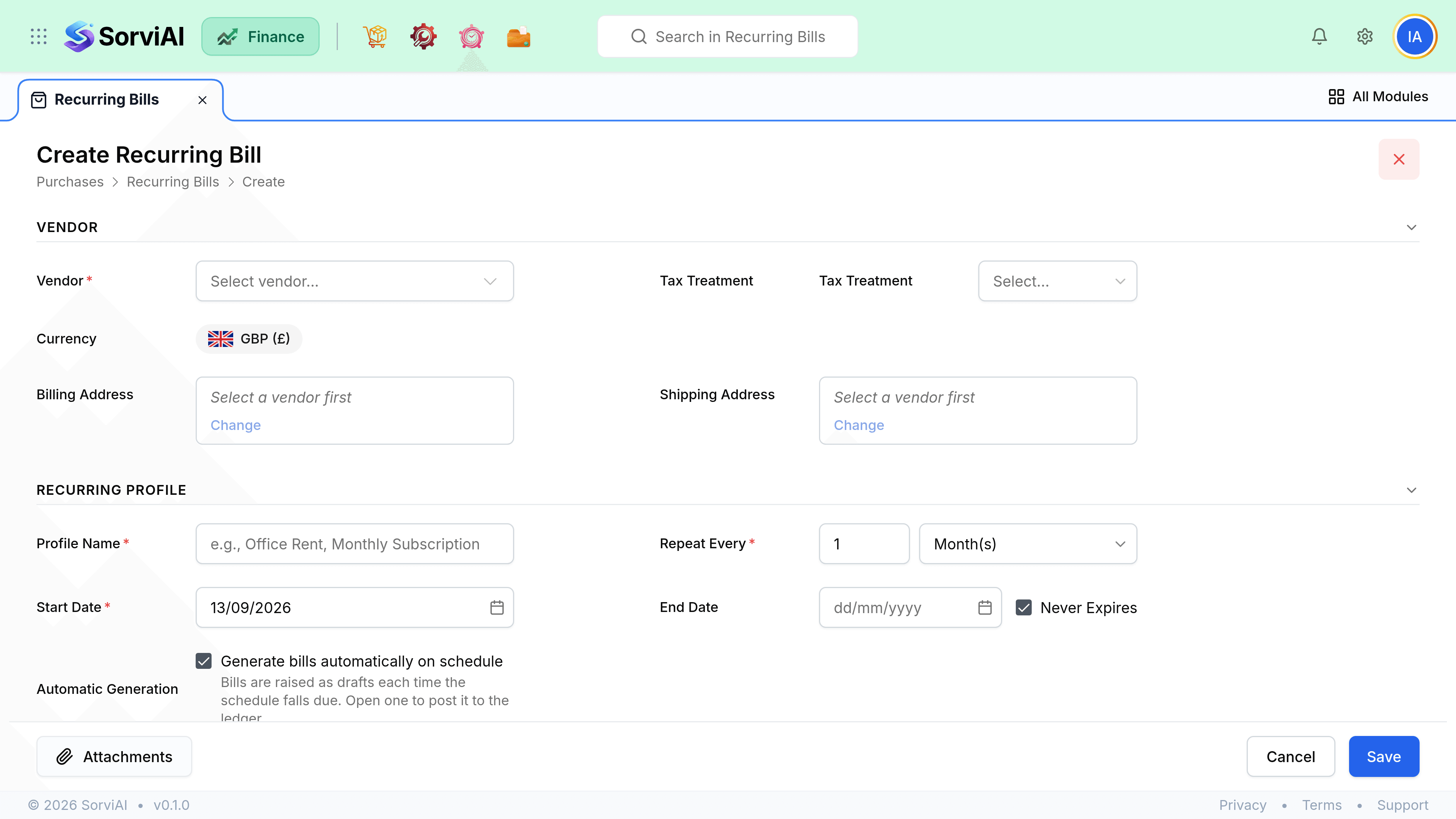
Set one up
Build the bill template
Vendor, lines, accounts and tax as for a one-off bill.
Choose the frequency and dates
Including an end condition if the contract has a term.
Decide whether it generates on its own
Leave Generate bills automatically on schedule ticked and the profile raises each bill for you. Clear it and the profile becomes a template you draw from by hand.
Activate
Bills generate from the next scheduled date. A draft profile generates nothing.
Ending a profile
| Setting | Effect | Right for |
|---|---|---|
| Never Expires | Runs until you stop it. | Rolling agreements. Review these annually. |
| Ends On | Expires on that date. | A contract with a term. |
| Automatic generation off | Nothing is raised until you act. | Amounts that change every cycle. |
The drafts a profile leaves behind are ordinary bills, so your usual approval routine applies to them unchanged.